Computer skills from scratch·The first sitting·Lesson 5 of 180
Your first email, sent properly
 Ellis Dennis GrahamFounder, Cyber Elias Academy 2026-01-23 5 min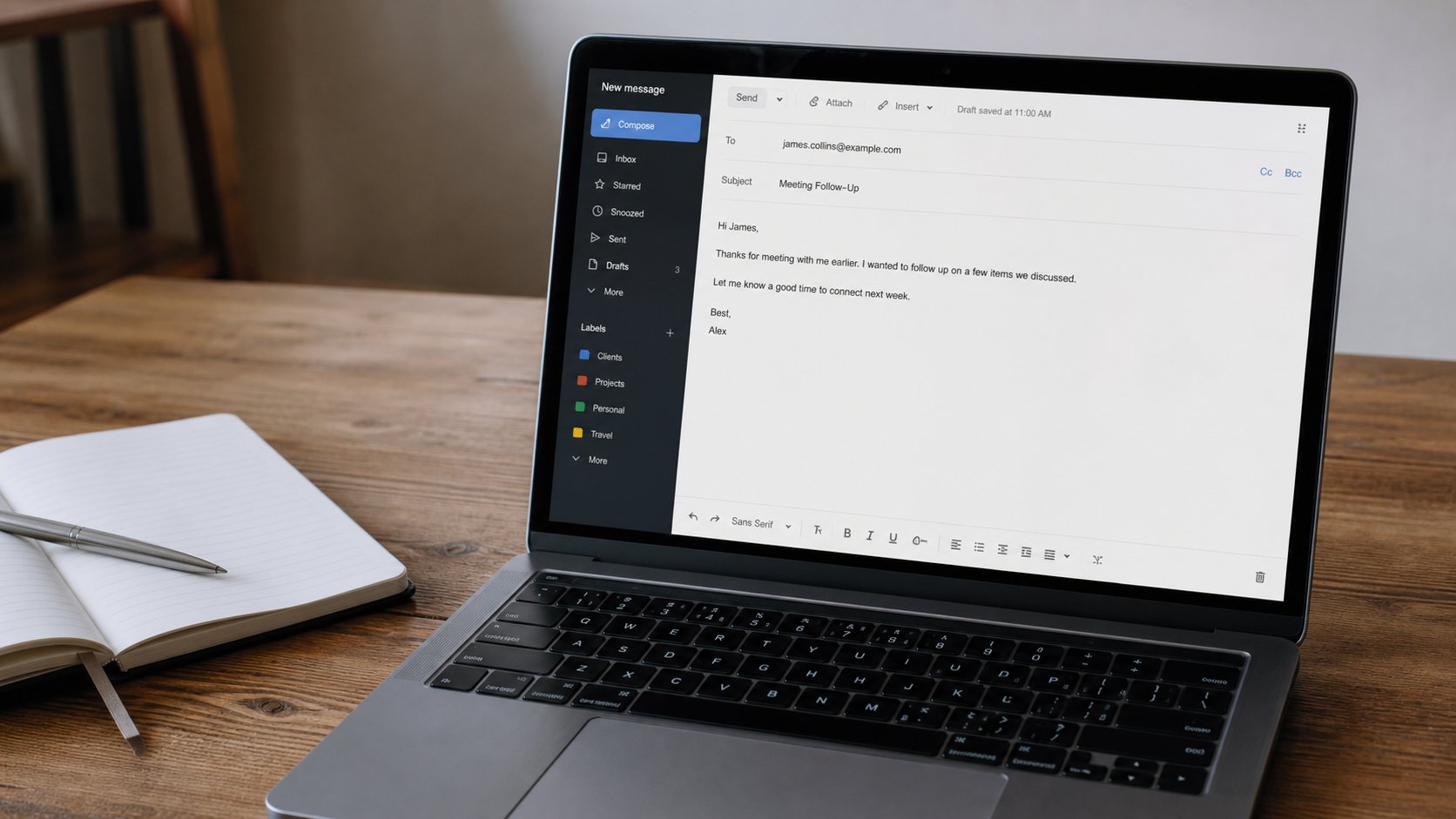
An address, a subject that tells the truth, a body with one job, and the paperclip. Reply is not Reply all. The first message you send should be one you would still sign on paper.
Email is a letter that does not need a stamp. It is older than WhatsApp, less noisy, and still the way schools, banks, and workplaces ask you to apply, reset a password, or send a document that must not vanish in a chat. If you already have Gmail or Outlook because a phone demanded it, you have an address. This lesson is how to send a message that looks like a person wrote it on purpose.
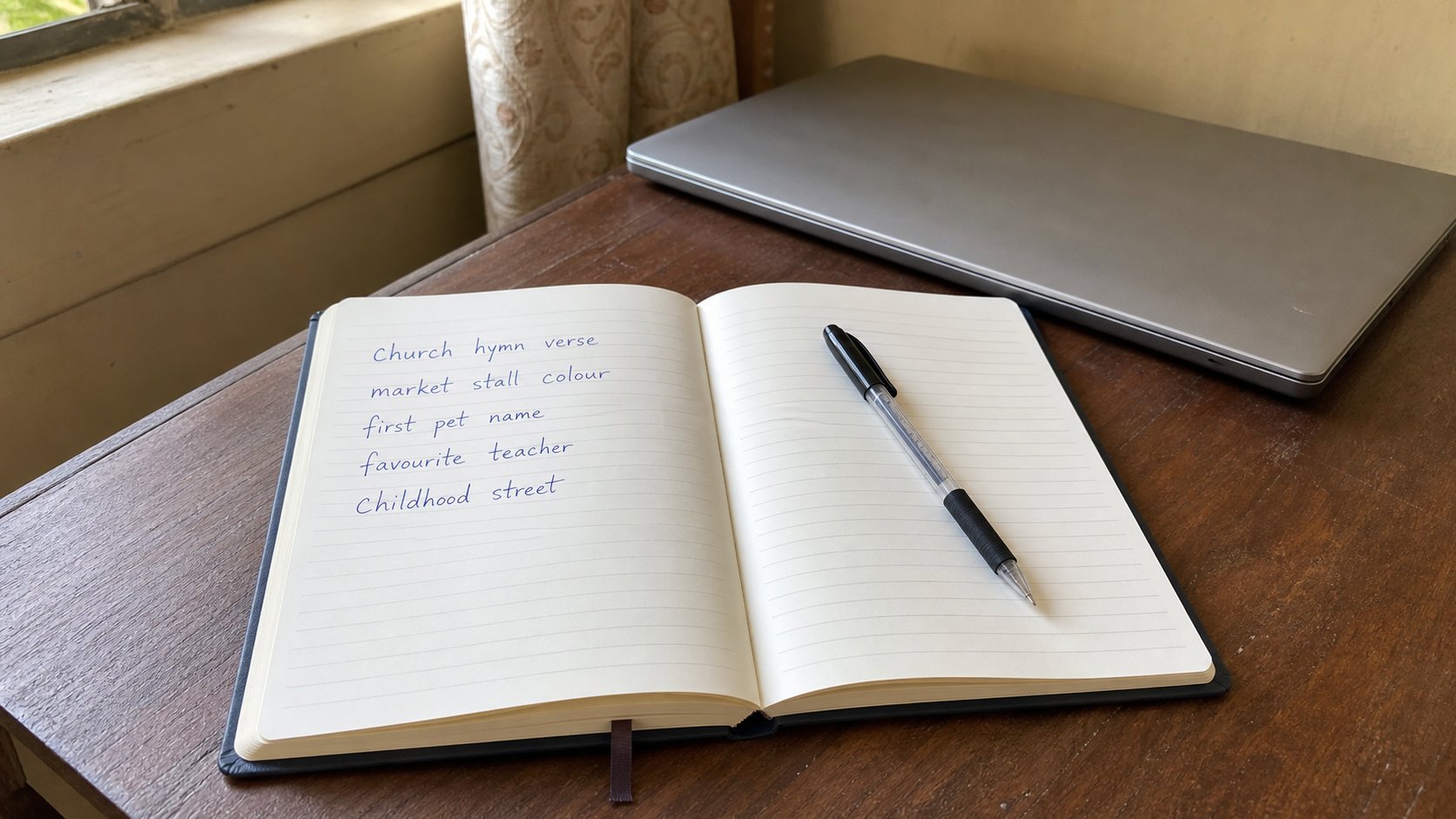
An email address has two parts around an @ sign. The part before is the name you chose. The part after is the house — gmail.com, outlook.com, cea.ng. Read yours out loud. Write it in your notebook. People lose work because they cannot remember their own address, then they create a second one, then they have two houses and check the wrong one. One address, written down, is enough.
The three fields, in order
To is the other person's address, typed exactly. One wrong letter and the letter goes to a stranger or to nobody. If you are writing to the academy, use the address on the contact page, not one you found in a forwarded message. Subject is the short line the other person sees in a list of fifty. “Hello” is not a subject. “Application for Computer Basics — September” is. The body is the letter. Click in the large empty space and type as you would on paper.
A body that works in Nigeria, and everywhere else, has four beats. A greeting with a name if you have one: Good morning, Mrs Amadi. One or two sentences that say why you are writing. One sentence that says what you want them to do — reply, expect you on Tuesday, find the attached receipt. A sign-off with your full name and a phone number. That is enough. Do not paste a proverb. Do not write in only capital letters. Do not send four questions in one mail if you need four answers; people reply to the last one and forget the rest.
- Open Gmail or Outlook in the browser, or the Mail app if you already set it up.
- Click Compose or New mail.
- Put your own second address, or a trusted person's, in To — the first practice mail should not go to a stranger.
- Subject: Practice mail from [your name].
- Body: a greeting, one sentence, your name. Send. Then open the other inbox and confirm it arrived.
The paperclip
An attachment is a file that travels with the letter: a receipt, a passport photograph, a filled form. Look for a paperclip icon. Click it. You will be taken to the same house you learned in the files lesson — Documents, Desktop, Downloads. Choose the file, open it. The name should appear under or beside the body. If the name is missing, you have not attached anything. Look before you send. “Please find attached” with nothing attached is a classic, and it wastes a day.
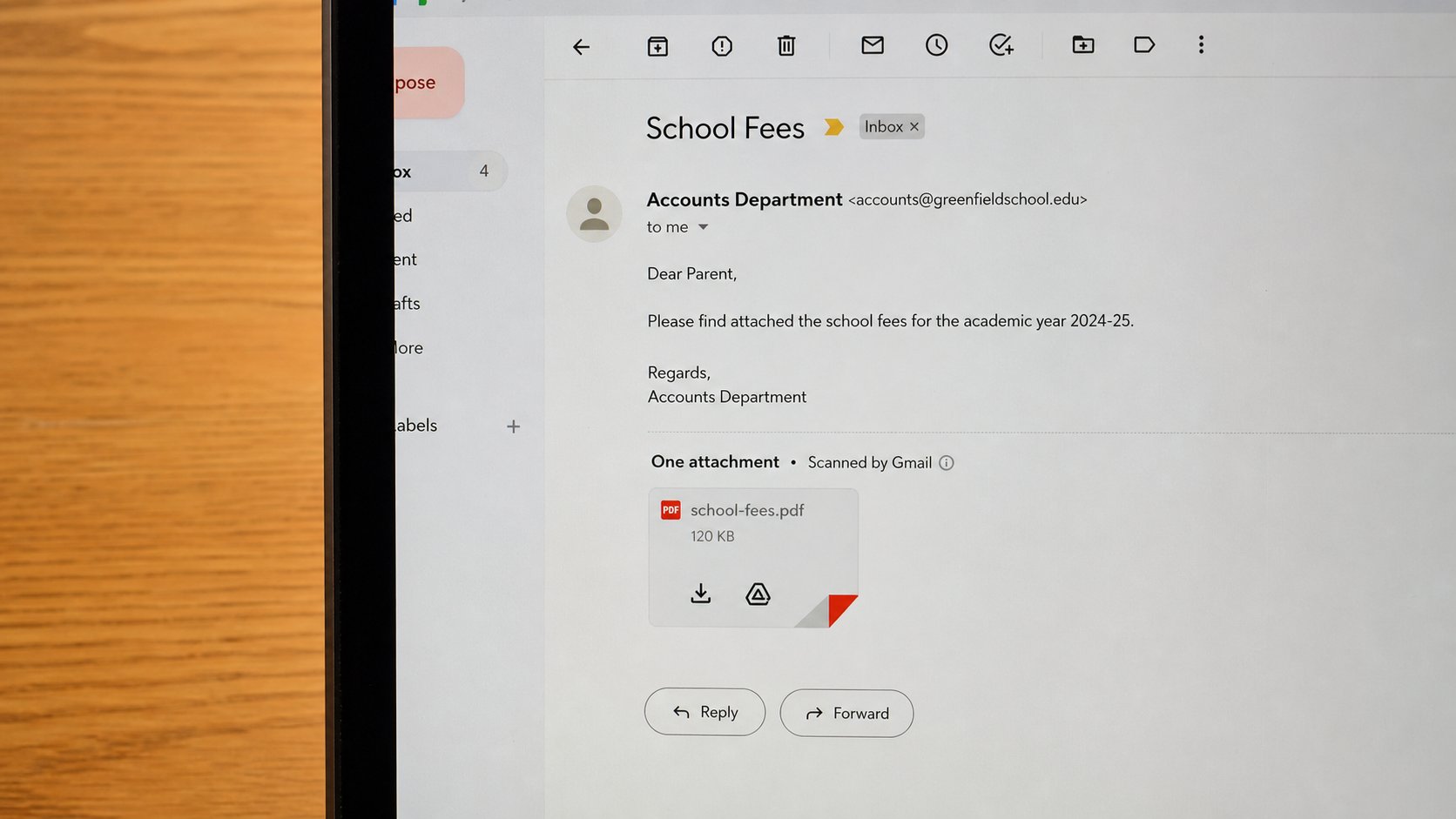
Size matters. A phone photograph straight from the camera can be too large for some inboxes. If the mailer warns you, it is telling the truth. Use a PDF for documents when you can — File, Save As, PDF in Word, or Print to PDF. A PDF looks the same on another person's computer. A .docx can shift if they do not have the same fonts. For a passport photo, a .jpg that is clearly your face is enough. Do not attach five versions. Attach the one you mean.
Reply, Reply all, and the ones you should not open
Reply sends your answer to the person who wrote to you. Reply all sends it to everyone who was on the original mail. If a school wrote to thirty parents, Reply all means twenty-nine people who did not ask will read “I will be late.” Use Reply unless you truly need the whole group. Forward sends the letter to a new person. Forward with a sentence of your own at the top, so they know why it arrived.
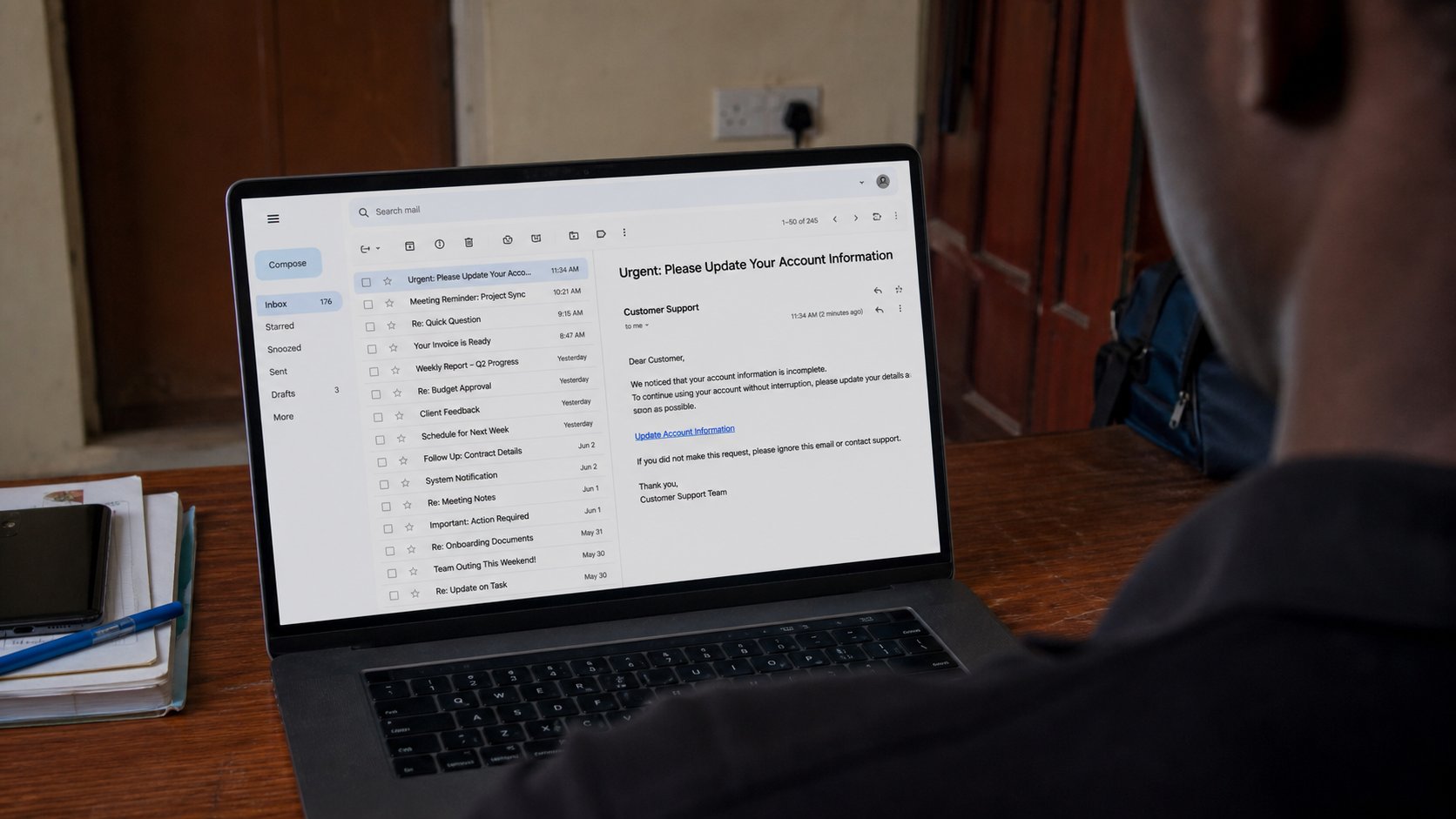
You will receive mail you did not ask for. Some of it will use your name and a bank's colours and a sense of hurry: confirm your account, your parcel is held, you have a job. Do not click the link. Do not type a password into a page you reached from a surprise mail. Open a new tab and travel to the bank's real address yourself, the way the last lesson taught. If the story was true, it will still be true on the real site. If it was a trap, the real site will show nothing, and you will have lost nothing.
The first mail you send to a school or an office should be one you would still sign on paper. Subject that tells the truth. Body with one job. Name and number at the end. Attachment checked. Send. Then wait. Email is not a chat. A reply the same day is kindness, not a right. Check the inbox tomorrow, and look in the folder called Spam or Junk once, in case a machine guessed wrong. That is the whole practice: write like a person, send like a clerk, wait like an adult.