Computer skills from scratch·Files that travel·Lesson 22 of 180
Uninstalling what a shop added
 Ellis Dennis GrahamFounder, Cyber Elias Academy 2026-03-07 3 min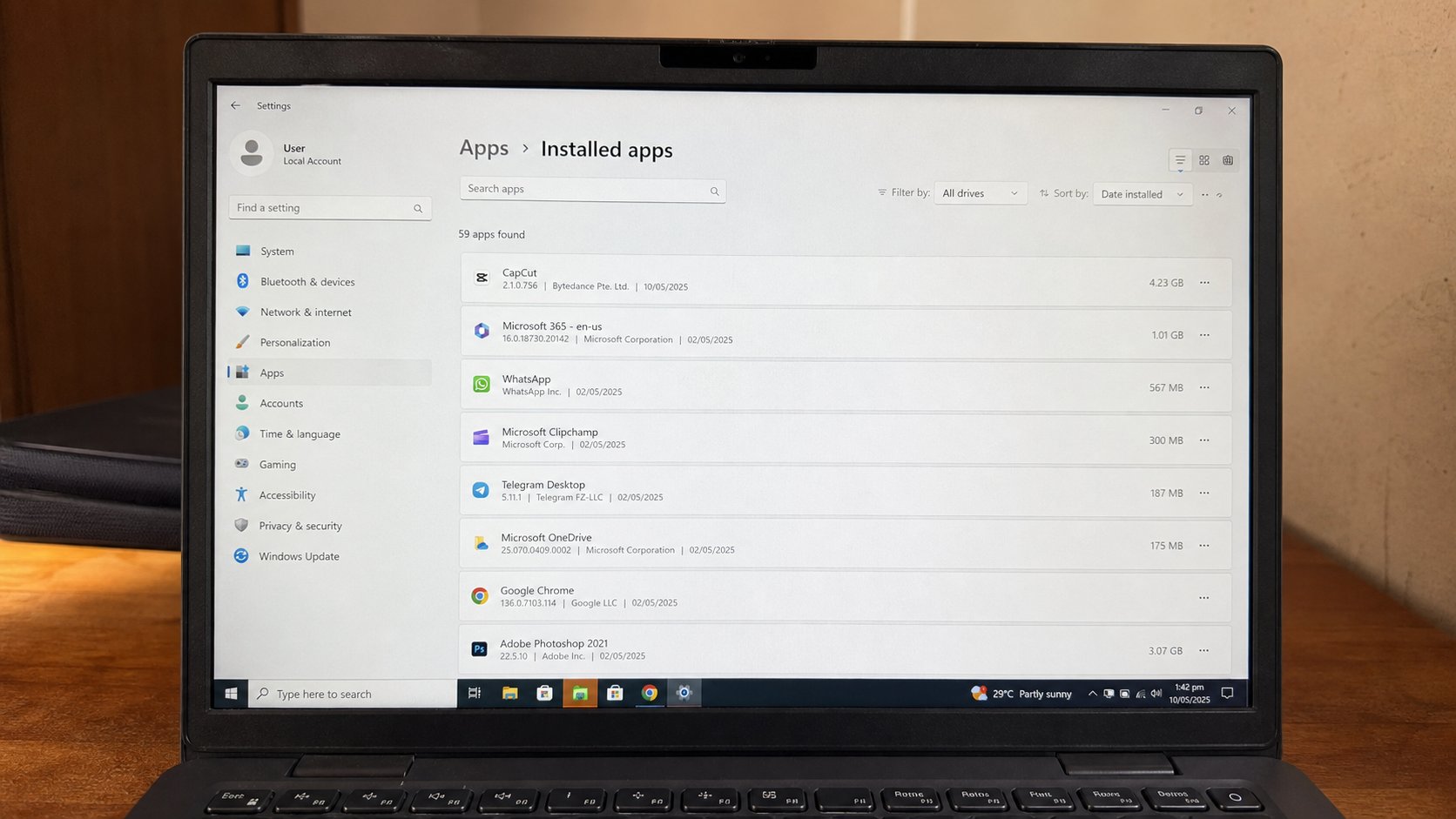
Settings, Apps, the name you do not remember asking for. Uninstall is showing a guest the door. The Start menu is not the same as gone.
Machines come home from the shop with extra furniture: a “PC cleaner,” a second browser, a lottery of PDF tools, a trial antivirus shouting days remaining. Relatives do this too, with love. Each extra is a guest using chairs — memory, disk, a pop-up at breakfast. Uninstall is showing that guest the door. It is not the same as deleting a shortcut from the desktop. The shortcut is a sign on the street. The guest is still in the house.
On Windows, the roll call lives in Settings. Start, type Apps, Enter — or Settings, then Apps, Installed apps. You will see a long list, newest or name. You will not recognise half of them. That is normal. Windows itself has many names. You are hunting for the extras: things you can say out loud as “I never asked for this.”
What you may show out, and what you must not
Safe to consider: toolbars, “optimizer,” “driver updater” that is not from the laptop's own maker, extra browsers you do not use if another browser still works, games a shop installed as a gift you do not want. Not safe to guess: anything with Microsoft, Intel, NVIDIA, Realtek, AMD in the name, or the laptop brand — HP, Dell, Lenovo, Acer. Those are often the hands and ears of the machine. When in doubt, leave it. A leftover trial is annoying. A missing driver is a black screen.
Click the extra, Uninstall, follow the boxes. Some will plead “are you sure” and offer a survey. No thanks. Some will leave a “keep my settings” tick; for malware-adjacent junk, untick. Restart if it asks. Then look at the desktop. If a shortcut remains, delete the shortcut — that is only the sign. If the program is still in the Apps list, uninstall did not finish; try again, or restart first.
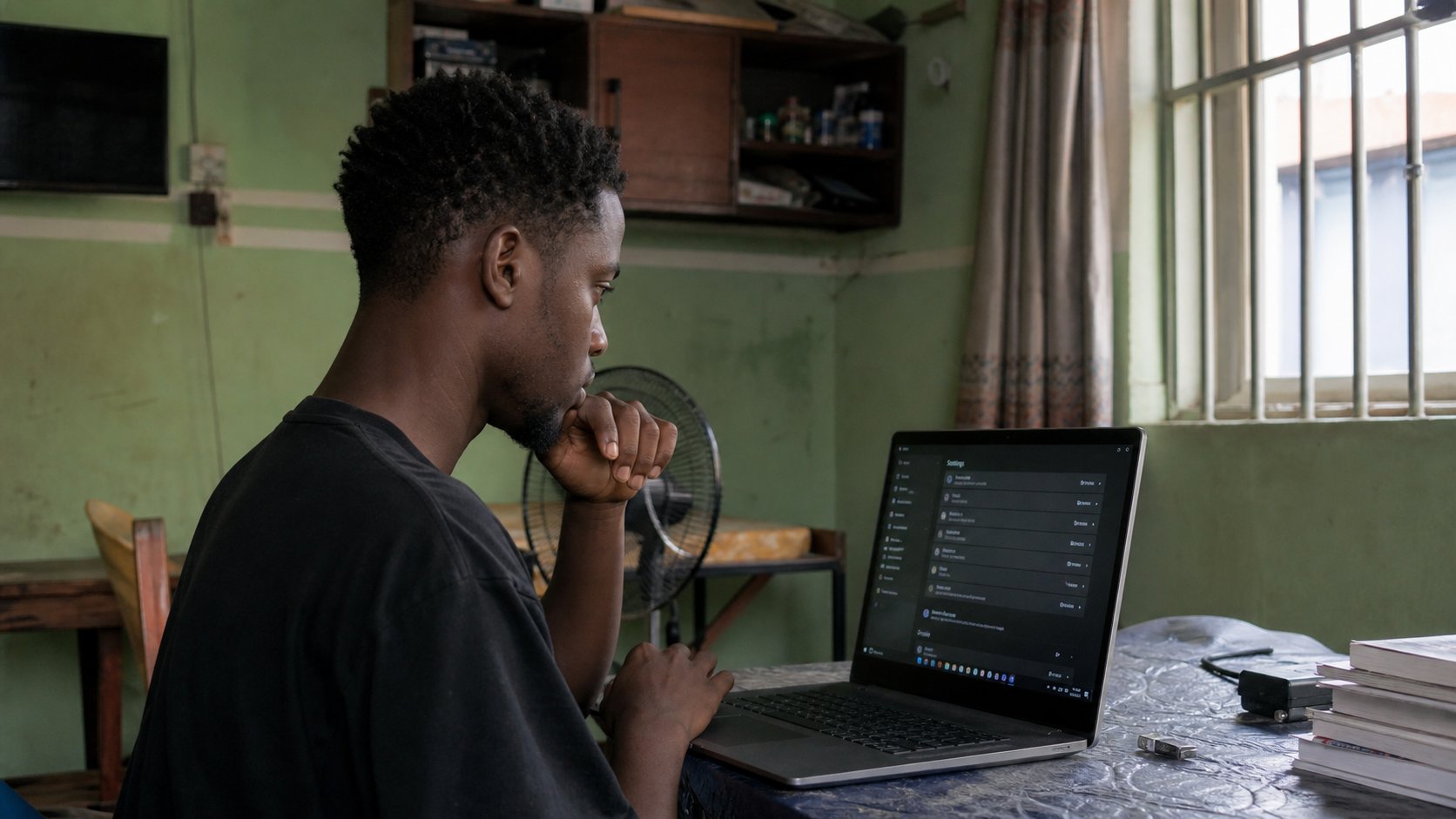
- Open Settings, Apps. Scroll slowly. Write down three names you do not remember installing.
- For each, decide: extra, or unknown. Unknown stays.
- Uninstall one extra you are sure of. Restart if asked. Confirm the name is gone from the list.
- If a browser homepage is still a stranger, that is Settings inside the browser — a later five minutes — not a reason to uninstall the browser itself.
The Start menu lie, and the leftover toolbar
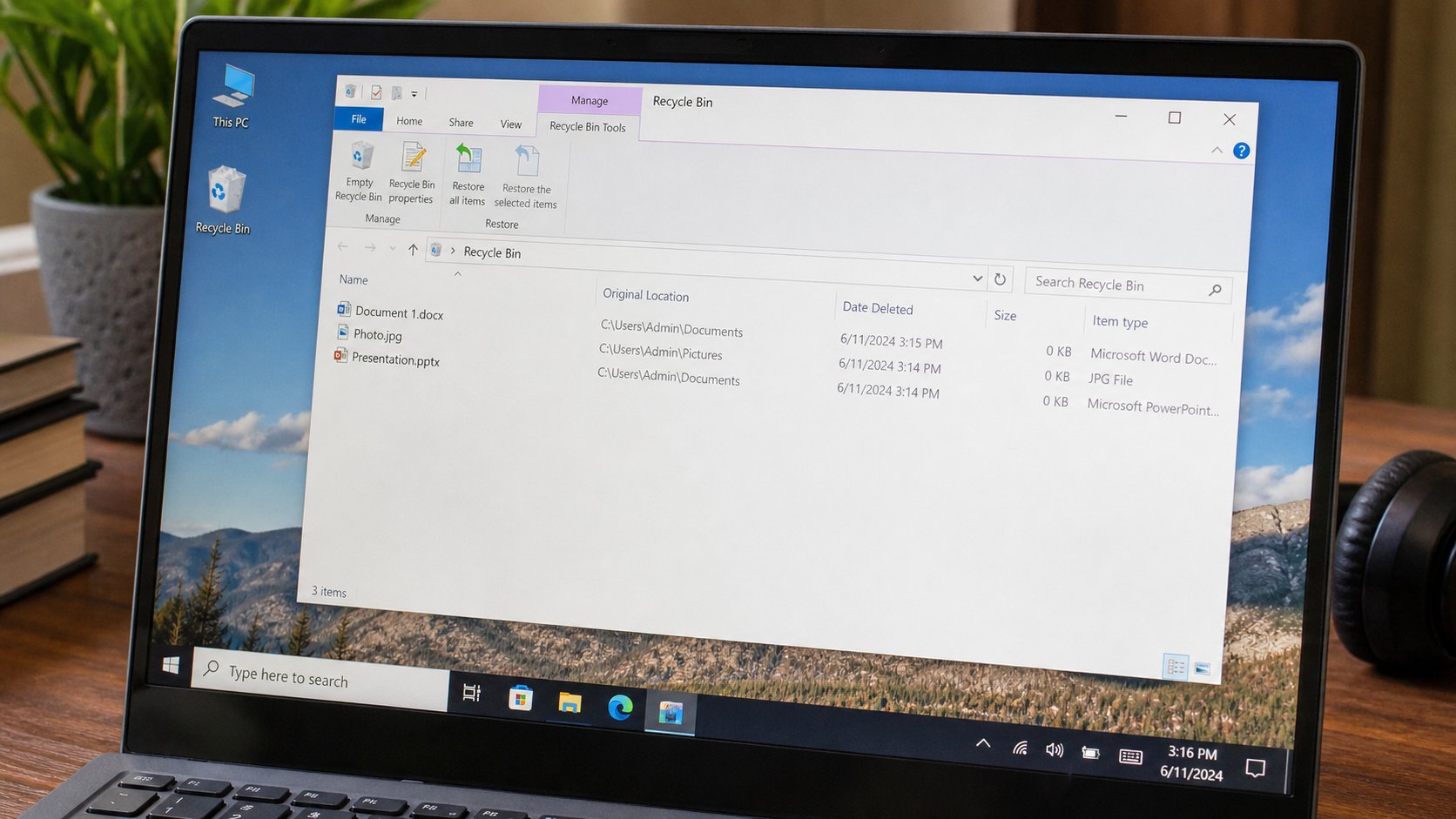
Unpinning from Start, or dragging an icon to Recycle Bin, does not uninstall. It tidies the street. The guest still eats. Always return to the Apps list to know the truth. A toolbar that lives inside the browser may not even appear as its own app — look at the browser's Extensions or Add-ons, and remove the stranger there.
If the machine is packed with extras you cannot name, this is a good moment for the backup lesson, then a more patient person, not a “one-click cleaner” from a banner. You already know that banner is a cousin of the fake update. Show guests out one at a time, names you can defend. The machine will feel lighter because it is, not because a percentage said so.