Computer skills from scratch·Writing on the page·Lesson 65 of 180
Find and replace
 Ellis Dennis GrahamFounder, Cyber Elias Academy 2026-06-23 3 min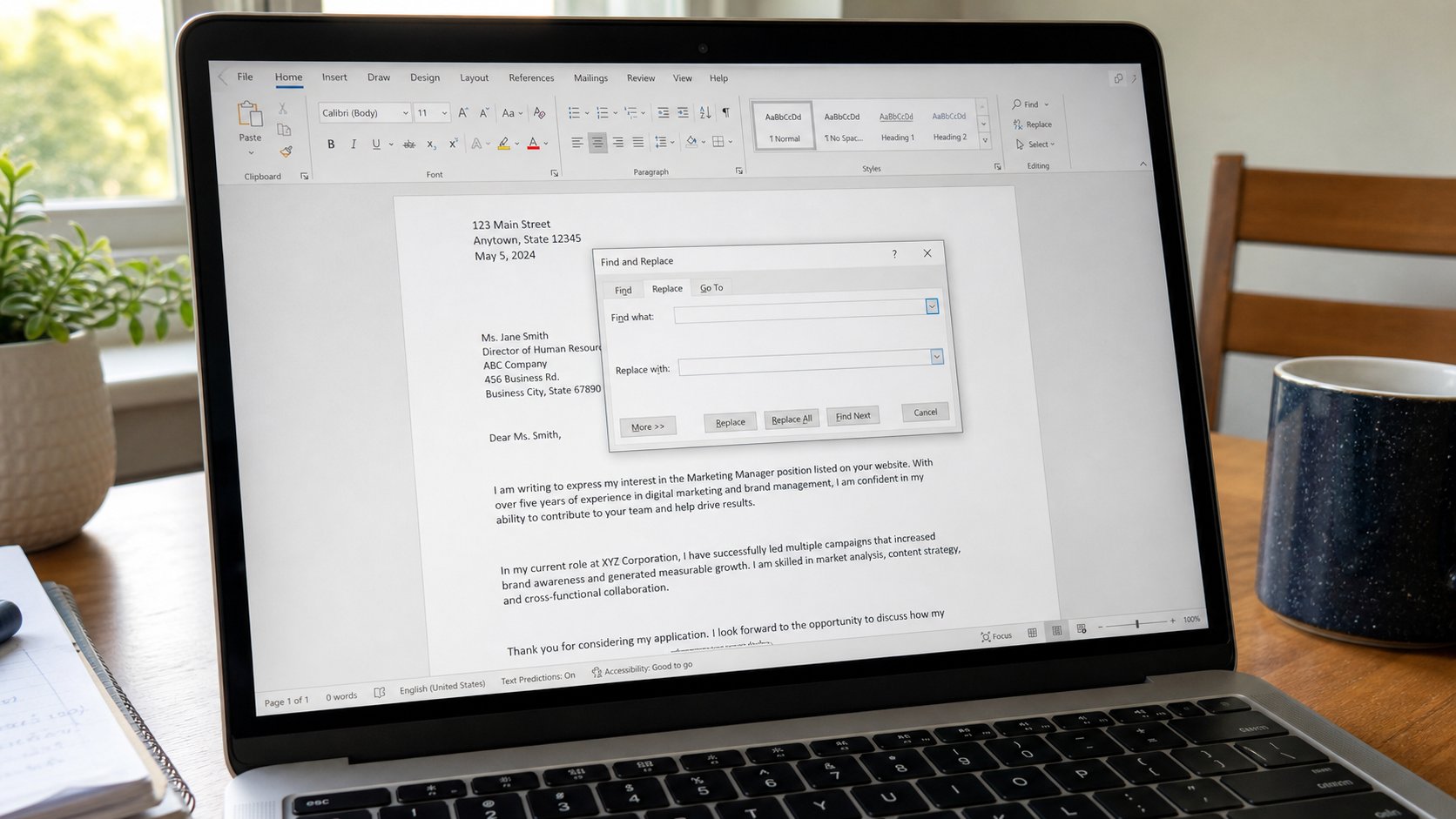
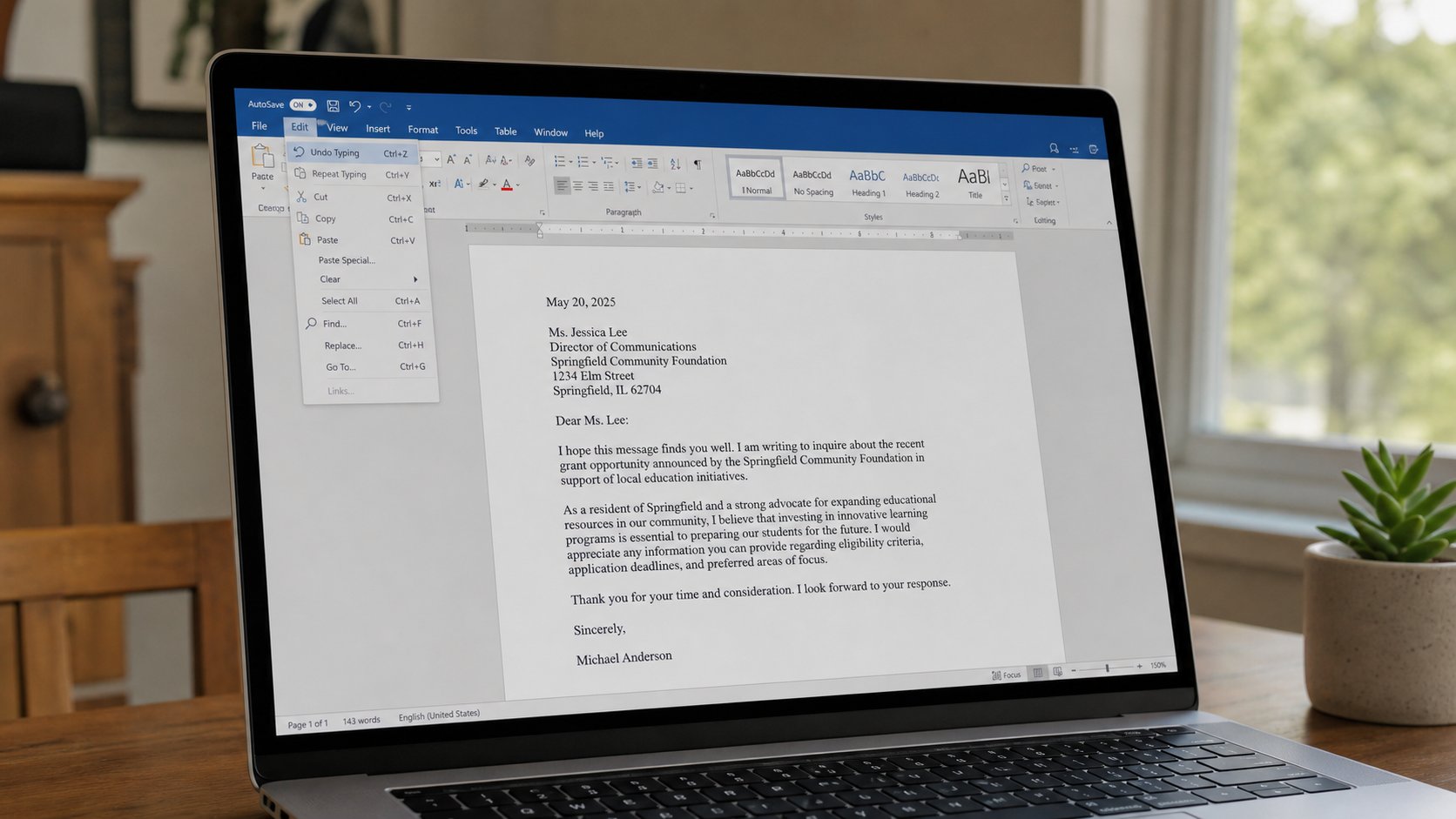
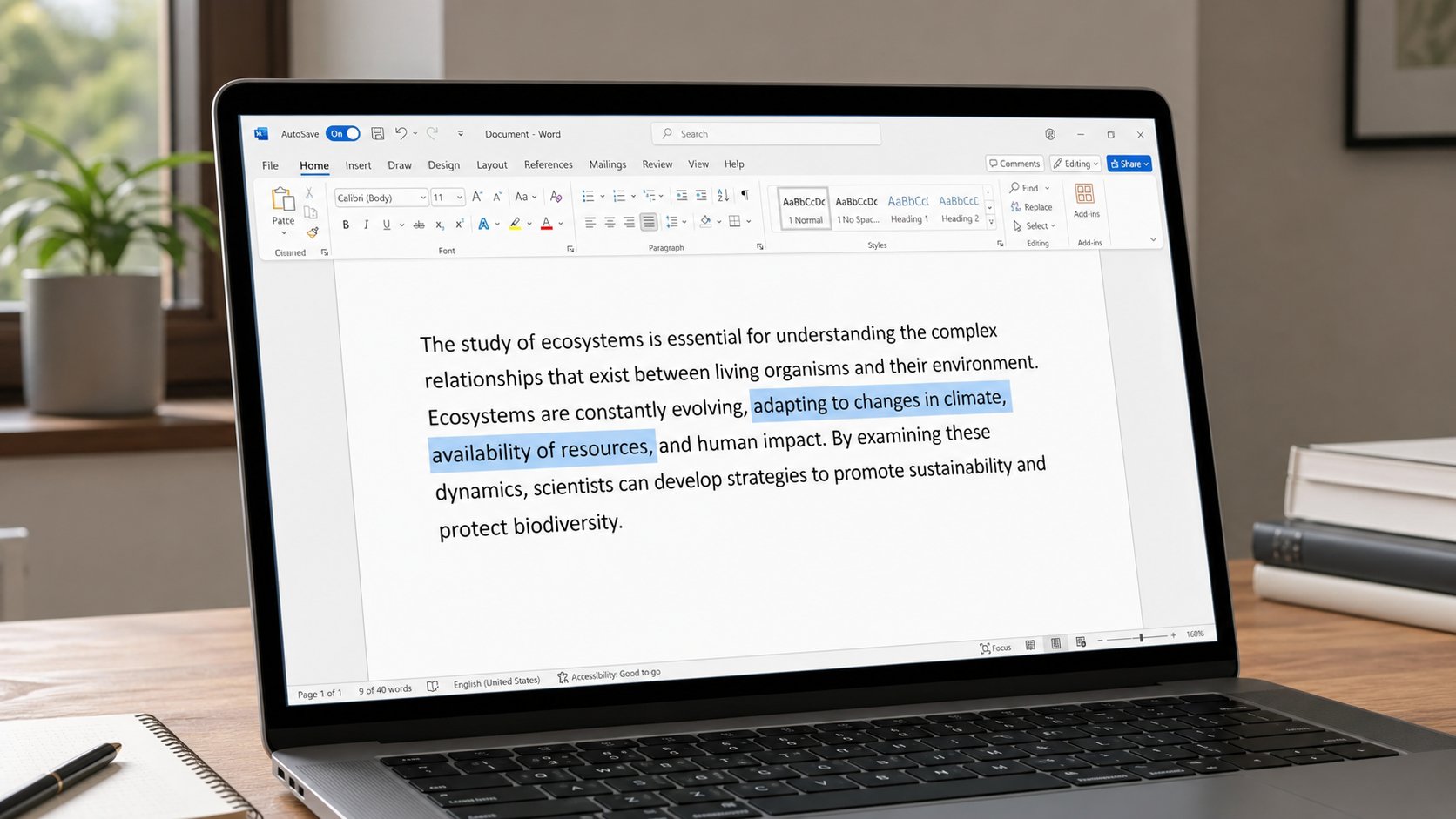
Find is search inside the page. Replace is change, once or everywhere. Look at the one before you change the thirty. Replace all is a tap you cannot always undo in email.
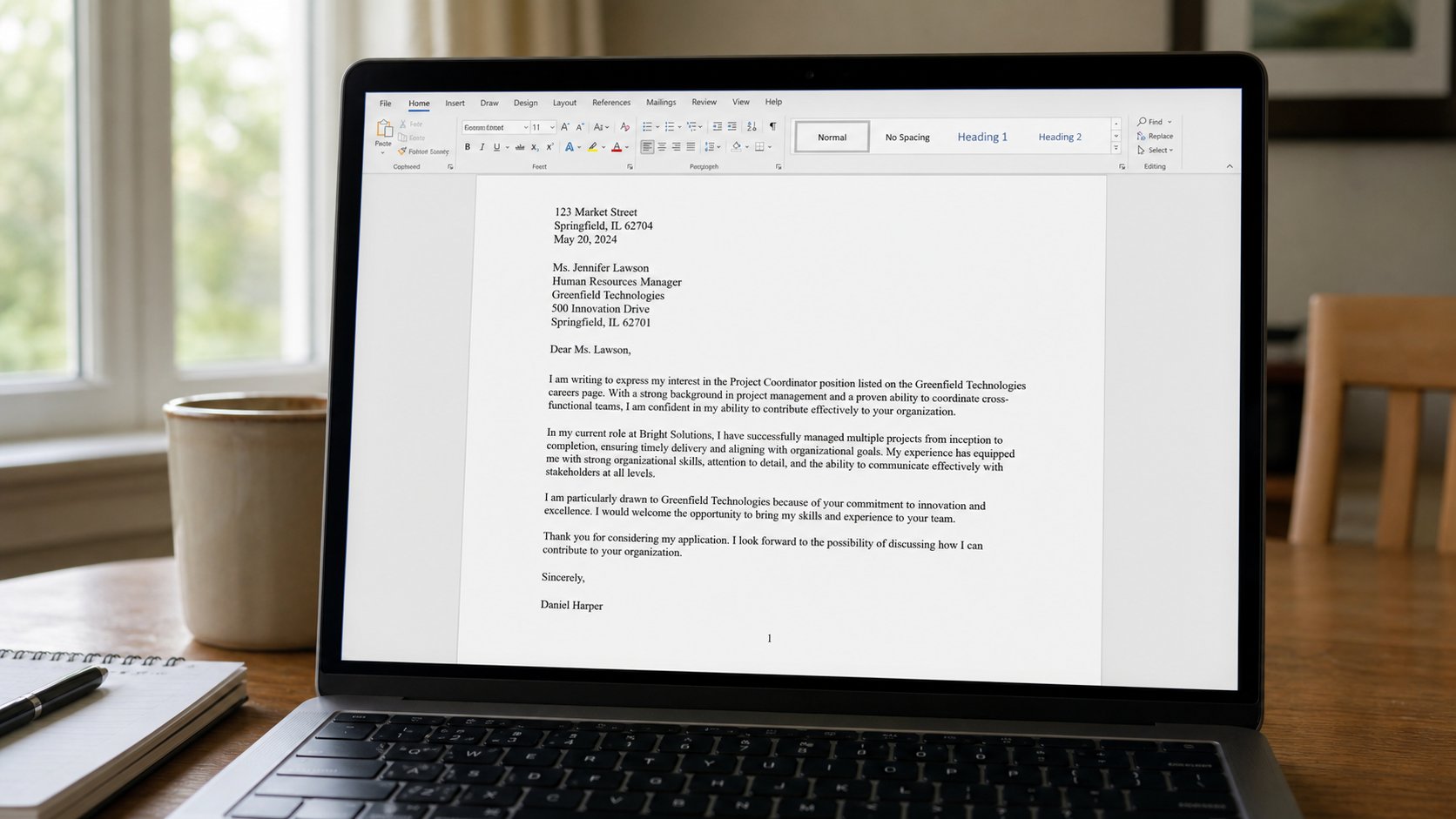
You wrote March in a letter twelve times, and it is now April. You could hunt with your eyes. Find is search for a lost word inside this page, the way Explorer searches a house. Replace is the same hunt, with a new word in its pocket. Ctrl+F finds. Ctrl+H, in Word, opens Find and Replace. This lesson is the box, the one change, and why Replace all is a generator you start only after you have looked.
Ctrl+F. A small field. Type the word. Enter, or the arrows, walks to the next. The page jumps. That is enough when you only need to see whether you used a name. In a long PDF, the reader has the same box. In a browser, Ctrl+F finds on this page, not on the whole internet. People forget that and think Google is broken because Find cannot see the next site.
One, then maybe all
In Word, Ctrl+H. Find what: March. Replace with: April. Replace — once — changes the one that is highlighted. Look. If that March was “the Marching band,” you have just made “the Apriling band.” Undo. That is why the next button is not Replace all until you have seen two or three. Match case if you only want March, not march. Whole word if you do not want to cut March out of Marching.
Replace all on a name is how Chidi becomes Chidioma in the middle of Chidinma, or how a school’s name eats a similar syllable in a street. If the letter is short, change by hand. The factory is for a long report you have already sampled. Ctrl+Z undoes a Replace all in Word if you do it immediately. In a web form, it may not. In a spreadsheet, Replace all can rewrite a column of codes. Save first, as always.

- In a practice letter, type March twice. Ctrl+H. Replace one with April. Look. Then the second.
- Try Find for a word you did not type. Zero results is an answer, not a freeze.
- In the browser, Ctrl+F on this academy site for the word computer. Count a few. That is this page only.
- Never Replace all on a live form you cannot undo. Copy the text out, or go slowly.
What Find cannot see
It cannot see inside a photograph of a letter. It cannot see a word you spelled three ways. It cannot see “March” if you typed “march” and Match case is on. If you cannot find a sentence you remember, you may be in another window — Alt+Tab — or in an older Save As. Find searches this file, not the house. Explorer searches the house. Two clerks, two rooms.
Used gently, Replace is how a wrong phone number leaves a ten-page notice without ten hunts. Used as a panic, it is how a letter becomes nonsense in one click. Sample, then the tap. You already know that manners from printing, from mail merge, from the virus banner. Look. Then act. The box will wait.