Short courses, published session by session
Practical classes at the Port Harcourt centre, and online where noted. Two sessions a week. Read the full notes before you enrol. The certificate is awarded for the work you produce.
- 13 core courses
- 90 sessions
- Certificate on the deliverable
The core courses
The thirteen practical courses on the academy flyer, each taught over two sessions a week and each ending in something you can show. Click any course to see its full week-by-week outline and read every class lecture.






Learn, practise, create, correct, repeat, demonstrate.
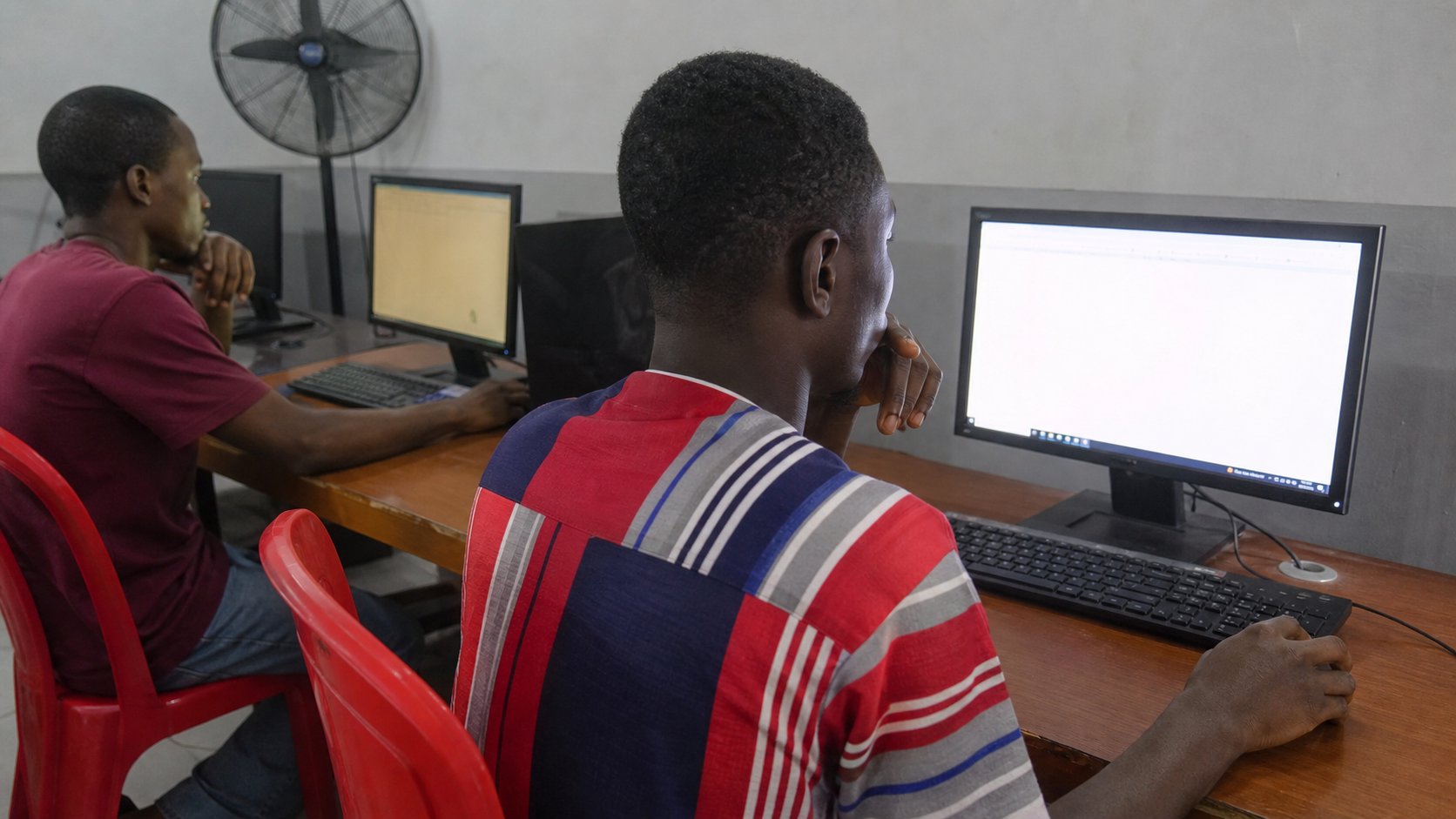
Every session in every course follows the same loop. The instructor demonstrates, the class practises together, you then do it alone, your work is corrected, you repeat until it is right, and you finish by demonstrating it. That loop is why our students leave able to do the thing rather than describe it.
- Learn
- Practice
- Create
- Correct
- Repeat
- Demonstrate
- Theory kept to the minimum necessary
- Instructor demonstration before you touch the keyboard
- Guided practice, then individual practice
- A weekly assignment and a practical project
- A final assessment and a certificate of completion
Level 1
Know
You can explain the concept, name the tools involved and recognise the difference between doing it well and doing it carelessly.
Level 2
Do
You can perform the task independently, without the instructor repeating the steps, and fix the obvious problems when they appear.
Level 3
Create
You can use the skill to produce something a real person would pay for — a document, a design, a website, a report, a repaired machine.
The third level is what separates this academy from a place where people sit through computer classes and collect certificates.
Don't just complete a course. Complete something you can show.
Every course has a named deliverable, and the certificate is awarded for the deliverable — not for attendance. Here is what you walk out with.
| Course | What you leave with | Fee |
|---|---|---|
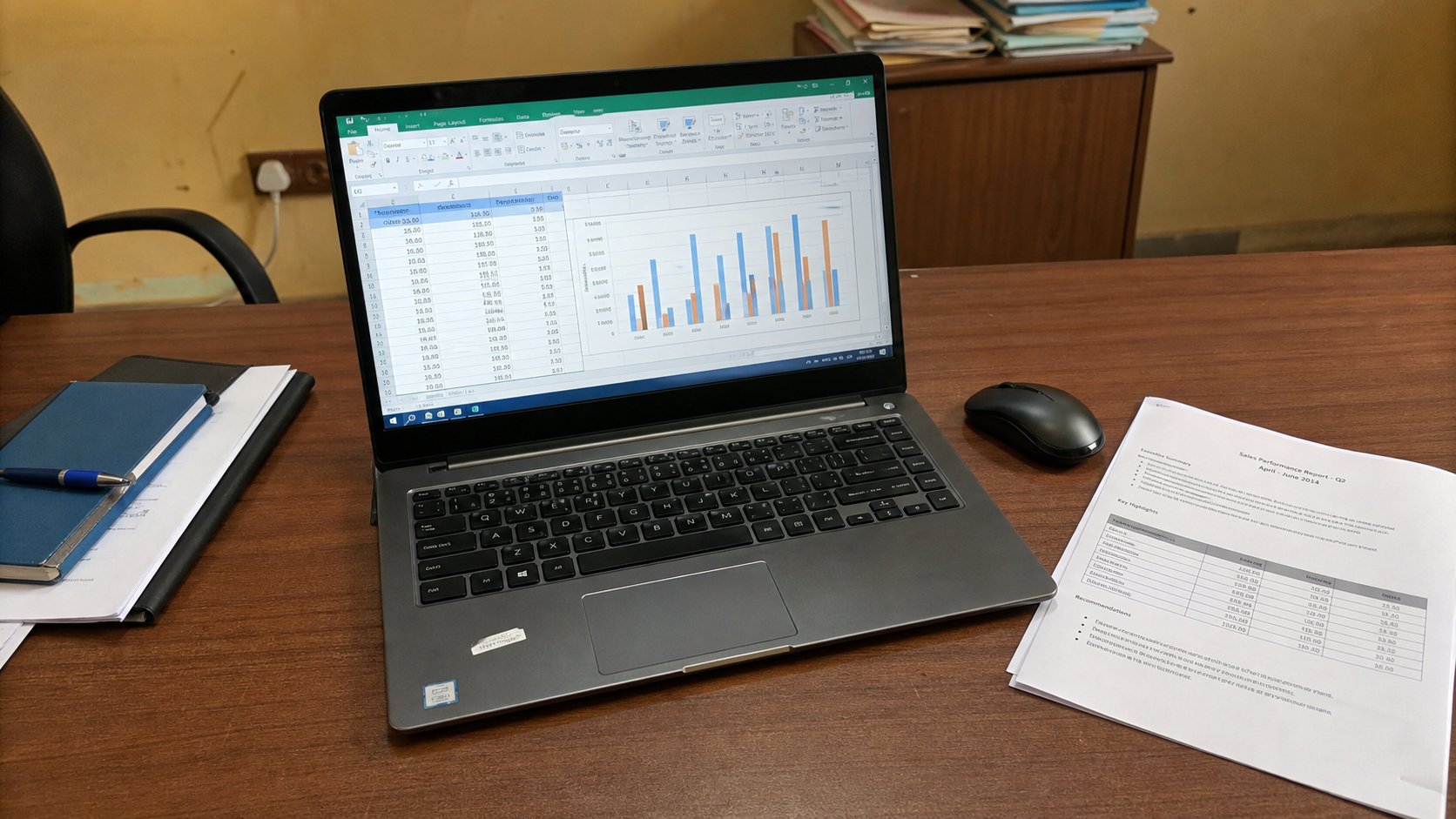
| Microsoft Office3 weeks · 6 sessions | A formatted document, a working spreadsheet and a presentationYou leave with a CV or business letter exported to PDF, an expense or sales sheet with live formulas and a chart, and a 5–7 slide presentation you have presented aloud to the class. | ₦30,000 |
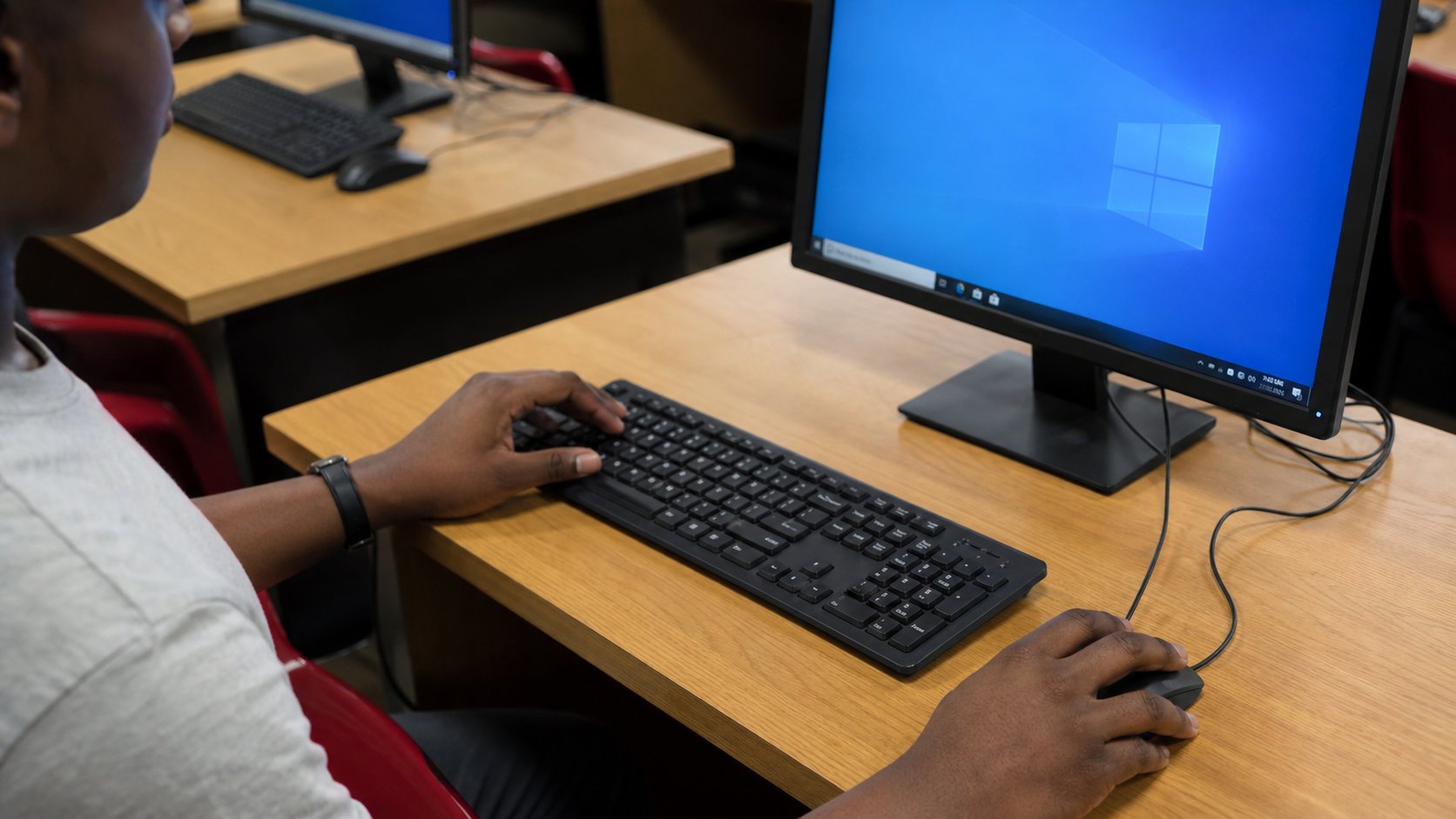
| Typing & Computer Basics2 weeks · 4 sessions | Demonstrated independenceYou finish by performing a set of computer tasks on your own — create a folder, save a document into it, find a file online, download it, attach it to an email and send it — while the instructor observes and signs off. No prompts, no help. | ₦20,000 |
| Graphic Design4 weeks · 8 sessions | A mini brand packageA logo, a flyer, a social media post and a business card for one fictional or real business, presented together with the design brief you were given and the corrections you handled. | ₦40,000 |
| Web Design4 weeks · 8 sessions | A published 3–5 page websiteA complete small business website — home, about, services, gallery and contact — styled responsively, tested on mobile, and published live on a URL you can send to a client. | ₦50,000 |
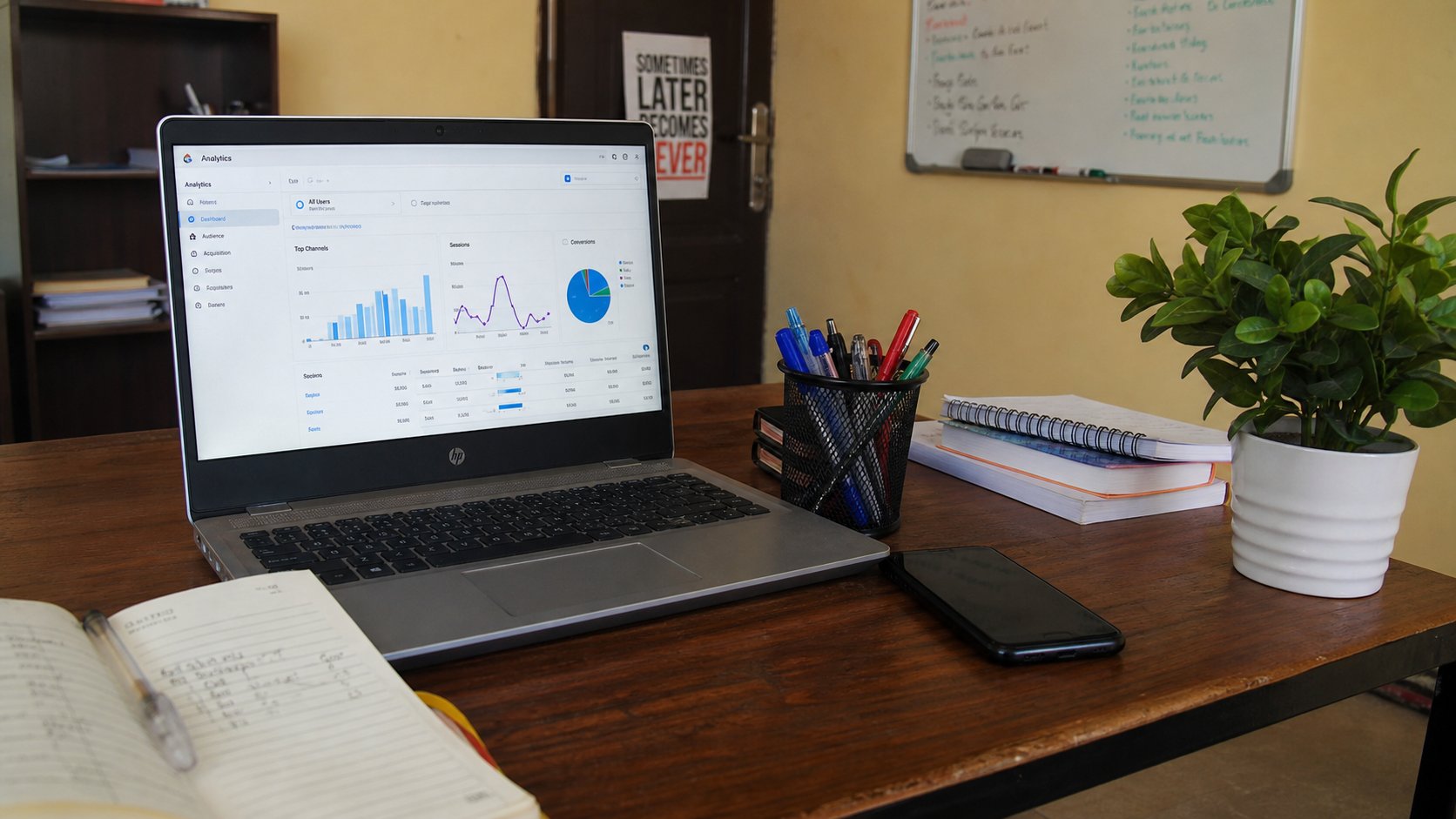
| Digital Marketing4 weeks · 8 sessions | A complete digital marketing campaignA marketing plan for a real or fictional business: audience, value proposition, channel strategy, one-week content calendar, ad concepts with copy and targeting, and a reporting template showing how you would measure results. | ₦40,000 |
| Social Media Management3 weeks · 6 sessions | A content calendar plus a week of managed postsAn optimised profile, a 7-day content calendar, the graphics and captions for it, and a mock week of managing a business account — posts, comments, messages and a short performance report. | ₦30,000 |
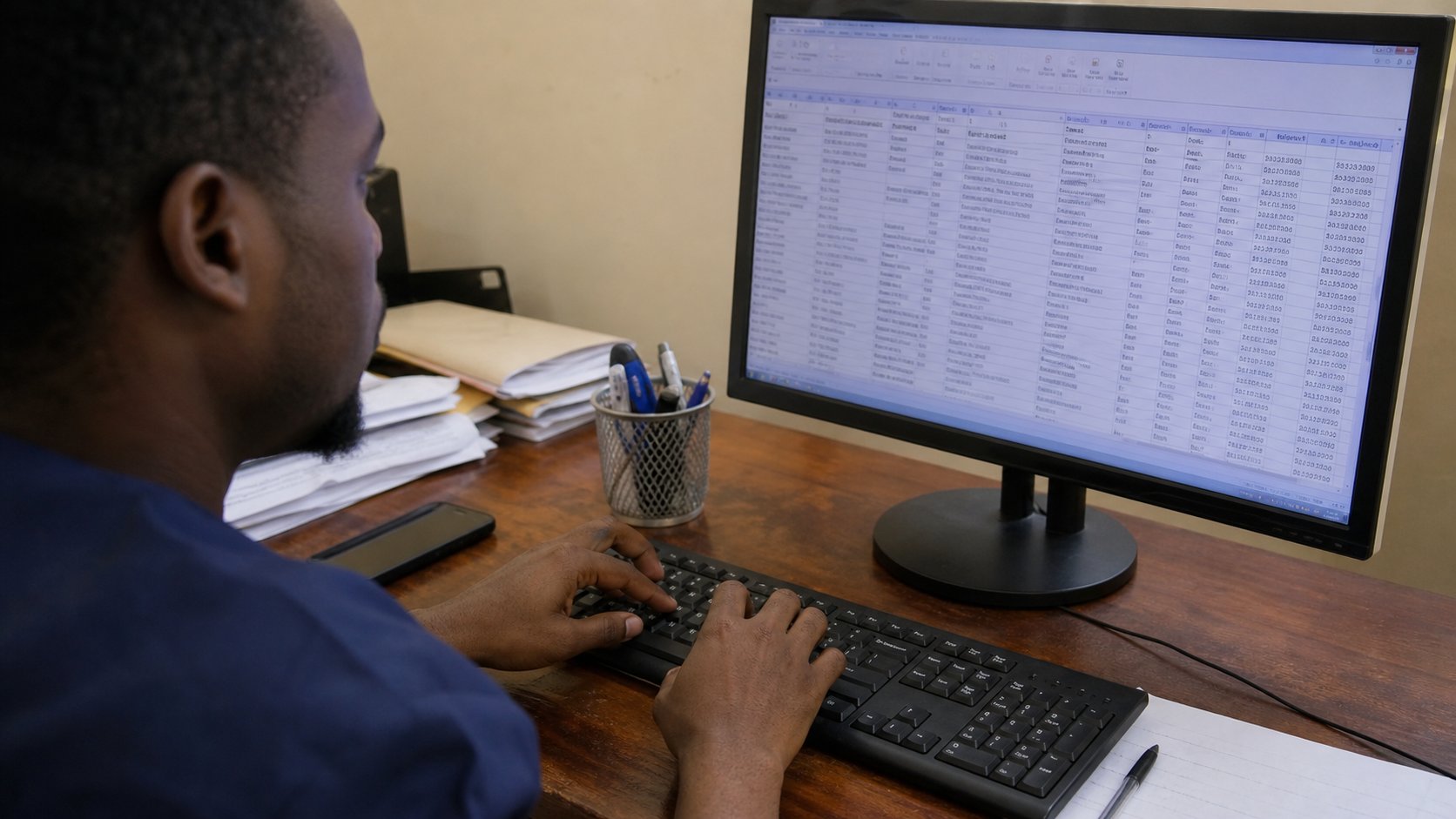
| Data Entry2 weeks · 4 sessions | A cleaned and organised datasetYou receive a realistic raw dataset — inconsistent names, mixed date formats, duplicates, missing values — and hand back a cleaned, validated, properly formatted spreadsheet with a summary sheet, plus your measured accuracy and speed figures. | ₦20,000 |
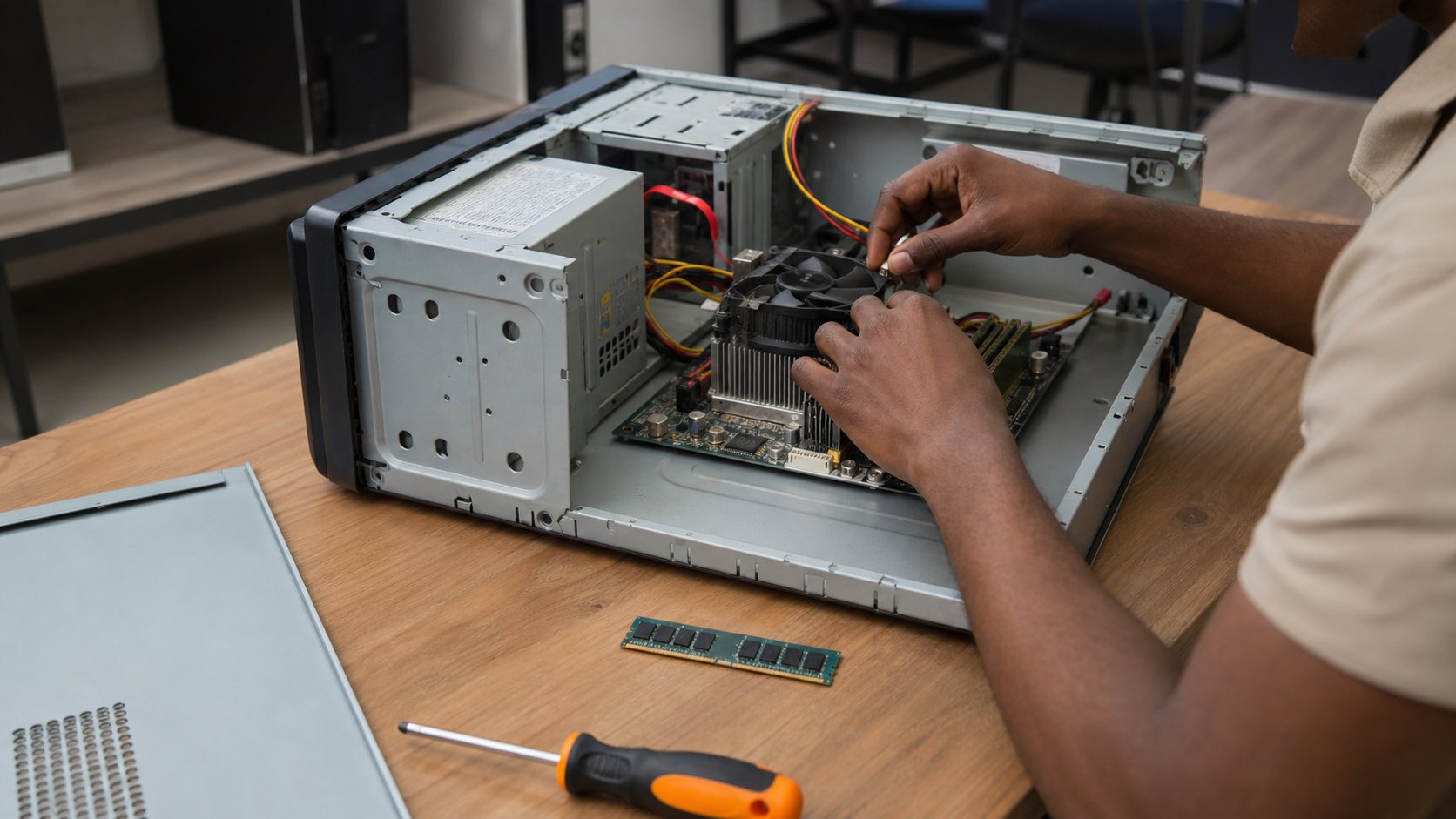
| Computer Repairs4 weeks · 8 sessions | A diagnosed and serviced machineYou receive a deliberately prepared faulty computer, diagnose the fault from symptoms alone, fix it, install and configure the software, and write the service documentation a customer would receive. | ₦50,000 |
| Web Development6 weeks · 12 sessions | A working, published web projectA complete small website or application — planned, built, tested, responsive, version-controlled on GitHub and deployed live — presented to the class with a short write-up of the decisions you made. | ₦60,000 |
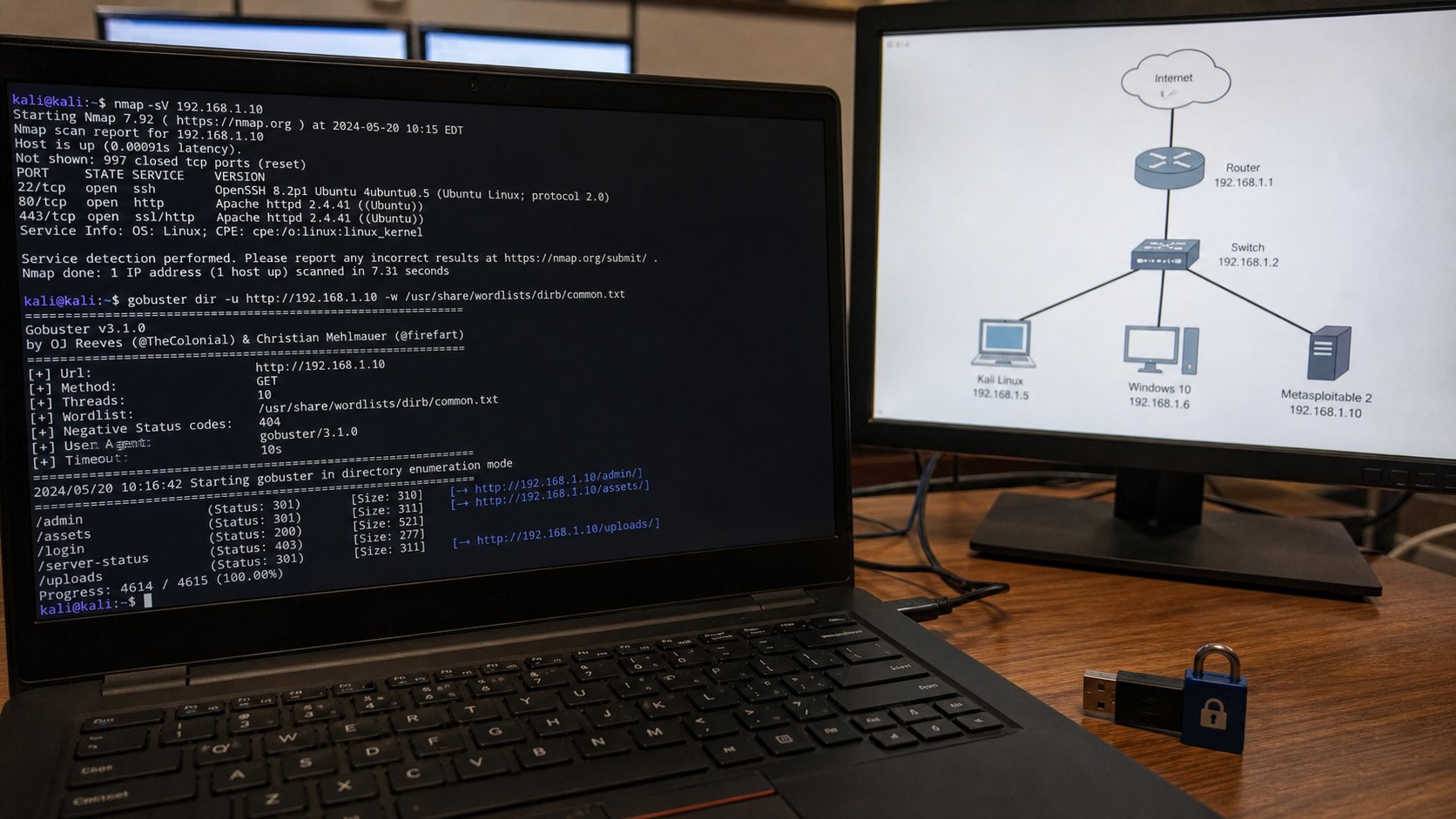
| Cybersecurity4 weeks · 8 sessions | A security assessment reportA written security assessment of a fictional organisation: assets, likely threats, identified weaknesses, prioritised recommendations and a practical improvement checklist the business could act on this month. | ₦50,000 |
| Business & Freelancing3 weeks · 6 sessions | A freelance business plan and portfolioA one-page business plan — services, pricing, target clients, acquisition approach — plus a portfolio with three pieces of work presented as case studies rather than screenshots. | ₦30,000 |
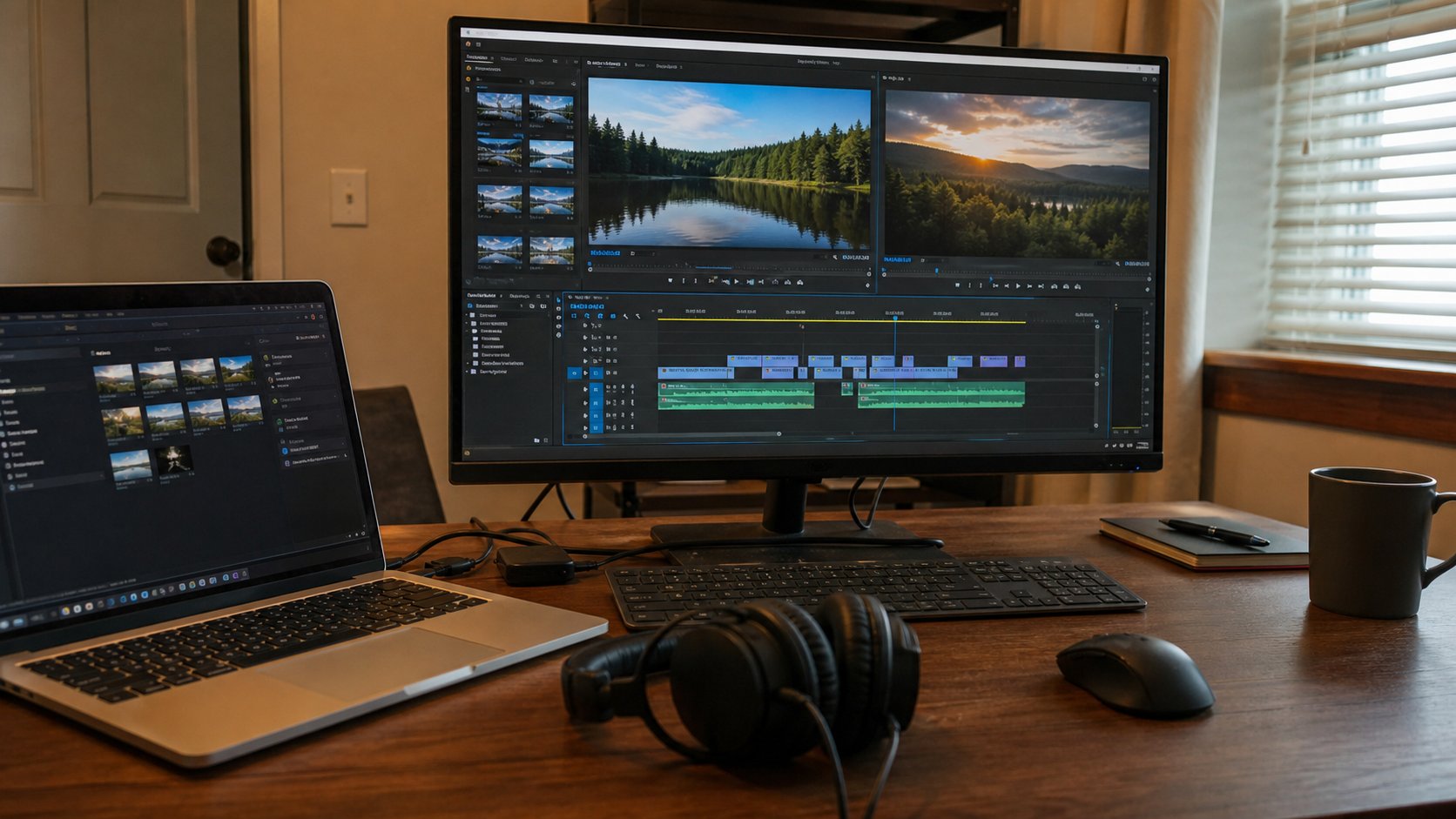
| Content Creation3 weeks · 6 sessions | A complete short-form videoOne finished educational or promotional video — scripted, shot, edited with captions and a thumbnail, published, and reviewed against its first week of analytics. | ₦30,000 |
| Online Teaching3 weeks · 6 sessions | A complete lesson plus a delivered classA written lesson plan with objectives, materials and assessment, the teaching slides, and a recorded short online lesson you delivered to the class with feedback from your peers. | ₦30,000 |
Rotating short courses
We do not advertise 'and more' as a mystery. These are the short courses that rotate through the timetable as demand and instructor availability allow — ask admissions which ones run next.


Before you enrol
Straight answers about delivery, fees, equipment and what the short durations really mean.
Ask admissionsHow are the classes delivered?+
Two practical sessions per week for every course, each running 1.5 to 2 hours depending on the timetable you join. Each session follows the same loop — Learn, Practice, Create, Correct, Repeat, Demonstrate — with instructor demonstration, guided practice, individual practice, a weekly assignment and a practical project. Nothing is delivered as a lecture you simply sit through.
Are the full class notes published online?+
Yes. Every session of every course is published on this site as a complete class lecture: learning objectives, the taught theory, the instructor demonstration script, guided practice, common mistakes, expert notes, vocabulary, homework, the assessment rubric and session questions. You can read the entire curriculum before you enrol, and enrolled students use the same pages as their class notes.
What do I actually leave with?+
An artefact you can show. Not a certificate on its own — a document, a spreadsheet, a presentation, a flyer, a published website, a cleaned dataset, a serviced machine, a marketing campaign, a security report, a portfolio or a delivered lesson. The promise of every course here is: don't just complete a course, complete something you can show.
Do the short durations mean I become a professional in three weeks?+
No, and we will not pretend otherwise. These are introductory practical courses. Web Development in six weeks builds your first functional websites and gives you a genuine foundation for further learning — it does not make you a professional developer. What it does give you is real capability you can demonstrate immediately and a base to build on.
Do I need my own computer?+
For Typing & Computer Basics, no — practice happens on academy machines. For every other course you need a laptop or reliable access to one, because the homework is where the ability is actually built. Every course page lists its specific requirements before you pay anything.
Which course should I start with?+
If you have never used a computer, start with Typing & Computer Basics. If you can use a computer but need office skills, start with Microsoft Office. From there, choose by what you want to be able to do: Graphic Design or Content Creation for visual work, Web Design then Web Development for building websites, Digital Marketing or Social Media Management for growing a business, Computer Repairs or IT Support for hardware, Cybersecurity for protection, and Business & Freelancing to earn from any of them.
Pick a course
Apply with the course you want. We will reply with dates, the fee, and what to bring.