Computer skills from scratch·On your own·Lesson 104 of 180
Your email in your pocket
 Ellis Dennis GrahamFounder, Cyber Elias Academy 2026-01-14 3 min
The desk taught the manners; the phone carries the letter. Attachments opened on glass, the CV attached from where it lives, and the right account chosen before you press send.
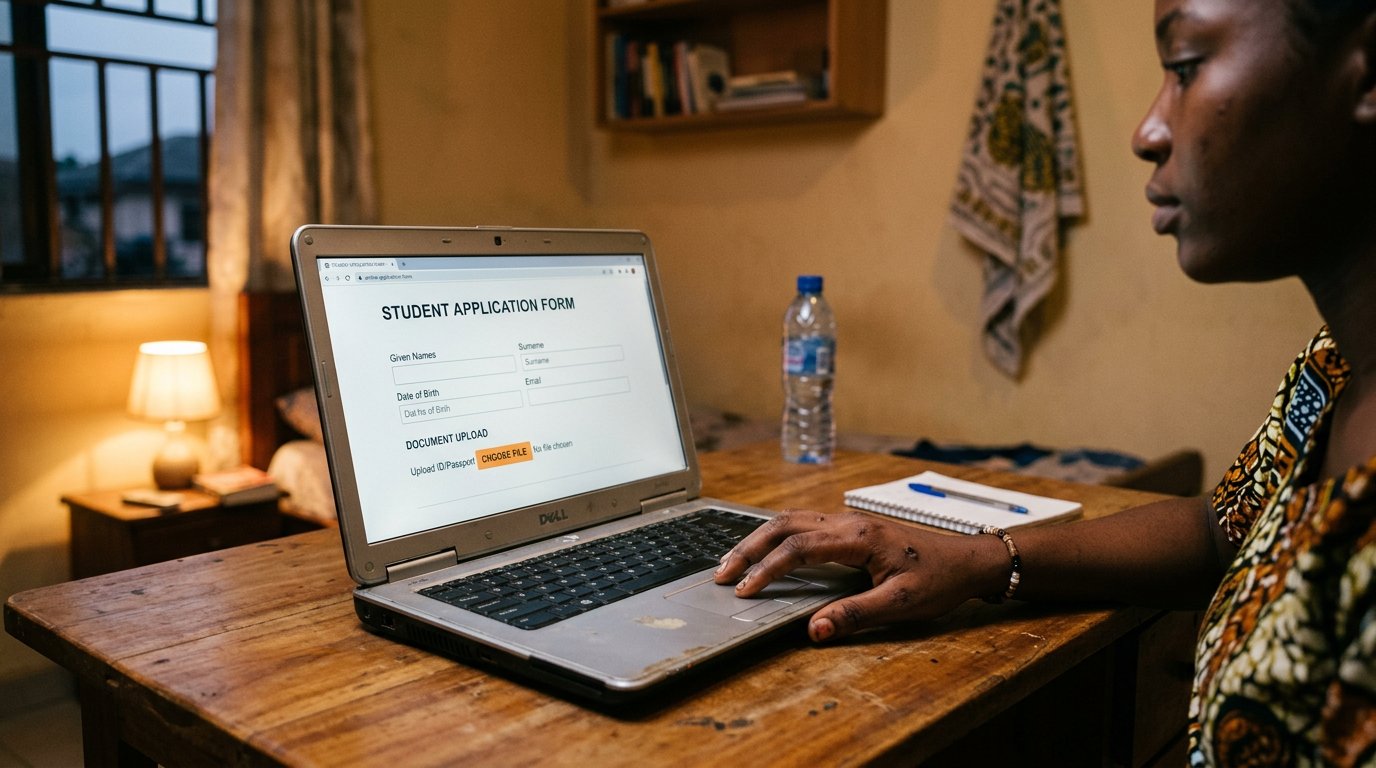
Your first email was written at a desk, with a keyboard wide enough to be honest. But the letter does not wait at the desk. The interview invitation, the school's admission, the client's correction — they arrive while the phone is already in your hand. So the desk folds into the pocket: the Gmail app, or the phone's own mail app, and everything the desk taught still applies, only smaller.
Set it up once. Open the app, choose to add an existing account, give the address you made on purpose in its own lesson, type the password once. The app keeps it; you never type it again on that phone. If you carry two addresses — one serious, one from your younger years — add both. They sit side by side, each labelled, and the app asks which one is speaking every time you compose. Look at that label every time. The classic embarrassment of a working life is a CV that went out under the joke address.
Reading on glass
Attachments open with a tap: the CV in PDF, the invoice, the school's letter. If the phone says it cannot open a file, that is the open-with lesson again — the file is not broken, it simply needs to be handed to the right program. Reply sends to one person. Reply all sends to the whole corridor, which you met at the desk and which is no safer for being small. Read the To line before the first word of your reply. Thumbs are quick; that is exactly why you slow them at the top of a letter.
Attaching from the pocket
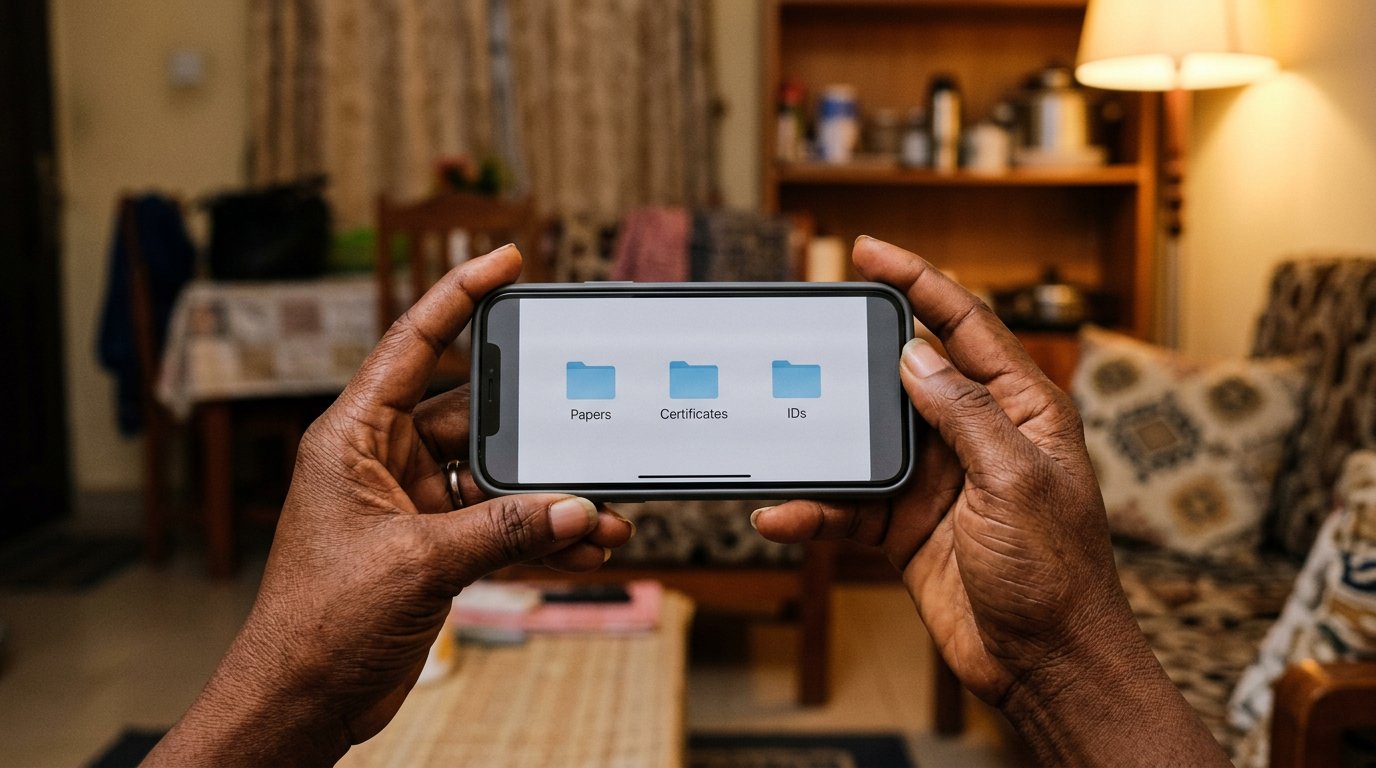
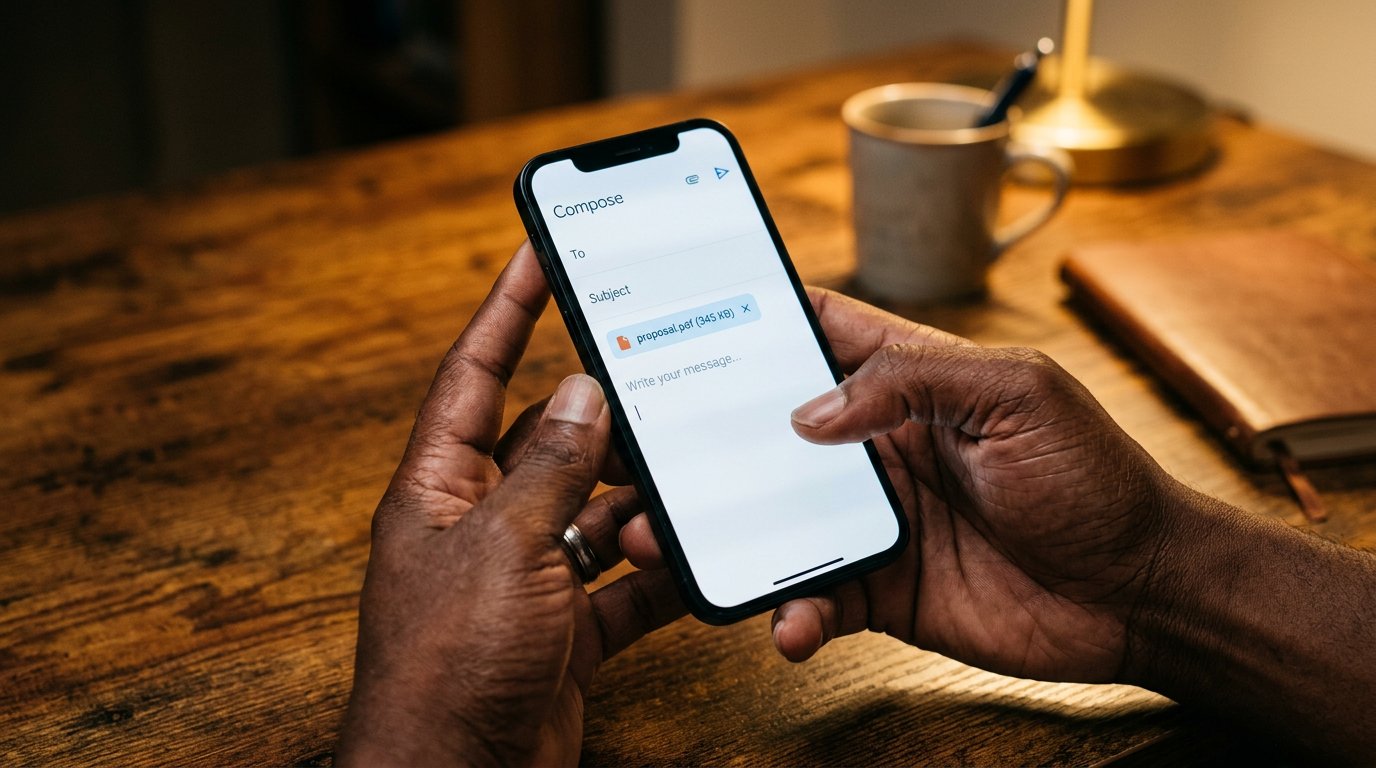
The paperclip is there. Compose, look for the attachment symbol, and the phone offers where from: Files, Drive, or the camera. Files walks to the scan you made in the documents lesson. Drive reaches whatever you have parked in the cloud. The camera takes something new — right for a form that wants your face today, wrong for a certificate that already exists scanned. Attach, then wait for the file's name to appear above the message before you send. Sending before the attachment finishes is posting the envelope before the letter is inside.
- Add your main address to the phone's mail app, and check the label it now carries.
- Email yourself a PDF. Open the attachment, then reply to it from the phone.
- Attach one file — a scan, not a camera photo — to a draft. Do not send the draft. Look at how the attachment sits.
- Read your signature on the phone and shorten it to your name and number, nothing that apologises.
Notifications without drowning
Email is not WhatsApp, and it must not learn to shout like it. The letter does not need an answer in four minutes; it needs an answer today, thought through. In the app's settings, let the important inbox notify you and let the adverts pass in silence — most apps sort this for you, if you look once. A short signature saying who you are is enough; the phone does not need to tell the world it is a phone. The desk gave you the manners. The pocket keeps them, quietly.