Computer skills from scratch·Finding your way·Lesson 31 of 180
A folder structure for school or work
 Ellis Dennis GrahamFounder, Cyber Elias Academy 2026-03-29 3 min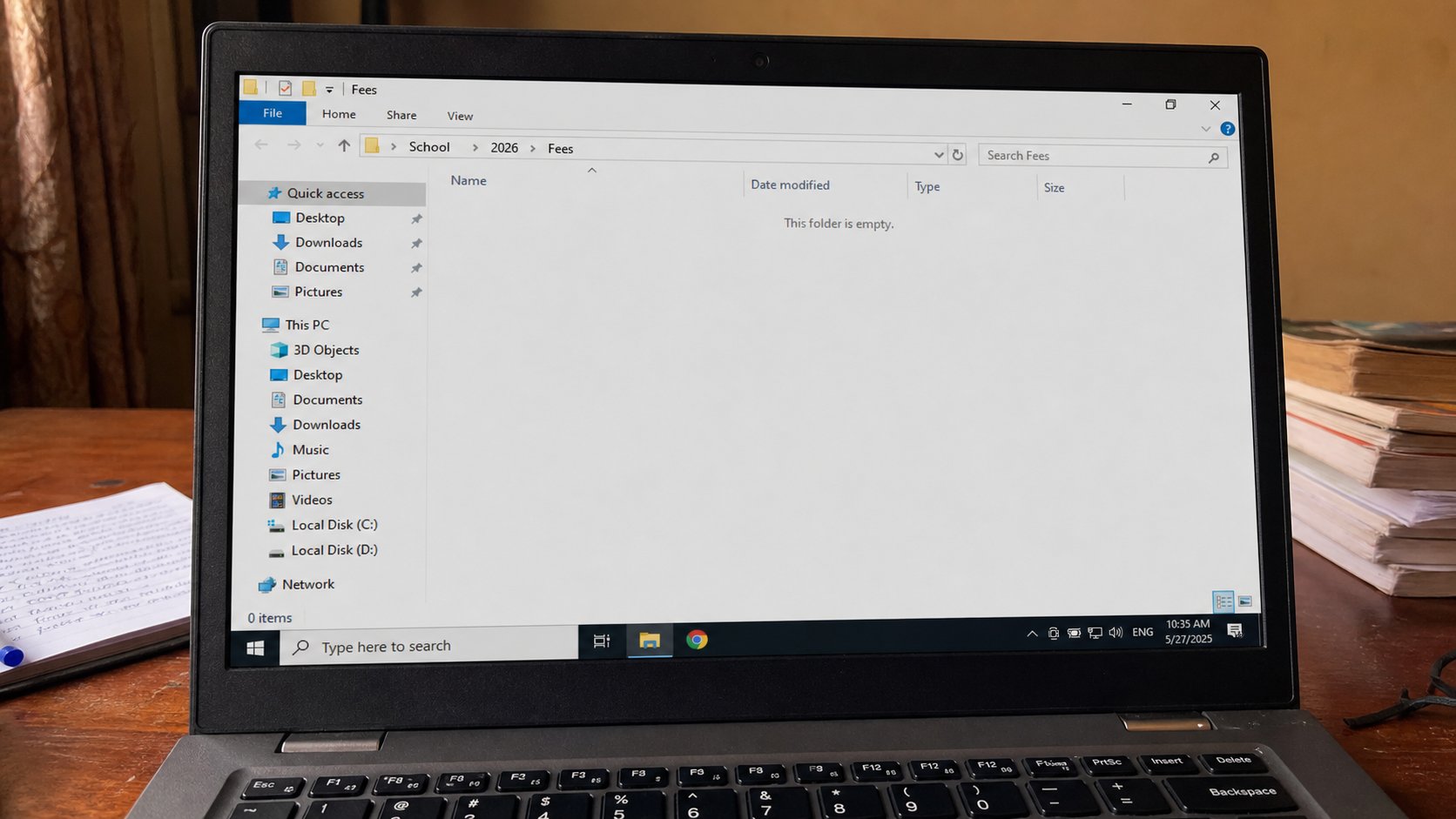
One drawer is not a filing system. School, then the year, then the kind of paper. Name the rooms before the term fills them.
You know a folder is an envelope. This lesson is a small house of envelopes that will still make sense in March. People dump everything on the Desktop because the Desktop is the table they can see. By week six the table is a market stall: three files called assignment, a photograph of a receipt, a zip they never opened. Searching then feels like failure. It is only a house with no rooms.
You do not need a masterpiece. You need three levels, named in words you would say to a person. School, or Work, or Church. Inside that, a year. Inside the year, the kinds of paper: Fees, Letters, Notes, Photos. That is enough to start a term. Extra rooms can wait until a pile appears.
Build the rooms once
Open Documents, not Desktop. Right-click, New, Folder. Name it School. Open it. New folder, 2026. Open that. New folders: Fees, Letters, Notes. If you run a shop, Work, 2026, Invoices, Receipts, Customers. If the academy is your whole computer life, one School tree is enough. Do not make a folder for every day. Daily rooms go stale and you stop using them.
When you Save As, walk into the room on purpose. The left side of the Save window is the same house. Click Documents, then School, then 2026, then Fees. Then name the file. Two extra clicks now save twenty minutes in April. If you saved to Desktop by habit, cut the file — Ctrl+X — and paste it into the room. The Desktop is a table. Tables get cleared.
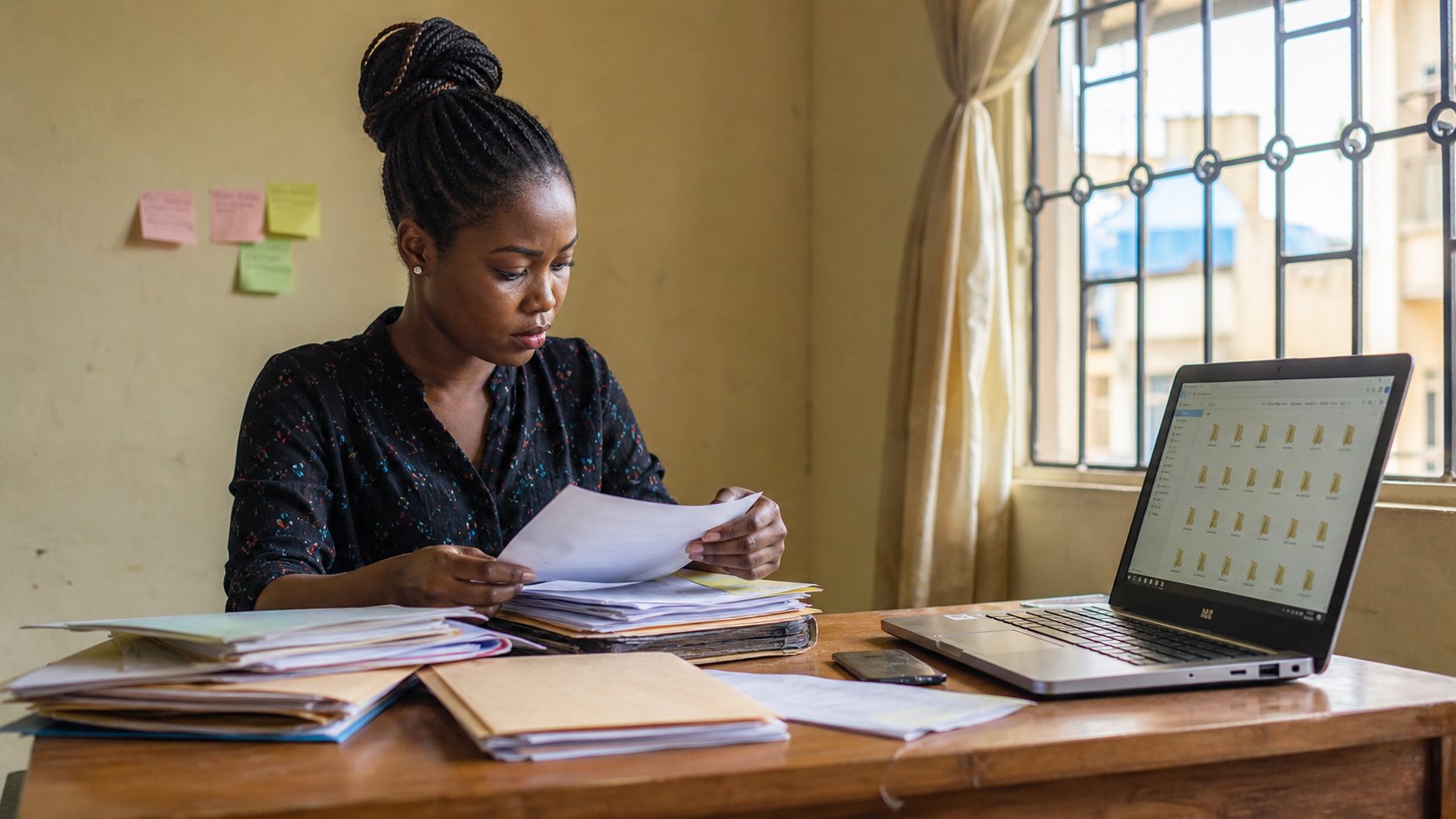
- In Documents, make School, then 2026, then Fees, Letters, Notes.
- Move one real file into Fees — a receipt, a PDF, anything that belongs.
- Save a new one-line letter into Letters using Save As, walking the path.
- Look at the path at the top. Read it out loud. That is the address.
What not to invent
Do not name a folder Miscellaneous, or New folder (2), or Stuff. Those are unmarked boxes. Do not copy the entire Downloads mat into School. Downloads is still a mat; sort from it, do not bury it. Do not make both School and school — Windows may allow it to look different and then confuse you. One spelling.
A USB backup should mirror the same words: backup-2026/School/…. When the laptop dies, you should not have to learn a second language. The rooms are the skill. The files will come. If a new kind of paper appears — Timetable, NYSC — add one room, not a new tree. The house stays small so you will actually walk through it.