Computer skills from scratch·Keeping the machine·Lesson 15 of 180
A Google account on purpose
 Ellis Dennis GrahamFounder, Cyber Elias Academy 2026-02-17 4 min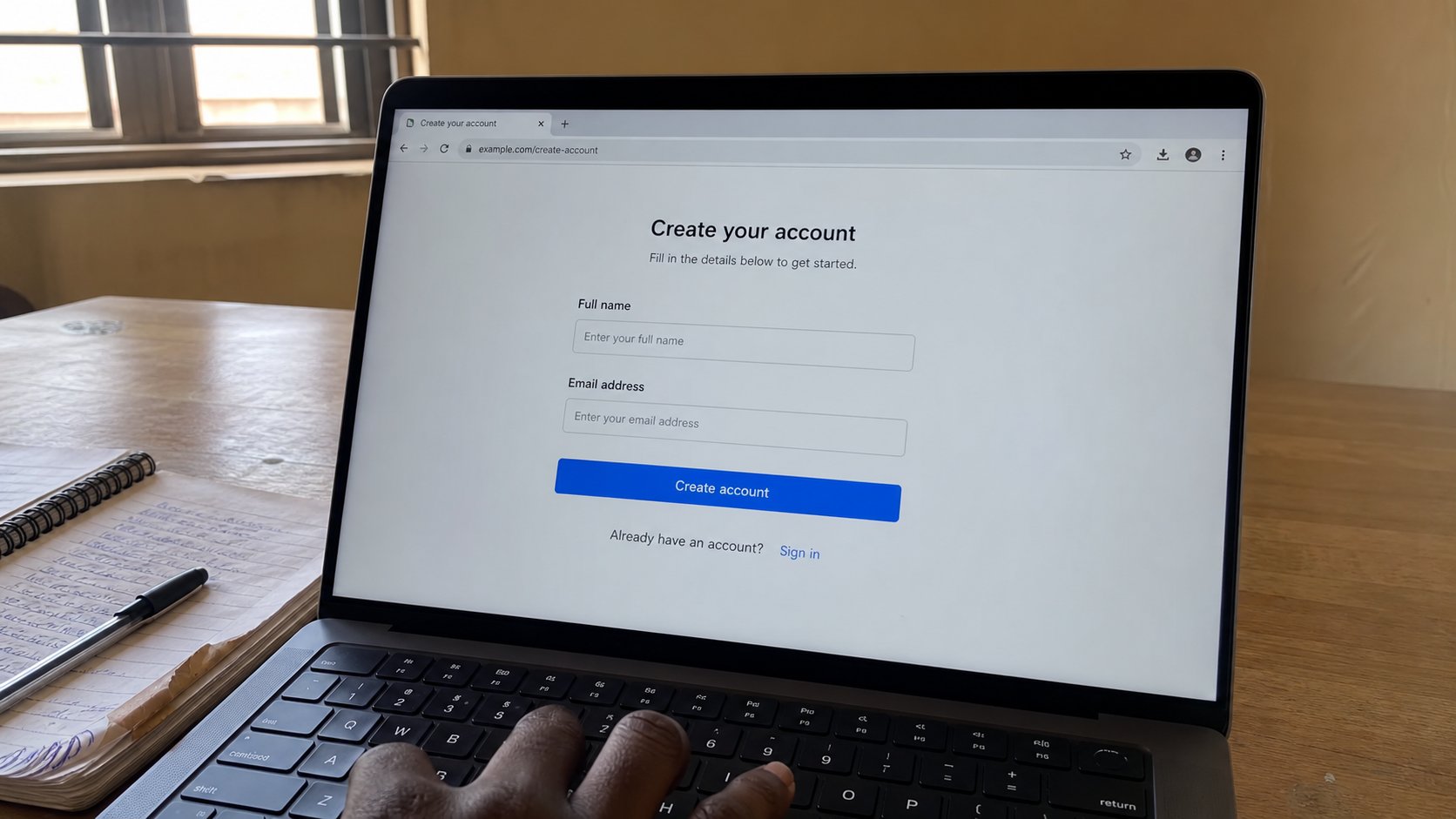
Gmail is a house you rent. Choose a name you can say on the phone, write it down, add a recovery number, and do not let a shop create it for you in a hurry.
Many people in this city have a Gmail address they cannot recite. A shop created it to “open WhatsApp,” or a nephew created it to download an app, and the password is a mystery. Then a school asks for email, and a second address is born, and a third. This lesson is how to make one Google account on purpose: a name you can say, a password you can keep, a phone that can catch the reset, written in the notebook from the keys lesson.
Google is not the only house. Outlook and a school address are fine. Google is the one most phones, most Android shops, and most forms in Nigeria expect. If you already have an address you can sign into, and you wrote it down, do not make another. This page is for the person who has none, or who has one they do not own.
Walk there yourself
Open the browser. Type accounts.google.com in the address bar. Do not search “create gmail” and tap the first advert. You already know why. Click Create account, then For my personal use. Use your real first and last name — the one on your ID — because this address will sit on applications. A nickname can be the username; the profile name should be you.
The username is the part before @gmail.com. Keep it boring and speakable: amaka.okoro, not xXxqueenxXx. You will dictate this over a bad line. If the name is taken, amaka.okoro.26 is better than a random string the page suggests. Avoid your full date of birth. Avoid a BVN. Write the finished address in the notebook before you continue. Read it back. That is the house name.
Password, phone, recovery
Use a sentence password, as you learned, and not the same sentence as the bank. The next screen will ask for a phone number. Give the number you hold. That number is how you get back in when the password slips. A recovery email, if you have a second address you control, is extra rope. If you have none, the phone is the rope. Skip only if the page allows it and you understand you have less rope.

- Go to accounts.google.com yourself. Create account.
- Choose a speakable username. Write the full address down before you click Next.
- Set a long password you have not used for the bank. Hint in the notebook.
- Add your own phone number. Finish. Then sign out and sign in once, from memory, to prove it.
What this account is for — and is not
This is your email, your door to Drive, and often the door to a phone's Play Store. It is not a public noticeboard. Do not type the password into a shop's computer and walk away signed in. If a technician must open the Play Store, stand there, sign in, let them work, sign out. “Remember this computer” is for your house, not theirs.
You will be offered Gmail, Drive, Photos, a phone backup. You do not have to switch every tap on. Gmail is enough for today. Drive, when you are ready, is the cloud drawer from the backup lesson. Photos can eat data; wait until you mean it. If Google asks for a second step — a code on the phone — say yes. That is the second lock. You have met it before.
If you already have an old address you cannot enter, do not start a maze of resets on a borrowed laptop. Sit at a machine you trust, try Forgot password once, and take the code on your own phone. If the recovery phone is a number you lost years ago, the account may be gone. Make a new one on purpose, write it down, and tell the school, the bank, and the academy the new house. One address, owned, is worth more than four that a shop still knows.