Computer skills from scratch·Everyday office·Lesson 57 of 180
Maps without getting lost
 Ellis Dennis GrahamFounder, Cyber Elias Academy 2026-06-03 3 min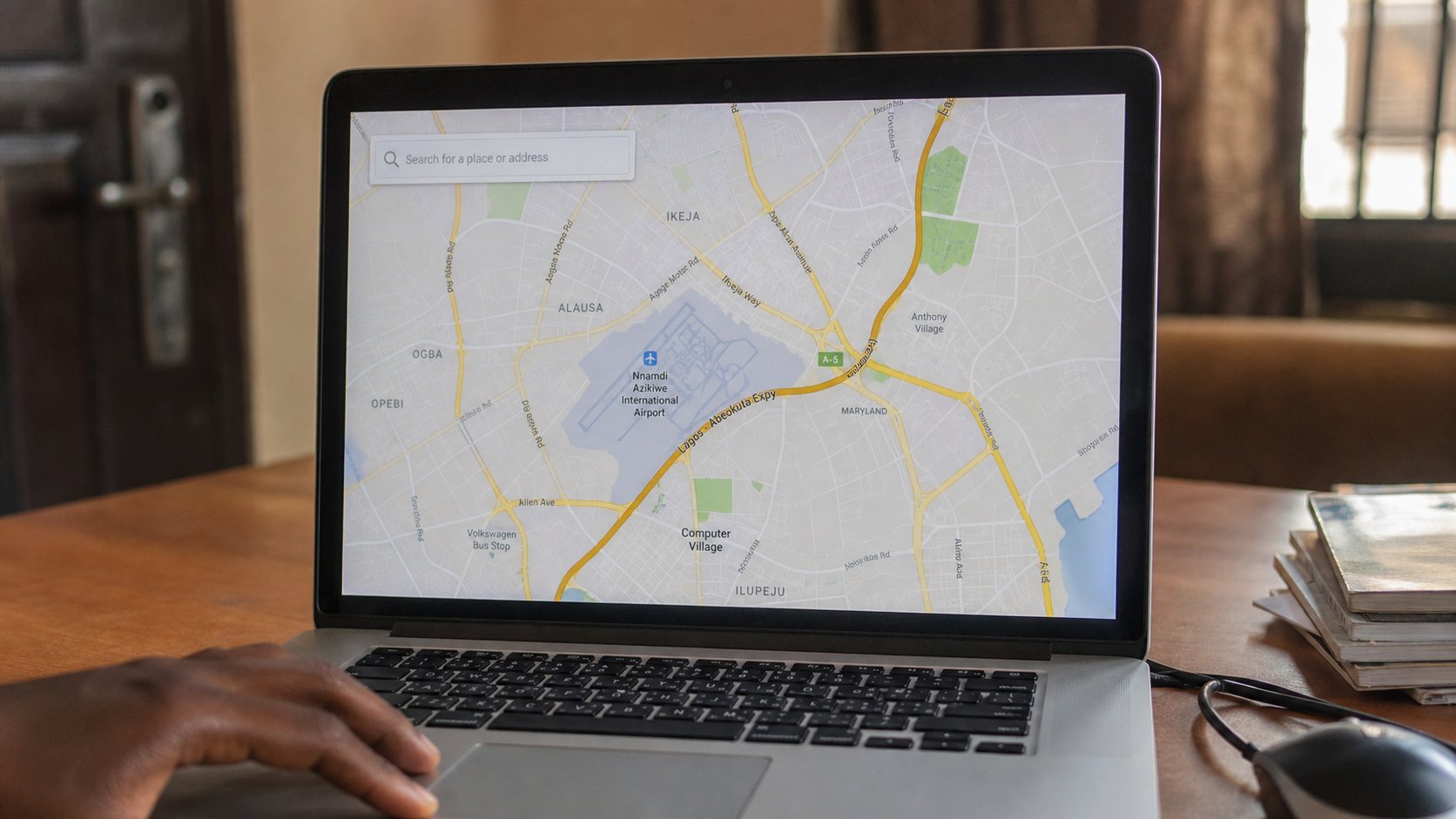
A map app is a paper map that can talk. Search a place, read the pin, then the road. Download the area if the data will die. The blue dot is you, not the destination.
Google Maps, or the map in a ride-hailing app, is a paper map that knows where you are if the phone allows it. People type a name, tap the first pin, and walk into the wrong street because Lagos and Port Harcourt share shop names. This lesson is search, the pin, the address line, and when to download a piece of the city so the map still works when the bundle ends.
On the phone or laptop, maps.google.com, or the Maps app. The box at the top is search, like the internet lesson. Type a full thought: 26 Ebony Road Rumuola, not only “computer school.” Read the grey address under the result before you tap. One pin is a guess. The address line is the street. If two pins share a name, the one with the matching road is yours.
The blue dot, and permission
The blue dot is this device, if Location is on. A grey or missing dot means the phone has not been allowed to say where it is. Settings, Location, on, and Maps allowed. That permission is a door, like the camera. On a laptop, the dot is often weaker; use the phone in the street. The laptop is for planning at the desk: look, print, or screenshot the area, then walk with the phone.
Directions: tap Directions, choose walking, driving, or bus if it exists. The minutes are a guess in Port Harcourt traffic. The line on the map is the suggestion, not a law. If the voice says turn and the road is a ditch, believe the road. Mute the voice in a church or a shared taxi if it shouts. You can follow the line with your eyes.
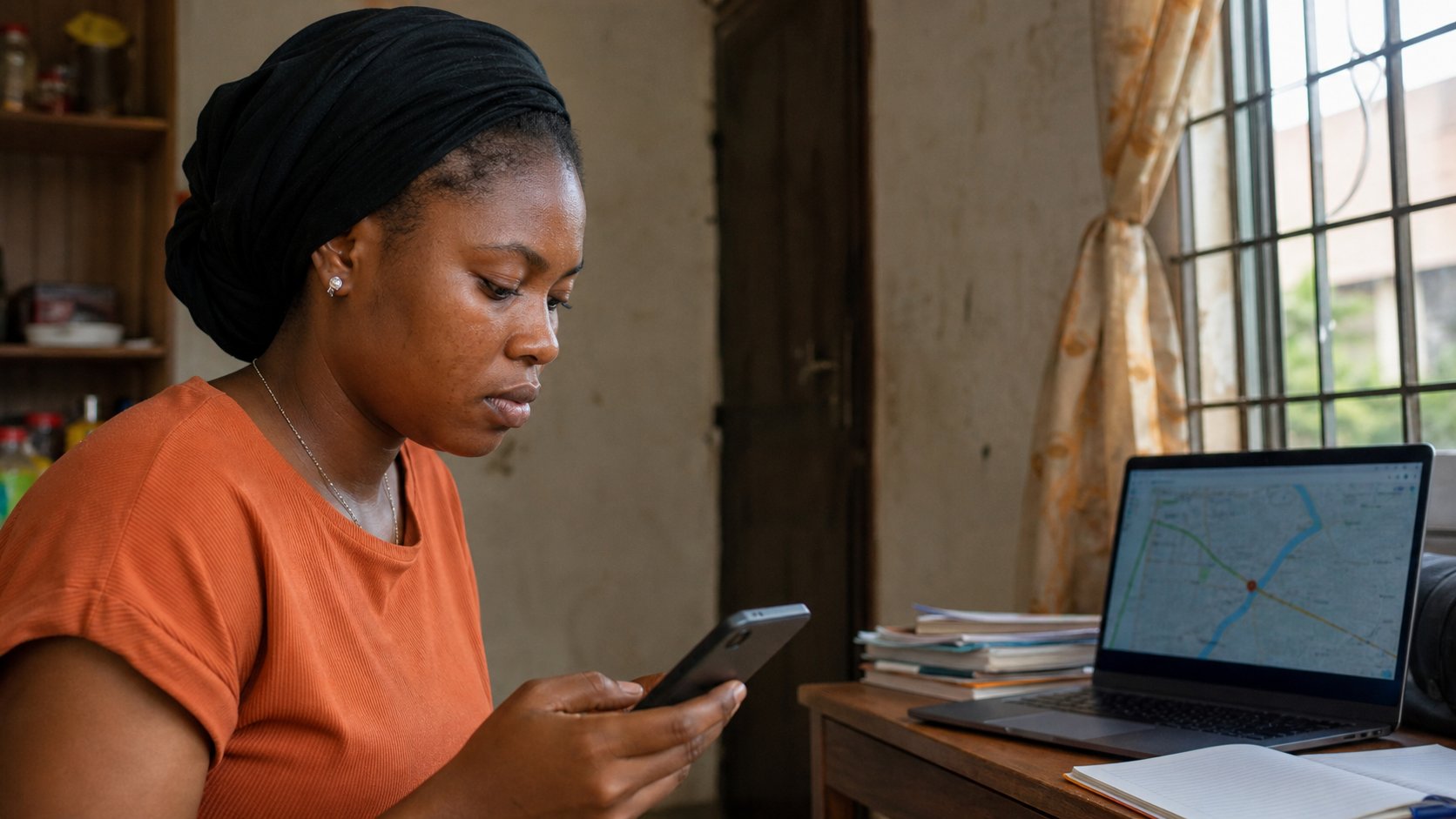
- Search the academy address or your own street. Confirm the pin matches a road you know.
- Zoom out. Find a landmark you can name — a flyover, a market.
- If you have a phone, turn Location on for Maps only, not for every app that asks.
- Do not share live location in a group you do not trust. That is a moving flag on your body.
Offline, and the wrong pin
On the phone, search the area, then Download offline map if you will travel where data is rude. A piece of the city sits on the phone. It will not know live traffic. It will still show the streets. That is enough to find a compound. Update the download when you have Wi‑Fi, like any other parcel.
A pin dropped by a stranger in WhatsApp is a suggestion. Open it, read the address, match it to a name you were told. If the pin is a beach and you were invited to an office, you are in the link lesson again. Type the street yourself. The map is a servant. It will take you to whichever pin you believed.