Computer skills from scratch·Spreadsheets and sharing·Lesson 76 of 180
Google Docs when there is no Word
 Ellis Dennis GrahamFounder, Cyber Elias Academy 2026-07-21 3 min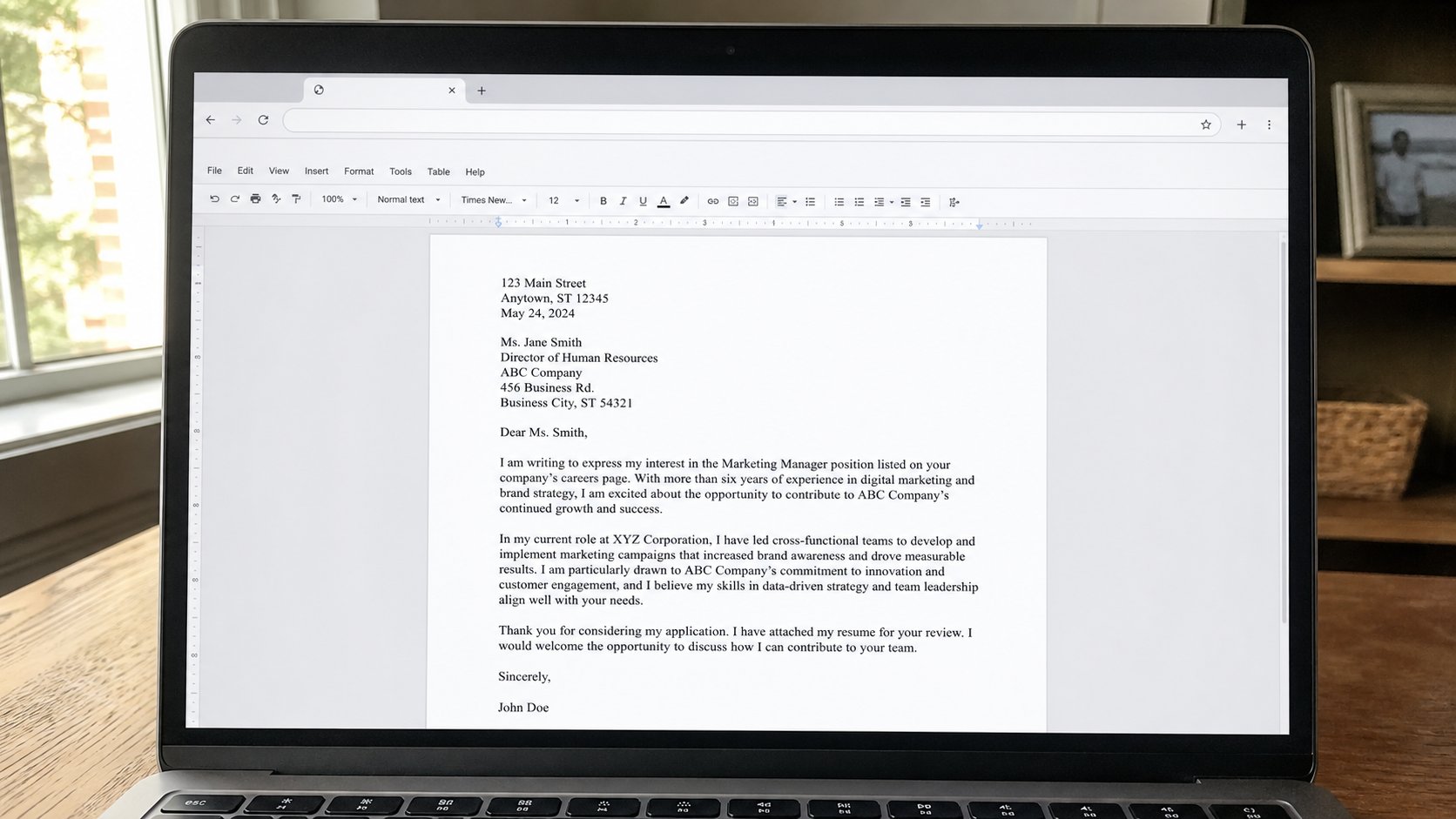
A letter can live in the browser. Same bones: a page, a cursor, Save that happens by itself if you are online. Download a PDF before you send it to an office.
Not every machine has Word. A business-centre PC may have a browser and nothing else worth using. Google Docs is a word processor that lives on the internet, behind the Google account you made on purpose. The page looks like a letter. The cursor blinks. The ribbon is quieter. This lesson is opening a blank doc, typing like Word, and taking a PDF home so the office does not have to log into your cloud.
Walk to docs.google.com yourself. Blank document. The title at the top, where it says Untitled, is the file name — click it, type letter-landlord-2026, Enter. That is Save As, in a different coat. If you are online, it keeps saving. If the café Wi‑Fi dies, a small notice will say so; stop typing important sentences until the road is back, or copy the text into Notepad as a rope. The cloud is a building with a road. You know that.
The same bones, a few different buttons
Font, size 12, bold, alignment — they are there. File, Download, PDF, or Microsoft Word (.docx) if someone insisted on Word. Download lands on the mat, then you walk it into Letters. Print still wants preview. A table, a list, find and replace — cousins of what you already learned, sometimes under a smaller menu. You do not need Add-ons. You do not need a template with a purple sidebar. A blank page is still a blank page.
Offline: Google can cache Docs on a machine you use often, if you tick that in settings on a calm day. Until then, treat Docs as a café tool and Word or Writer as the desk tool. Do not start a ten-page report in a browser on a dying bundle. A one-page request is the right size for this sitting.

- Open docs.google.com signed into your account. Blank document. Name it practice-docs.
- Type a short letter. Download as PDF. Open the PDF from Downloads. Move it to Letters.
- Close the tab. Open docs.google.com again. Confirm practice-docs is in the list.
- Do not install a “Docs offline pro” from a banner. The real setting is inside Google, on the real street.
Whose machine, whose bag
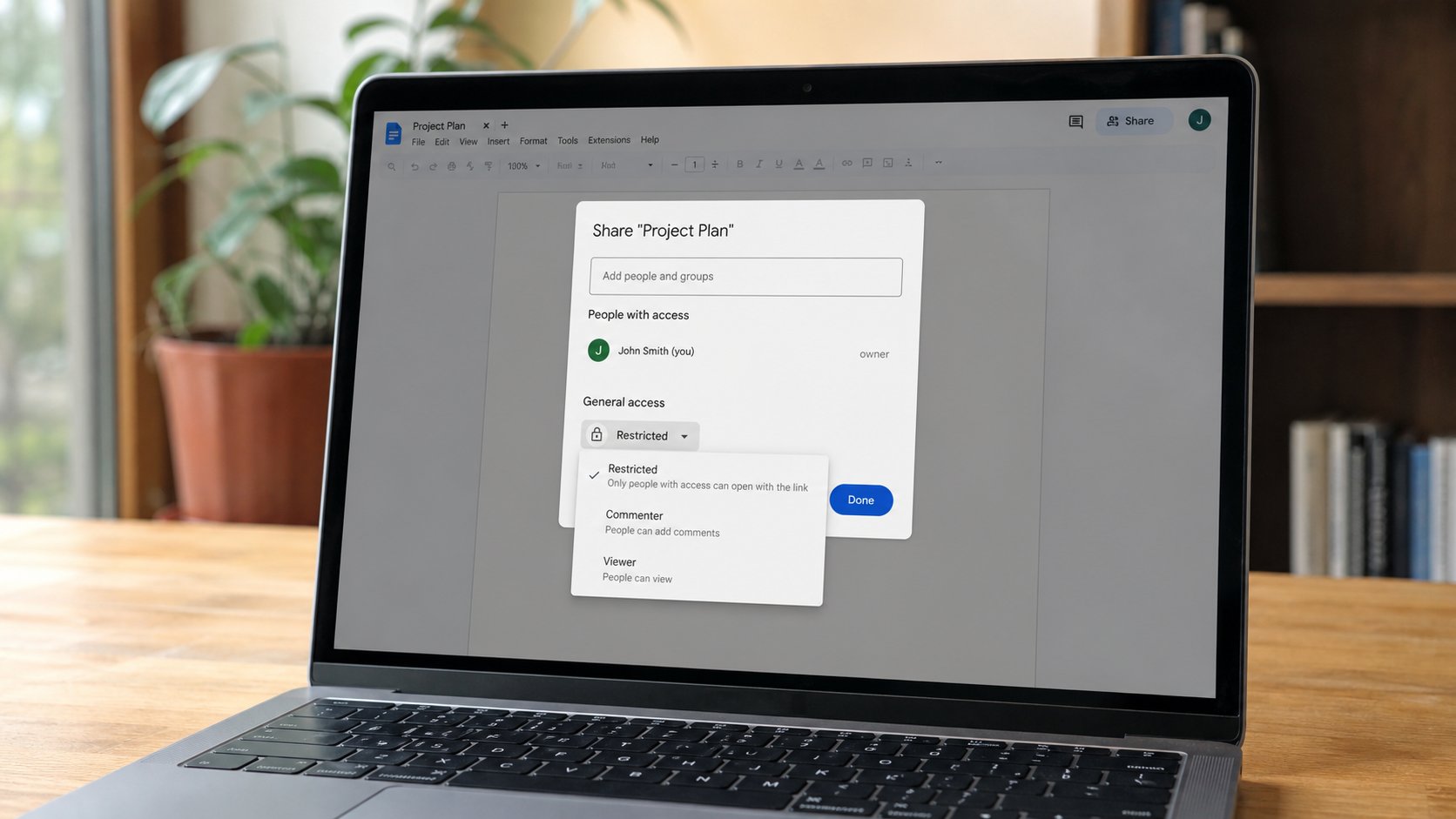
On a shared computer, Docs in Guest is a trap: you will type, then Guest will throw the bag away if you were not signed in. Sign in, write, Download the PDF to your USB, sign out, as in the five-minute walk. The doc remains in Drive, which is your building, not theirs — if you signed into your account. If you signed into theirs, you have written a letter in their house. Copy it out. Sign out.
Docs is Word without a disc. It is not better manners, not worse. A PDF you downloaded is what you attach. A link is the next lesson. For today: a page, a name at the top, a PDF on the USB. The office can read a plate. They should not have to knock on your cloud to do it, unless they asked.