Computer skills from scratch·Everyday office·Lesson 55 of 180
What a QR code is doing
 Ellis Dennis GrahamFounder, Cyber Elias Academy 2026-05-29 3 min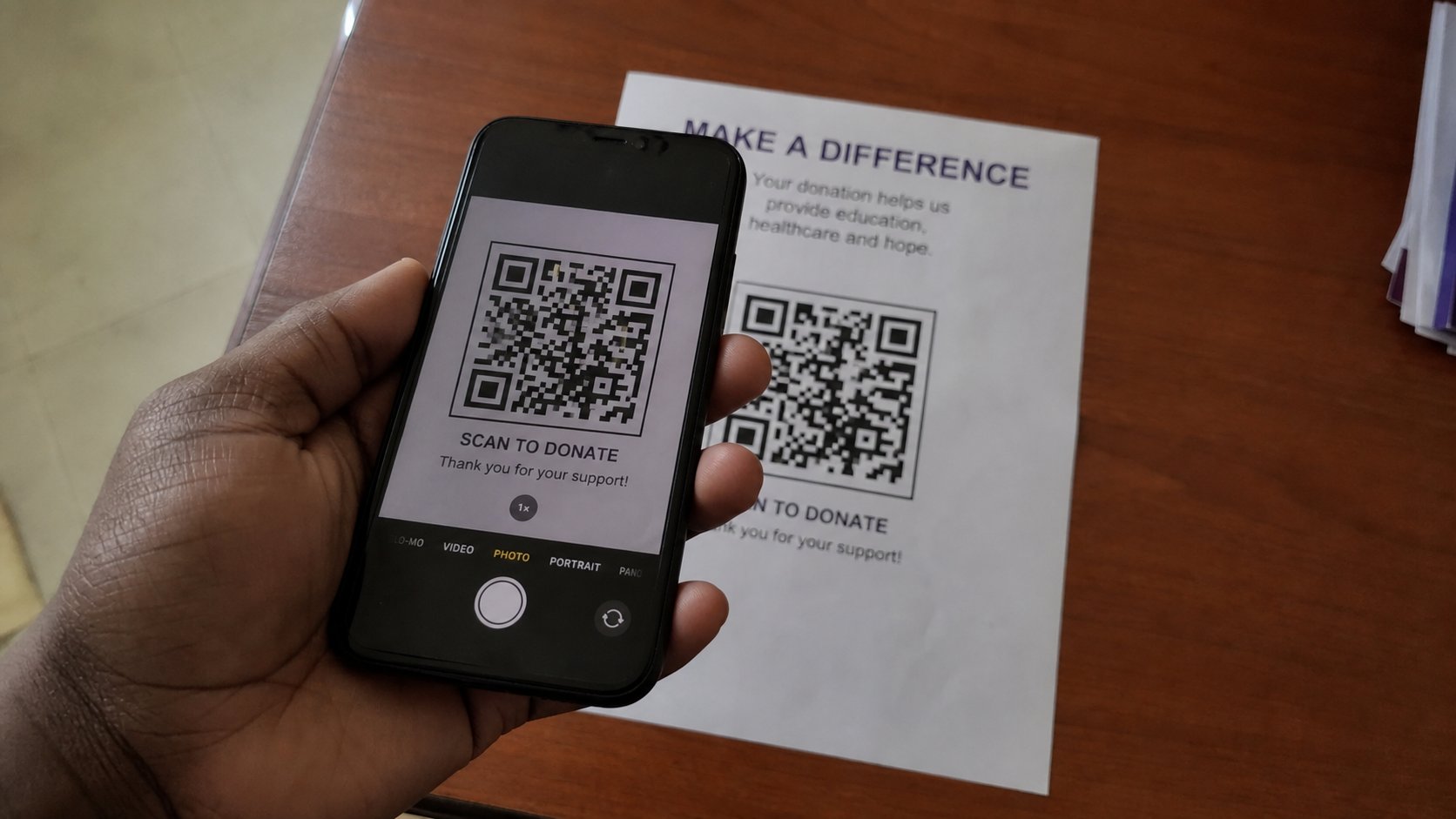
A QR code is a printed address. The camera reads it and offers a door. Read the door before you walk. A sticker on a pole is not your bank.
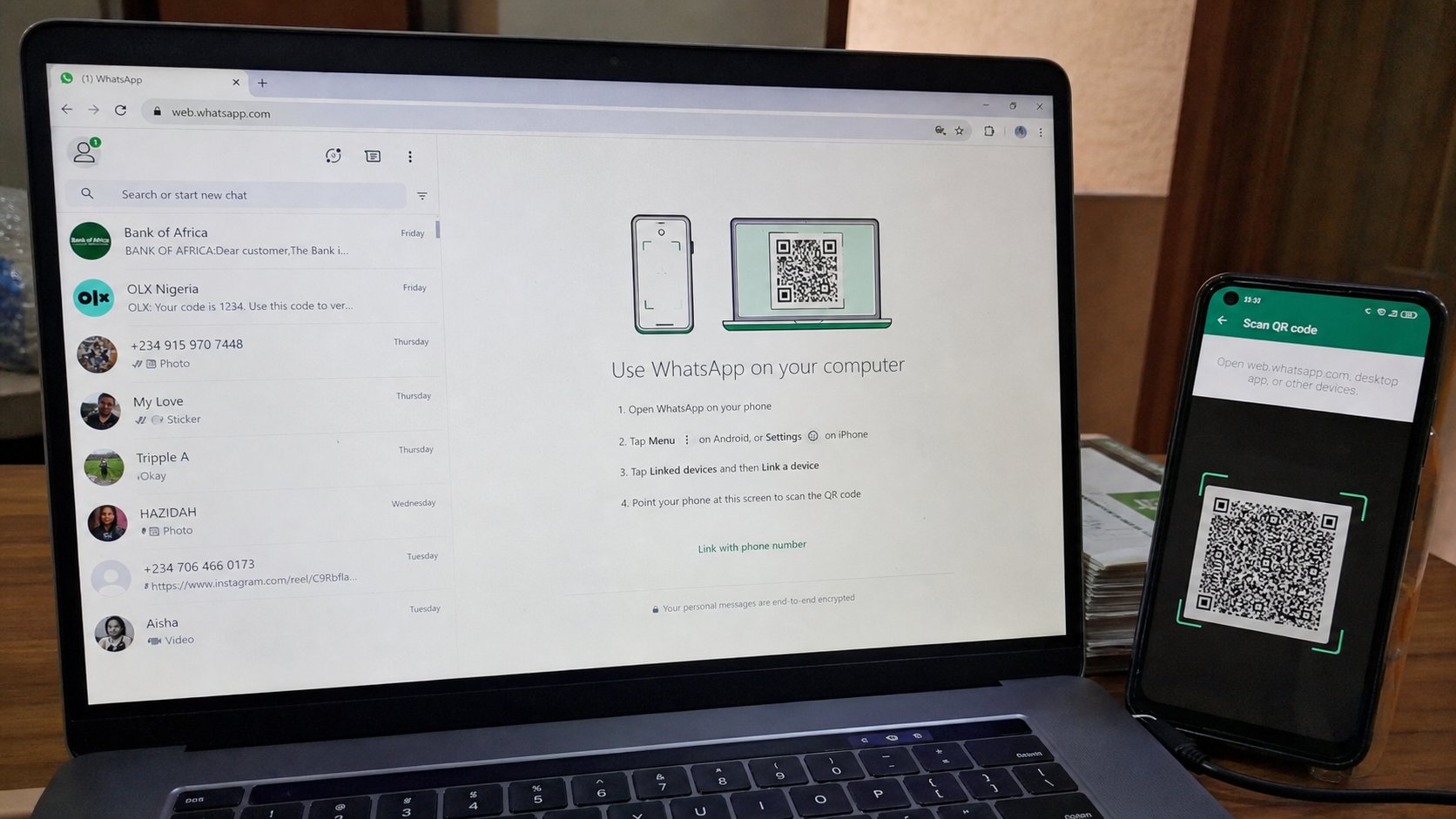
Those square patches of dots on a flyer, a receipt, a restaurant table, a church poster — QR codes. They are barcodes that hold a sentence, usually a web address, sometimes a Wi‑Fi key, sometimes an account number. Your camera reads the dots and offers to open a door. The door is the point, not the pattern. This lesson is scan, read the address, then decide, the same as a link in mail.
Open the camera. Point at the square until a banner appears with a link or a suggestion. Do not tap yet. Read. If it is cea.ng, or a menu, or a Wi‑Fi name you asked for, tap. If it is a shortened link, a bank you did not approach, a “verify your BVN,” put the phone down. The printed square can be stuck over another square. A pole in the street is not a teller.
What might be inside
A website. A payment page — then you are in the form lesson, plus money. A Wi‑Fi password, on a café card, which can be kinder than typing. A WhatsApp number. A vCard, which is a contact. None of these is magic. All of them can be forged. A printed menu at a table you are sitting at is ordinary. A code on a sticker over the restaurant's real code is a thief. Look at the plastic. If it sits badly, type the URL from the receipt instead.
WhatsApp and bank apps have their own scan buttons for payments. Use the bank's app to pay the bank, not a camera that opened a browser. You already prefer the real app to a surprise link. QR is a surprise link made of ink.
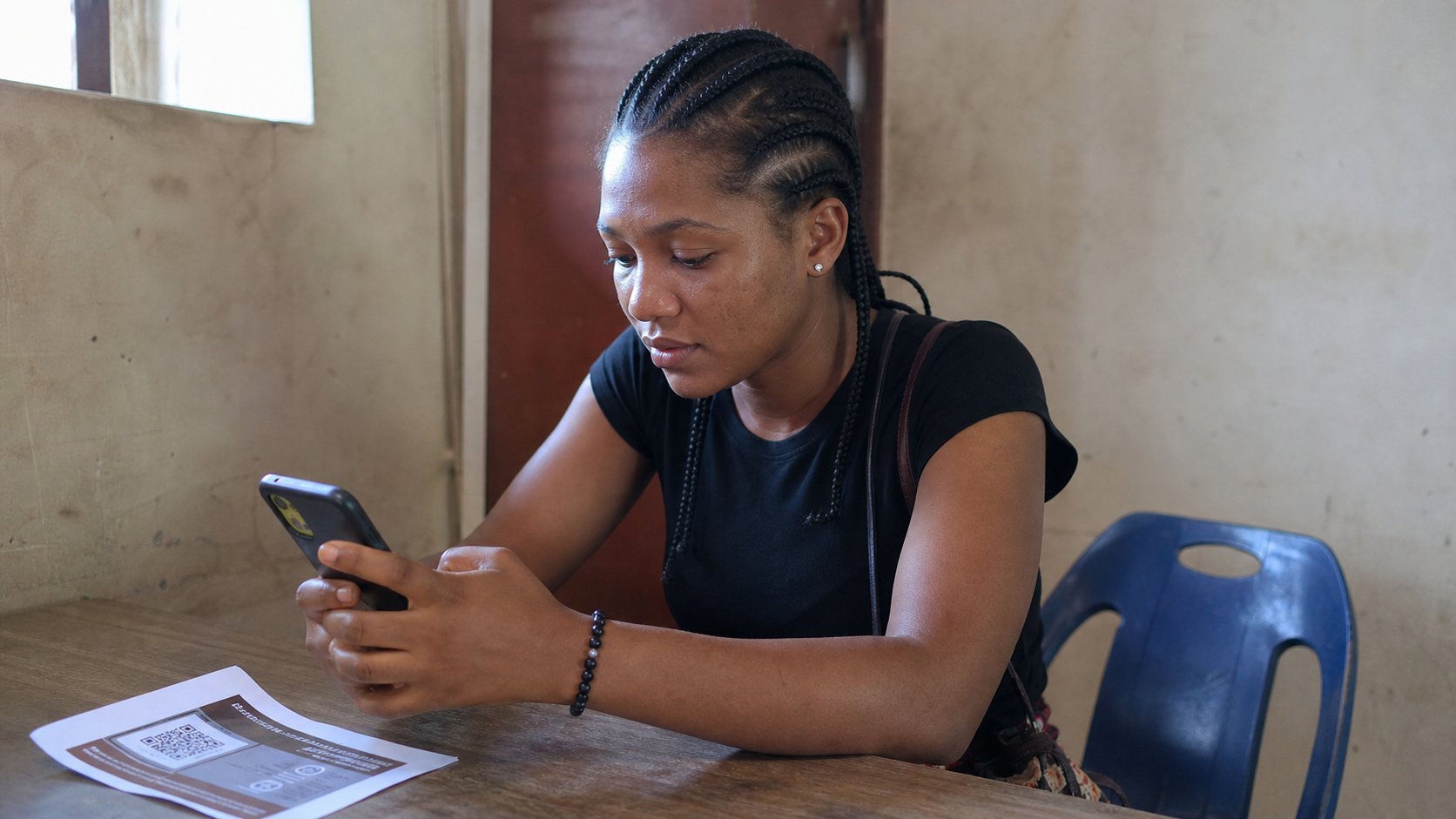
- Find a QR on a packet in the house, or the academy flyer if you have one — something you already trust.
- Scan. Read the banner. If it matches the packet, open it.
- Do not scan a code from an unsolicited WhatsApp image “to claim.”
- If the camera does nothing, more light, hold still. A blurry square is not a broken phone.
Making one, if you must
You can turn an address into dots on many sites. Walk to a maker you typed, not the first advert. Put cea.ng in, download a PNG, print. That is a signpost to your real street. Do not put a password into a QR on a poster. A Wi‑Fi QR on a café board is a choice they made; on your gate it is a password on a flag.
The code is a servant of the address. If you remember nothing else: scan, read, then walk or don't. The square will wait. Hurry is still the bait, even when the bait is printed in a church bulletin. You know how to sit down anyway.