Computer skills from scratch·Files that travel·Lesson 30 of 180
What a PDF is for
 Ellis Dennis GrahamFounder, Cyber Elias Academy 2026-03-27 3 min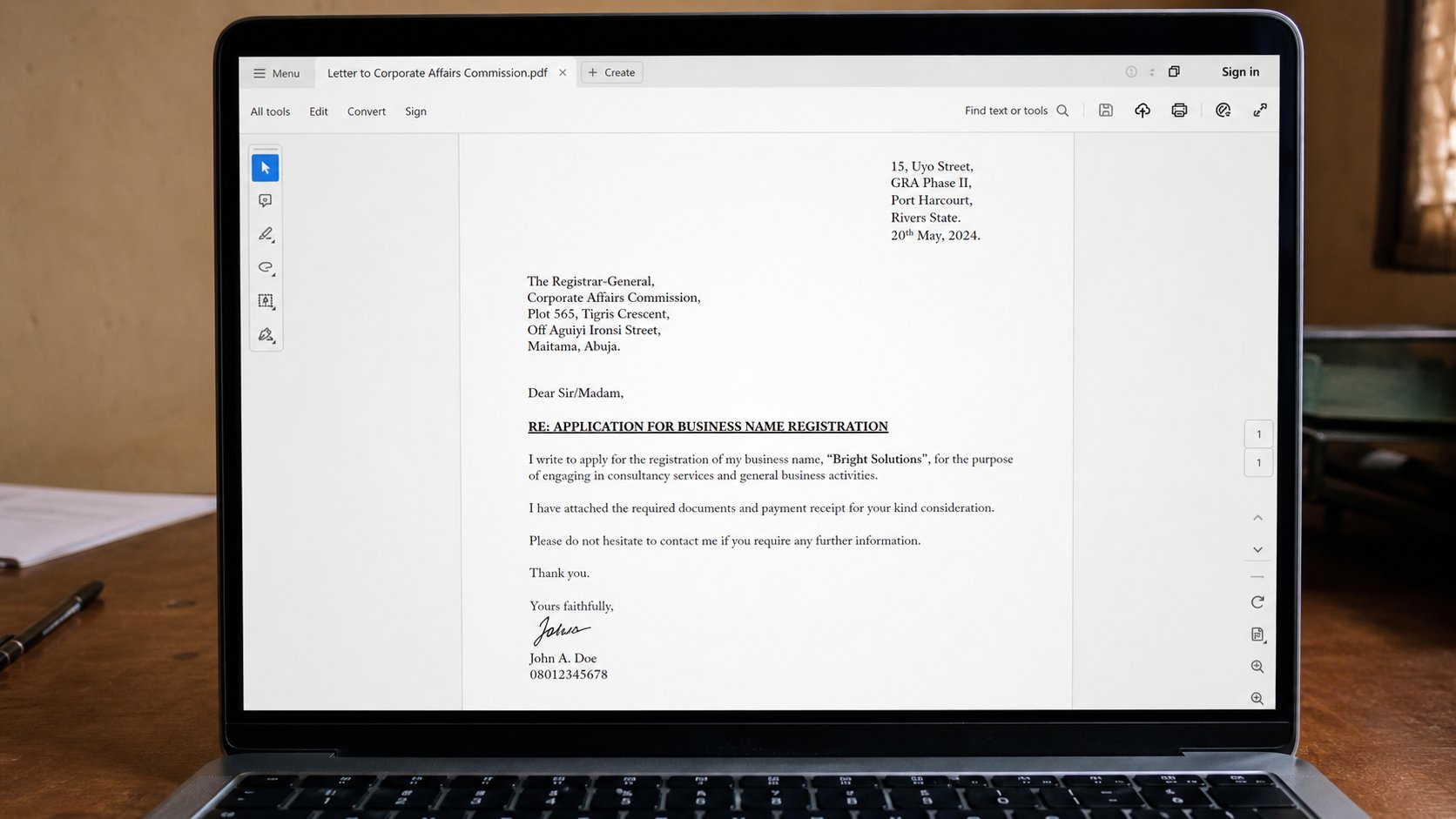
A PDF is a photograph of a page that still lets you select the words. It will not rearrange itself on another computer. That is why offices ask for it.
You have saved as PDF in the letter lesson and attached PDFs in email. This lesson is why the office asked. A Word file is a working notebook. Another person's Word can change the font, shift a heading onto a lonely last page, or refuse to open. A PDF is a finished plate: what you saw is what they print. It is the photocopier of the computer, except the words can still be copied if the sender allowed it.
PDF means Portable Document Format. Portable is the point. Phones open it. Business-centre machines open it. A ten-year-old computer opens it. Forms from JAMB, banks, and schools arrive as PDF because they want the layout to survive. You fill a PDF form only if it was built as a form; many are just pictures of boxes, and you print, write, scan. Look before you type into the page.
Making one, opening one
In Word: File, Save As, PDF. In Google Docs: File, Download, PDF. In a browser: Print, then Destination, Save as PDF — useful for a receipt that is only a page. Open the PDF after you make it. If it is two pages and you meant one, go back to the source. The PDF will not magically tighten. Print preview and PDF preview are cousins; trust them before you send.
Double-click a PDF and Windows may open Edge, or Adobe, or another reader. Any of those is fine for reading. If nothing opens, you need a reader once — fetch it from the real street, as you learned to install. Do not fetch a “PDF professional crack” from a banner. Reading is free.
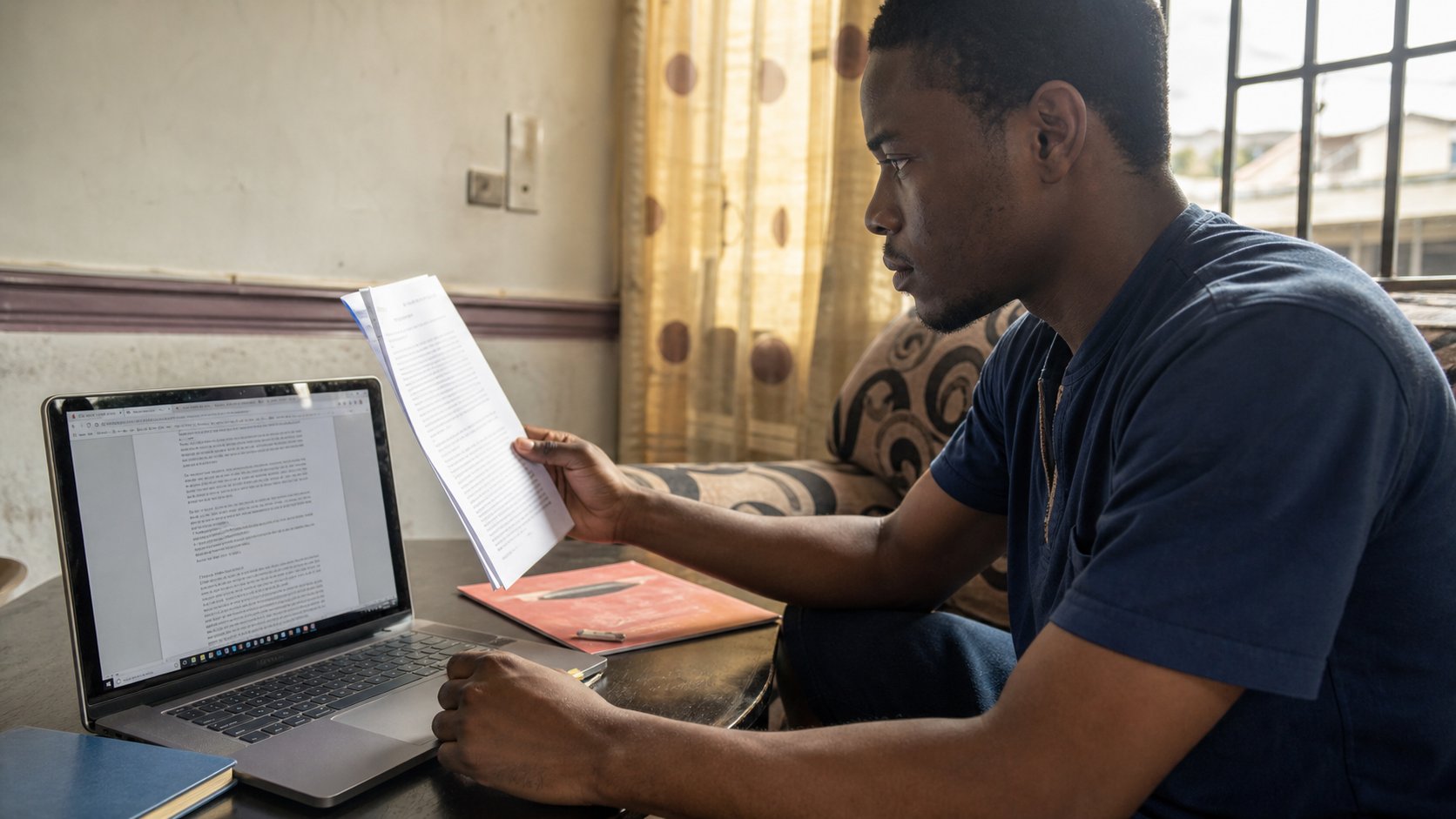
- Open a one-page letter. Save As PDF. Open the PDF. Confirm it is one page.
- Email it to yourself. Open it on the phone. Confirm the words are still words.
- In the browser, Print a simple page you trust, Save as PDF. Name it in Documents.
- Do not send the Word file as well “in case.” Send the one they asked for.
When PDF is the wrong tool
If someone must edit the words with you, send Word or Docs, or share a Drive file. A PDF is a finished plate. Editing it is possible and clumsy. If they asked for Excel, a PDF of the sheet is a picture of numbers that will not add. If they asked for a photograph of your face, a PDF is extra wrapping. Obey the request. Then PDF is for the letter, the certificate, the form that should not restyle itself overnight.
A scanned pile of photographs in a PDF can be huge. One or two pages is a letter. Forty colour photos is a brick that email will refuse — zip, or Drive, or fewer pages. And a PDF from a stranger that contains only a link and a button is not a document; it is a cousin of the mail you should not open. Close it. Walk to the real street if the story might be true.