Computer skills from scratch·The first sitting·Lesson 2 of 180
Where your work lives: files and folders
 Ellis Dennis GrahamFounder, Cyber Elias Academy 2026-01-15 5 min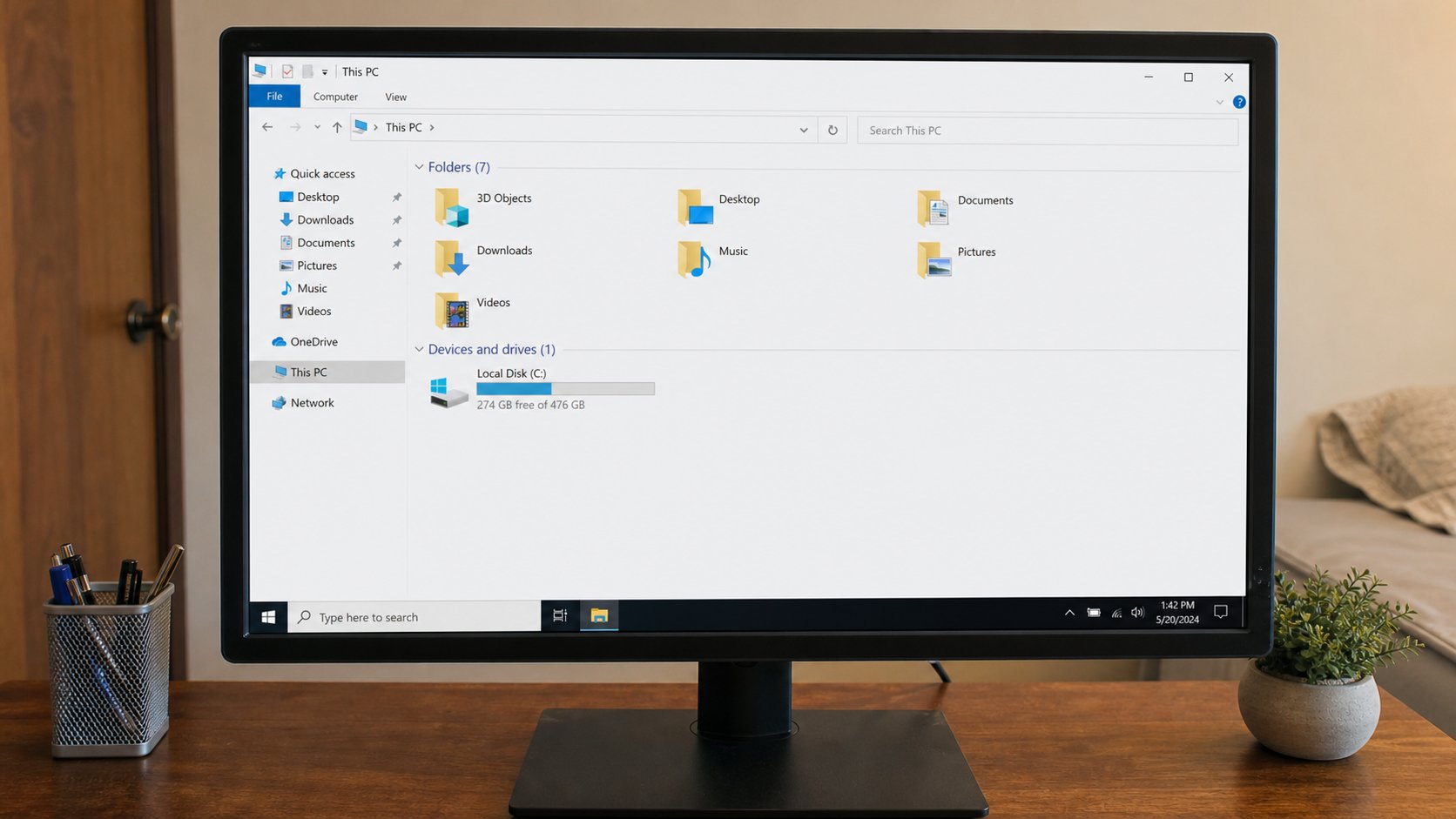
A file is a sheet of paper. A folder is an envelope. The desktop is the table. Once you can see the room this way, nothing you type has to disappear again.
The first time a document vanishes, people blame themselves. They typed a letter, the light went, and in the morning the page was gone. What actually happened is simpler: the work lived only in the window, like a letter still in the typewriter. Closing the window without saving is throwing the sheet away. Saving is putting the sheet into an envelope and writing a name on it. This lesson is the envelope.
A file is one complete thing: a letter, a photograph, a song, a filled form. It has a name and, after a dot, a short type — .docx for a Word document, .pdf for a print-ready page, .jpg for a picture. You do not need to memorise types. You need to notice the name. “Document (3)” tells you nothing next month. “Chidinma-JAMB-2026” will still make sense when the fan is off and you are hunting.
The room inside the machine
When you open File Explorer on Windows (the yellow folder on the taskbar) or Finder on a Mac, you are walking into a house. Desktop is the table by the door — useful for things you are holding today, a mess if you leave everything there. Documents is a drawer for writing. Pictures is a drawer for photographs. Downloads is the mat where the internet drops parcels. If you never move parcels off the mat, you will one day have three files called invoice.pdf and no idea which one is real.
A folder is an envelope you can put envelopes inside. You might make a folder called School, and inside it folders called 2026 and 2027. Inside 2026, a folder called Fees. That is not fussiness. That is how a person finds a receipt in March without opening forty files. To make a folder: right-click on an empty space in the window, choose New, then Folder. Type the name immediately, while it is still highlighted, and press Enter.
Save, then Save As
Write two words on a blank page. Look at the top of the window for File, then Save. The first time, the computer will ask you two questions: what to call this, and where to put it. Those questions are Save As, even if the menu said Save. Name it as a human would. Put it in Documents, not on the Desktop if you can help it. Then press Save. From that moment, the file has an address in the house.
Every few minutes, press Ctrl and S together (Command and S on a Mac). That is Save again. It does not ask questions the second time. It updates the same envelope. If the light goes, you lose only the last unsaved minute, not the hour. Save As is the other act: it makes a copy with a new name or in a new place. Use it when you want to keep yesterday's version and start a new one — “school-fees-march” and then “school-fees-april”, not “final final 2”.
- Open a blank document and type one sentence about your day.
- Choose File, then Save. Name it practice-day1. Put it in Documents.
- Close the window. Open Documents. Double-click the file. Your sentence should still be there.
- Change the sentence, press Ctrl+S, close, reopen. The change should be there. That is the whole trick.
A second house: the USB drive
A flash drive is a tiny extra house you can put in your pocket. Plug it into a USB port — a rectangular hole on the side of a laptop or the back of a tower. Wait a few seconds. A message may appear; if it offers to open the drive, accept. You will see an empty window, or someone else's files. This is not the computer's Documents folder. It is a different address. To copy a file onto it, open Documents in one window, open the USB in another, and drag the file across. A copy appears. The original stays.
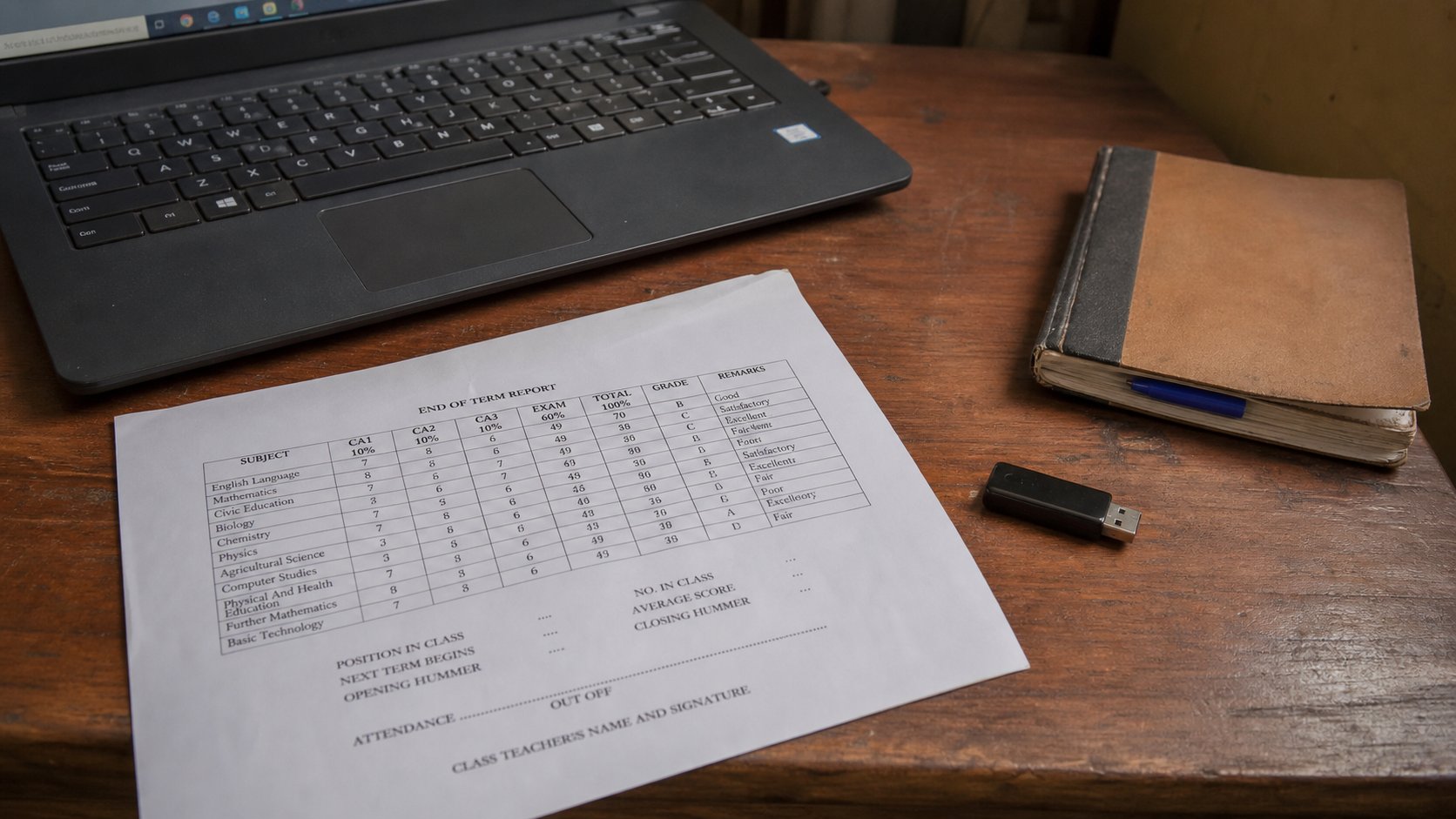
Eject before you pull. On Windows, look for a small USB icon near the clock, click it, choose Eject. On a Mac, drag the drive icon to the bin, which turns into an Eject symbol. Pulling a drive while the computer is still writing is how files corrupt — the page tears in the middle of a sentence. If the computer says the drive is busy, close the window that is showing its files and try again.
The recycle bin is not gone
Deleting a file on the computer usually sends it to the Recycle Bin or Trash, a holding room. Open that icon on the desktop. You will see what you threw away. Restore puts it back. Empty Recycle Bin is the real goodbye. Until you empty it, the work is still in the house, only in a cupboard you do not look at. Do not empty it because someone told you it “frees space” unless you have looked first.
If you cannot find a file, do not panic-click. Use the search box at the top of File Explorer or Finder and type part of the name you gave it. Search looks through the house. It cannot find a name you never gave. That is why “Document (3)” is a trap, and why the first Save As is the most important minute of any new piece of work.