Computer skills from scratch·Finding your way·Lesson 37 of 180
Brightness and night use
 Ellis Dennis GrahamFounder, Cyber Elias Academy 2026-04-13 3 min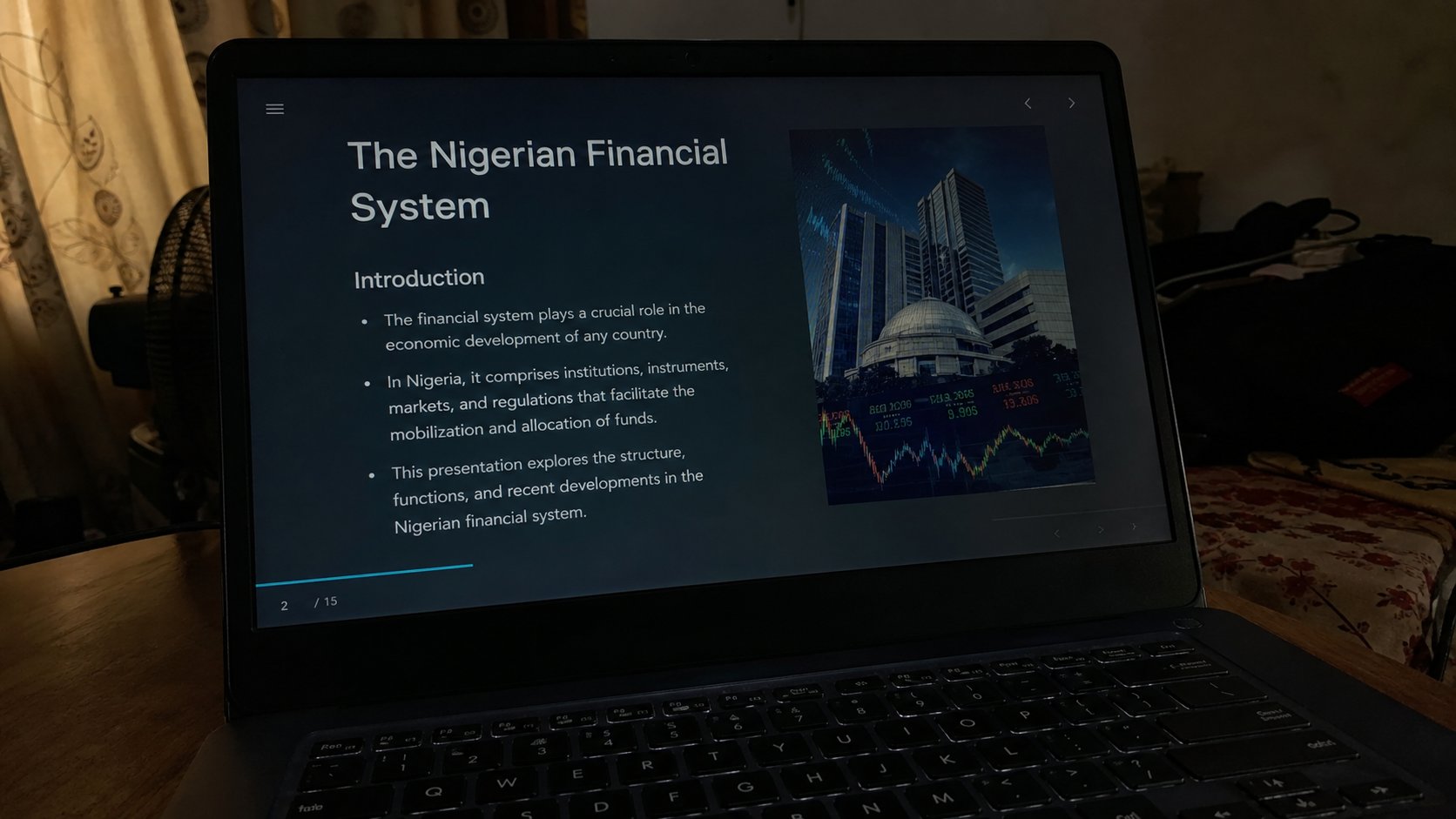
The screen is a lamp. Too bright in a dark room is a headache, not a better computer. A function key, a slider, and a battery that lasts longer when the lamp is dimmer.
The screen is a lamp you look into. In a bright Port Harcourt afternoon you need that lamp high or you will lean in and guess. At night, in a room with one bulb, the same setting is a headache and a dead battery. People raise brightness as if it were volume for the eyes, then leave it there until the fan is loud. This lesson is the dimmer, night light if you have it, and why a dim screen is not a dying screen.
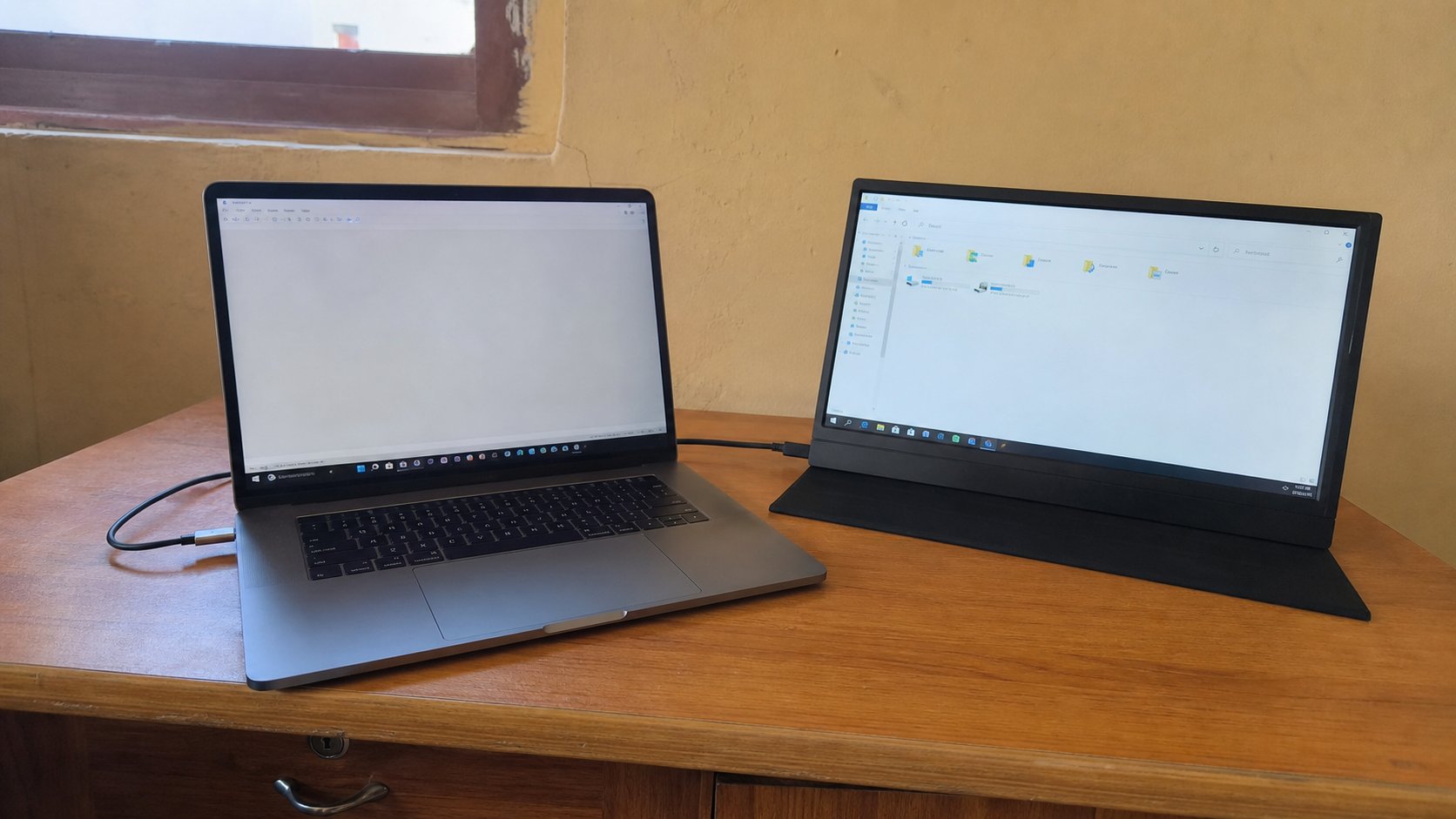
Look for a sun symbol on the F-keys. Fn plus that key, up or down. A bar should appear. On a desktop monitor the dimmer is often a physical button on the screen's own frame, not on the keyboard — the computer can be “bright” in software while the monitor is dark. Two lamps, two taps, like volume.
Settings, battery, and the false death
Windows: Settings, System, Display, Brightness. A slider. On battery, Windows may dim by itself to save power — useful, surprising if you did not know. Plug in, the screen may jump brighter. That is not a ghost. Some laptops have a conserving mode that caps brightness; look in the maker's power app only if the slider will not rise.
A screen that is black but the computer is on — power light, fan — may be brightness at zero, or the lid switch, or an extra monitor stealing the picture. Raise brightness first. Then Fn plus the display-switch key if there is one. Then the second-screen lesson. Do not hold the power button yet. A black lamp is not always a dead house.

- Find the sun key. Lower brightness until the bar moves. Raise it again.
- Open Settings, Display, and find the same slider. Confirm they agree.
- If you have Night light — Settings, Display — turn it on for a minute. The page goes warmer. Off again if you dislike it.
- At night, prefer a dimmer lamp to a brighter one. Your eyes are not a weakness.
Night light, and not staring
Night light, or a blue-light filter, tints the screen yellow after sunset. It is optional. It does not repair sleep on its own. What repairs sleep is shutting down, as you learned, and not taking the lamp to bed at full brightness. A phone already taught you that. The laptop is a larger phone in this one way.
If the screen flickers at one brightness and not another, that is a hardware conversation — a shop, after backup. If only one program is dark, it is not brightness; it is that window. And if a cousin set the contrast or inverted colours in Accessibility, Settings, Accessibility, Visual effects will undo it. The lamp has a dimmer. Use it like the one on the wall.