Computer skills from scratch·Stay safe·Lesson 96 of 180
Photographing a document so it can be read
 Ellis Dennis GrahamFounder, Cyber Elias Academy 2026-09-09 3 min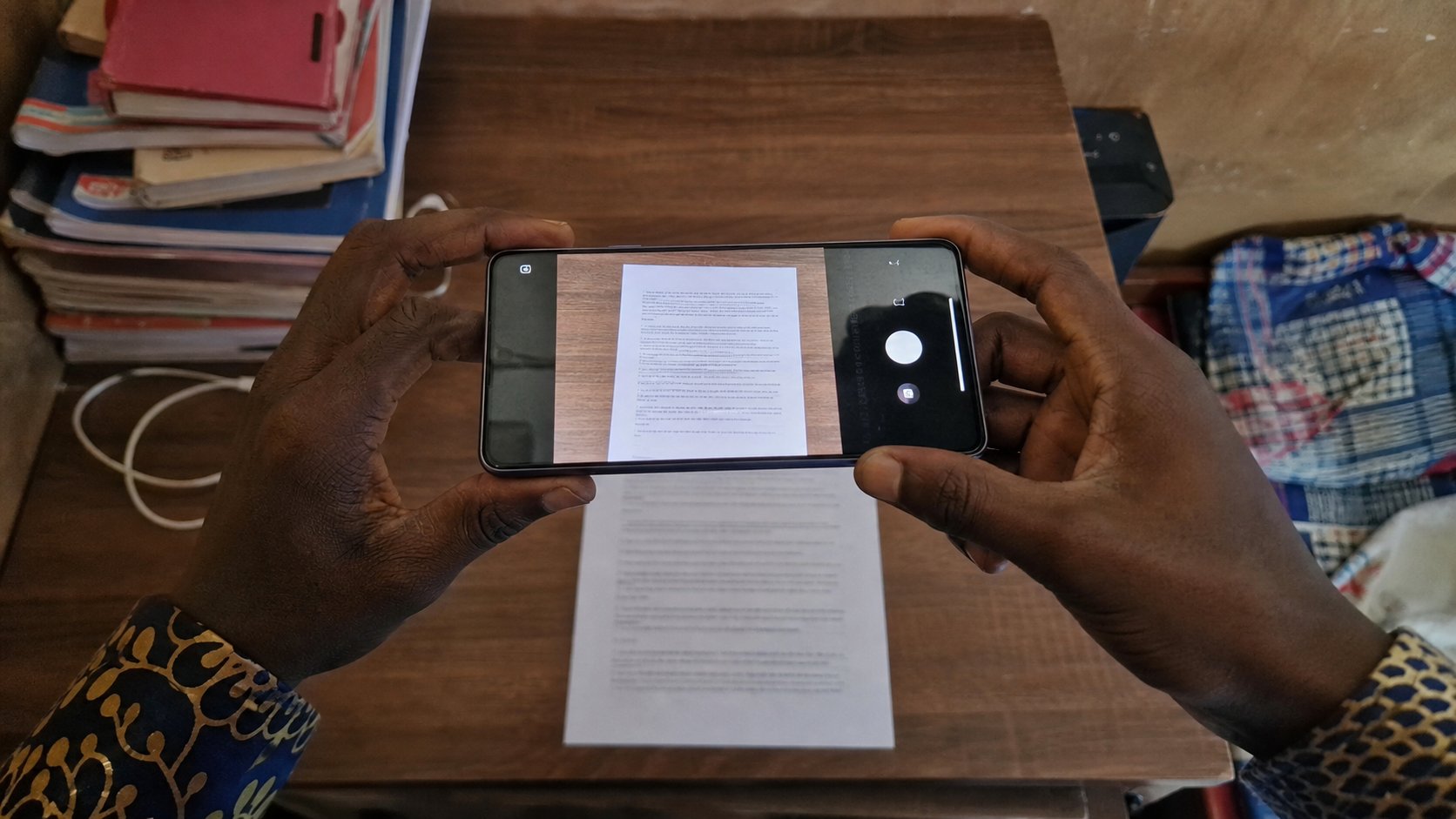
A receipt at an angle is a riddle. Flatten the paper, stand above it, fill the frame, check the naira amount before you send. Light is the whole trick.
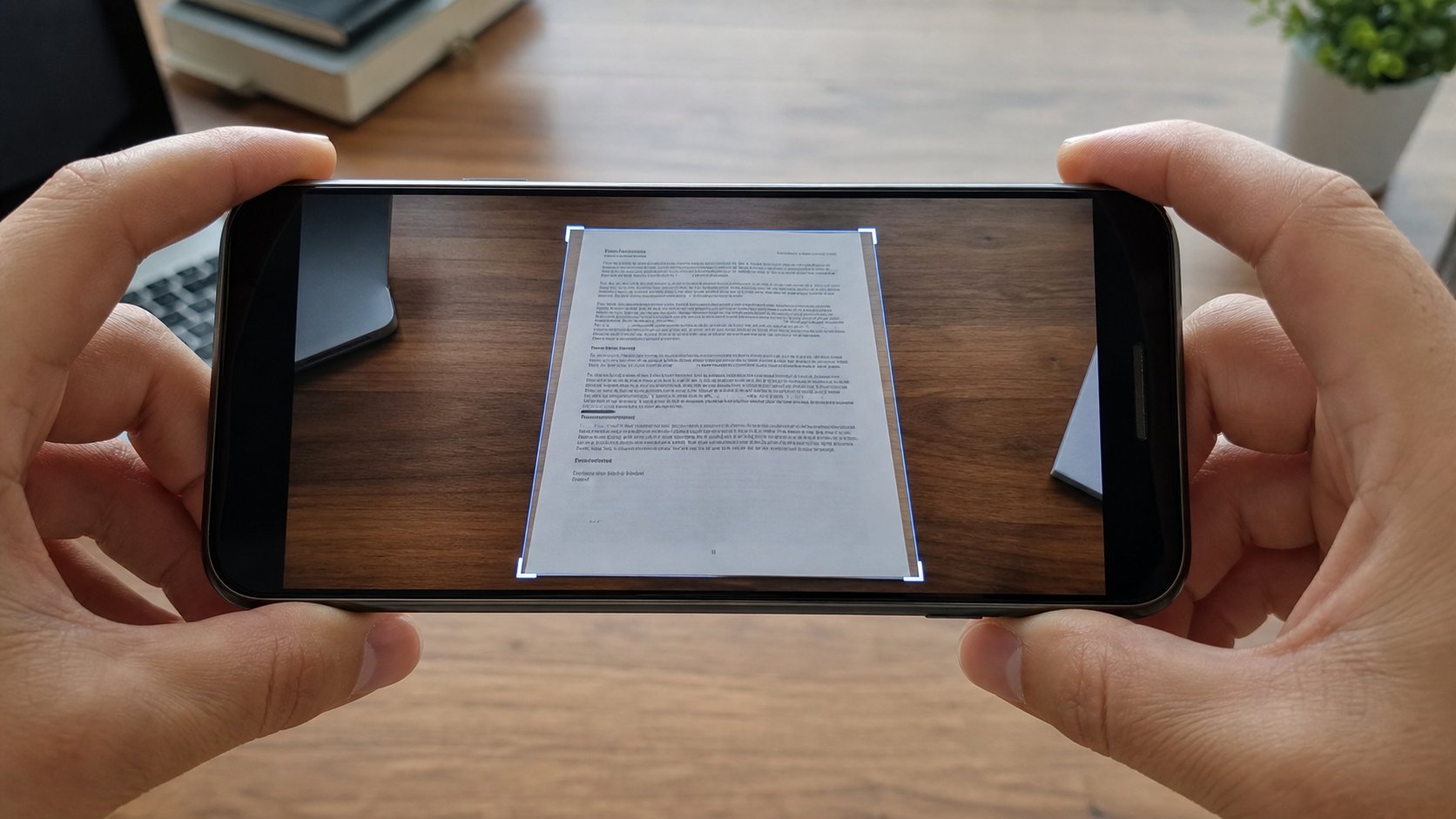
Offices still ask for a picture of a paper: a receipt, an ID, a filled form. People photograph from the hip, under a yellow bulb, with a thumb in the corner, then argue that the clerk is wicked. The clerk cannot read a slanted glare. This lesson is a photograph that behaves like a copy: flat, filled, sharp, the amount visible. It is not yet a PDF. It is a picture you would still sign.
Put the paper on a dark table, not on a patterned wrapper. Stand above it so the phone is parallel to the page — as if you were the ceiling. The page should fill the screen with a little margin, not sit as a postage stamp in a room. Wait for the camera to settle. Tap the amount so the focus sits there. Take two. Open the better one. Zoom until you can read the naira figure and the date. If you cannot, the clerk cannot. Delete that one. Try again, more light.
Light, glare, and the plastic cover
Daylight from the side is kinder than a bare bulb overhead, which turns a laminated ID into a white lake. If the card shines, tilt a few degrees until the lake leaves the numbers, or take the card out of a shiny holder. Flash is a last resort; it often paints a coin of light on the plastic. A second lamp across the room is better than flash in the face of the page.
An ID: both sides if they asked. One file per side, named — id-front.jpg, id-back.jpg — not IMG_0048. A receipt: the whole slip, including the shop name. Crop after, in the phone's editor, if the table still crowds the page. Crop is not resize. You already know that pair. Do not beautify, do not add a filter, do not write on the picture in a sticker app. A clerk's machine will see the sticker. They will send you back.
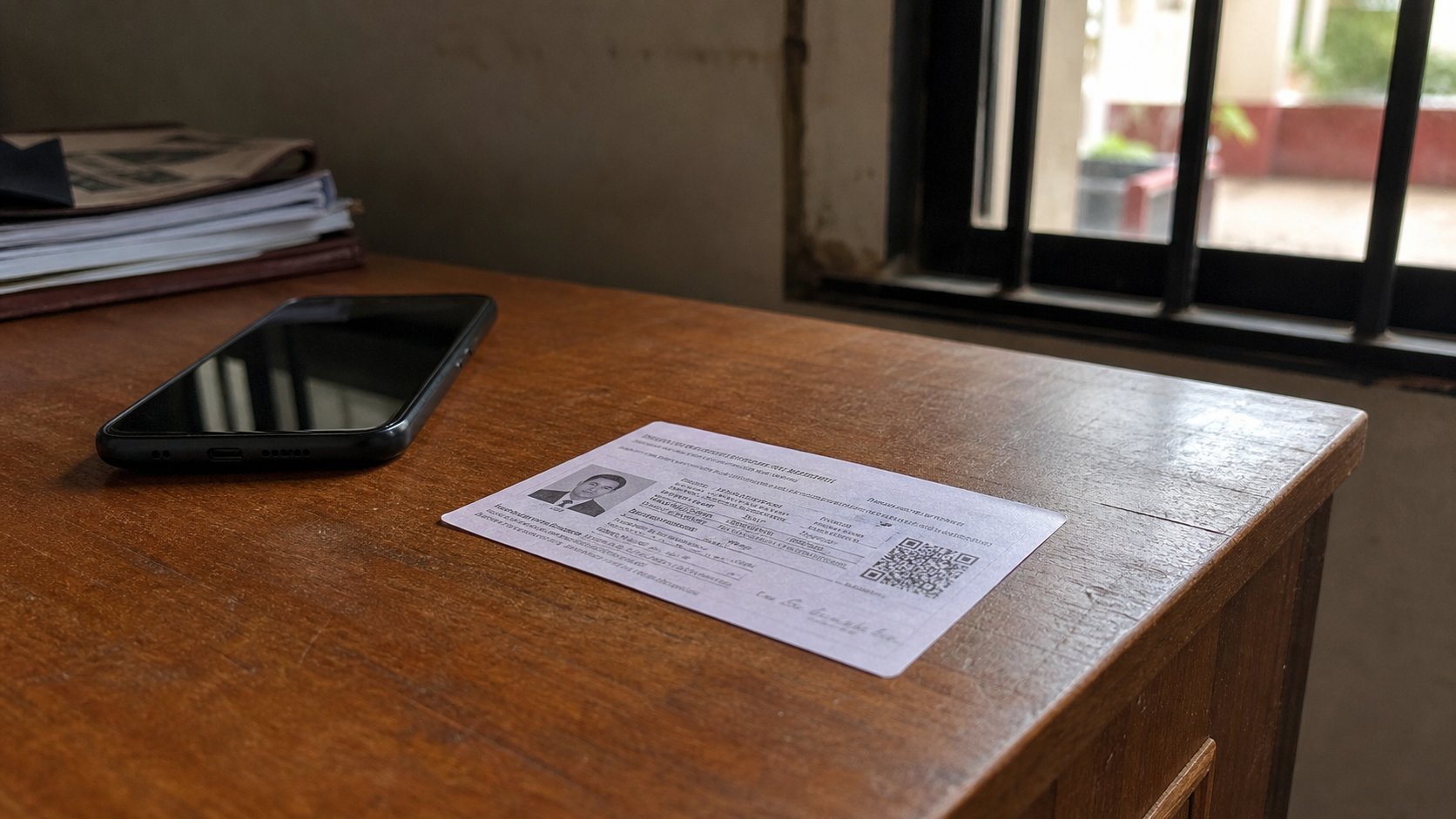
- Photograph a page you can throw away. Open it. Read the smallest line.
- If you cannot, shoot again from higher, with more light, less angle.
- Name the file as a human would. Copy it to the computer if it must last.
- Do not send a photo of a password, an OTP, or a full card number in a group.
When they asked for a scan
A photograph can pass. A scan is the next lesson — edges found, a PDF, often flatter. If the portal says PDF, do not send a WhatsApp soup of the page. If they say JPEG under 100 KB, shrink a copy, as you learned. The picture is only as good as the last look you took before Send. Zoom. Read. Then the paperclip.