Computer skills from scratch·Writing on the page·Lesson 70 of 180
A signature at the bottom of a mail
 Ellis Dennis GrahamFounder, Cyber Elias Academy 2026-07-06 3 min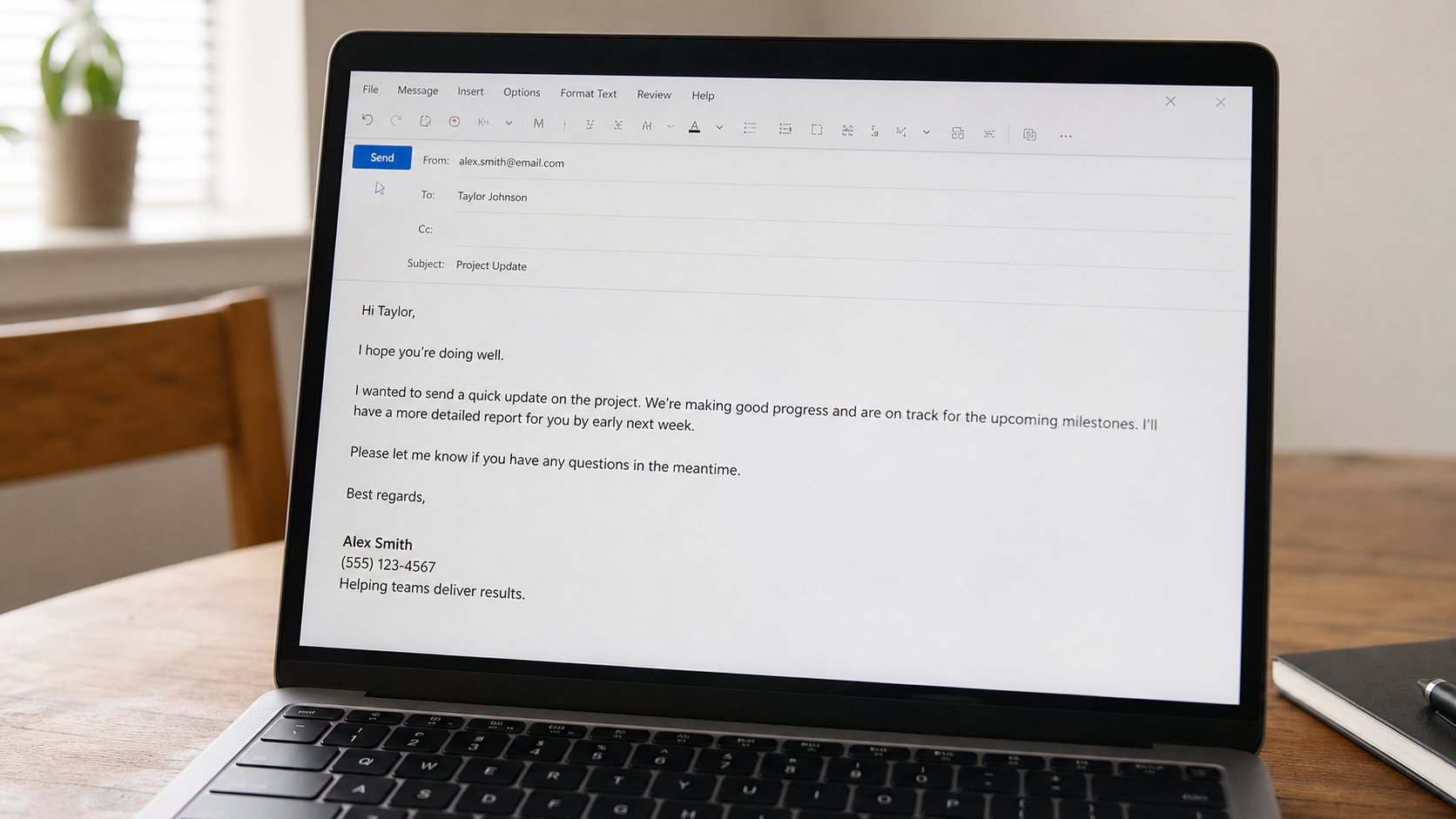
A signature is your name and how to reach you, repeated without retyping. Three lines is enough. A novel, a logo, and a quote are a poster glued to a letter.
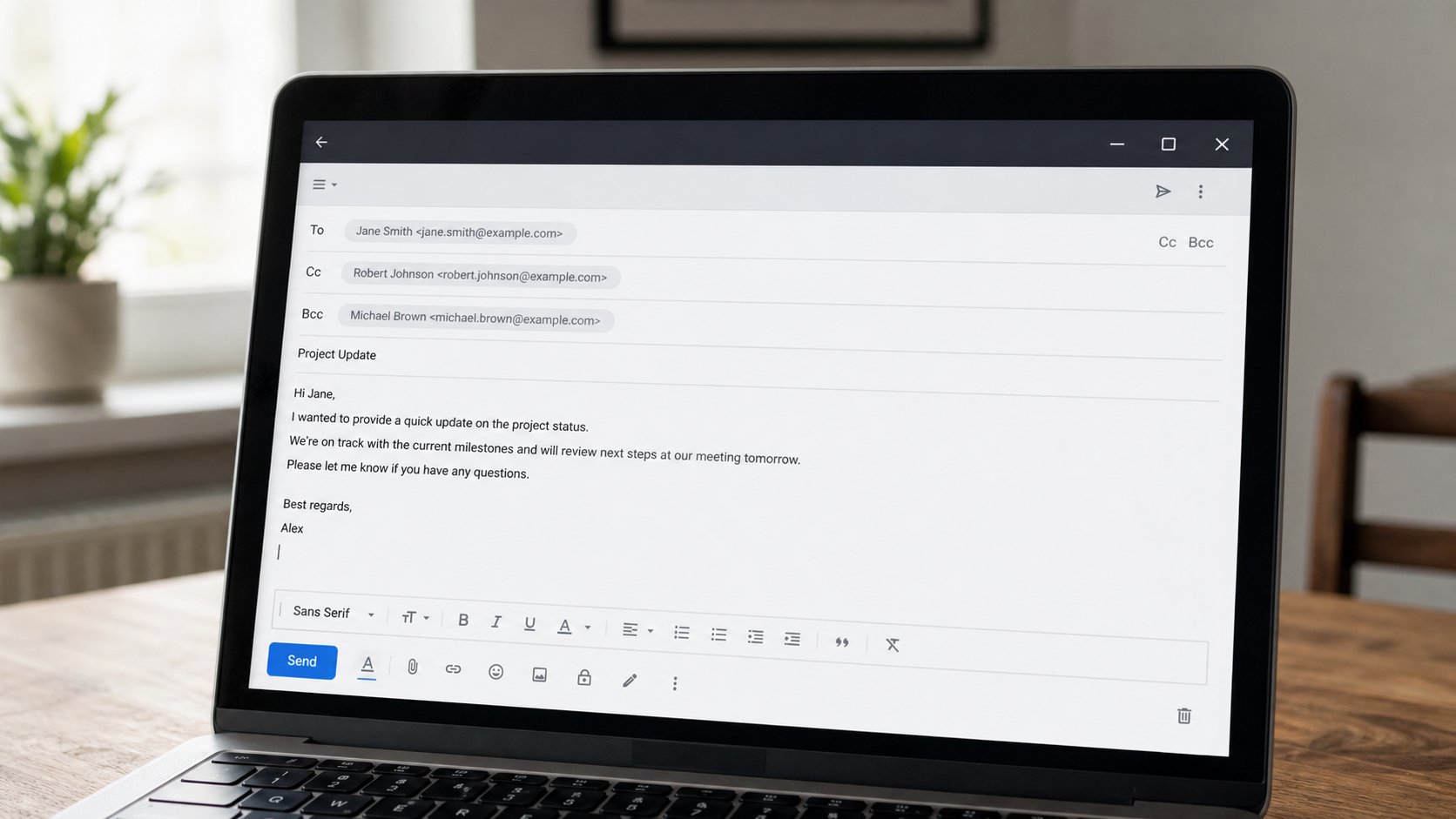
Every mail you send should still sign off like paper: your name, a number. Typing that every time is how people forget the number, or send from a nickname. A signature is a small stamp the mailer adds at the bottom. You write it once. It walks with every new compose. This lesson is three lines, how to switch it on, and what not to paste from a cousin's colourful template.
In Gmail: the gear, See all settings, General, Signature. Create new. Type your full name, as on your ID. Next line: a phone number you answer. Next line, if you must: Computer Basics student, or the name of your shop, or nothing. Save. Tick that it applies to new mail, and, if you like, to replies. On Outlook or the Mail app, the words are Signature in settings. Same three lines. You do not need a different stamp for each mood.
Replies, and the stack of stamps
A signature on every reply in a long thread repeats your number ten times. Some people switch “insert on reply” off and sign the first mail only. Either is polite. What is not polite is a signature taller than the answer — a logo, a banner, a row of social icons, a confidentially notice copied from a bank, a proverb. The other person has to scroll past your billboard to find “Tuesday is fine.”
Do not put a scanned handwriting as a huge image. Do not put a QR to your WhatsApp unless you are a shop and they asked. Do not put a second person's number “in case.” One person, one stamp. If you send for an office, the office will give you the stamp. Until then, you.

- Write three lines on paper: name, number, optional one-line role.
- Put them in the mailer's signature settings. Send yourself a new mail. Confirm they appear.
- Open a reply to an old mail. Decide whether you want the stamp there too. One tick.
- If a colourful template arrives in WhatsApp “for professionals,” delete it. Three lines you typed are professional.
When the stamp is wrong
A new number: edit the signature the same day. An old number in the stamp is how people miss you for a term. If you use two addresses, set the stamp on both, or you will send from the academy-looking address with no name. On a shared computer, do not save a signature in the house profile. Guest, then type your name at the bottom once, as you used to. The stamp lives in the bag. You know whose bag you are in.
A signature is not a CV. It is not a poster. It is the printed name under the last sentence, with a number so the other person can call instead of hunting. When the letter is one job, the stamp is one name. You have reached the end of the envelope. To, maybe Cc, body, attachment, stamp. Send. Then wait, like an adult.