Computer skills from scratch·Keeping the machine·Lesson 11 of 180
A letter that looks like one
 Ellis Dennis GrahamFounder, Cyber Elias Academy 2026-02-07 4 min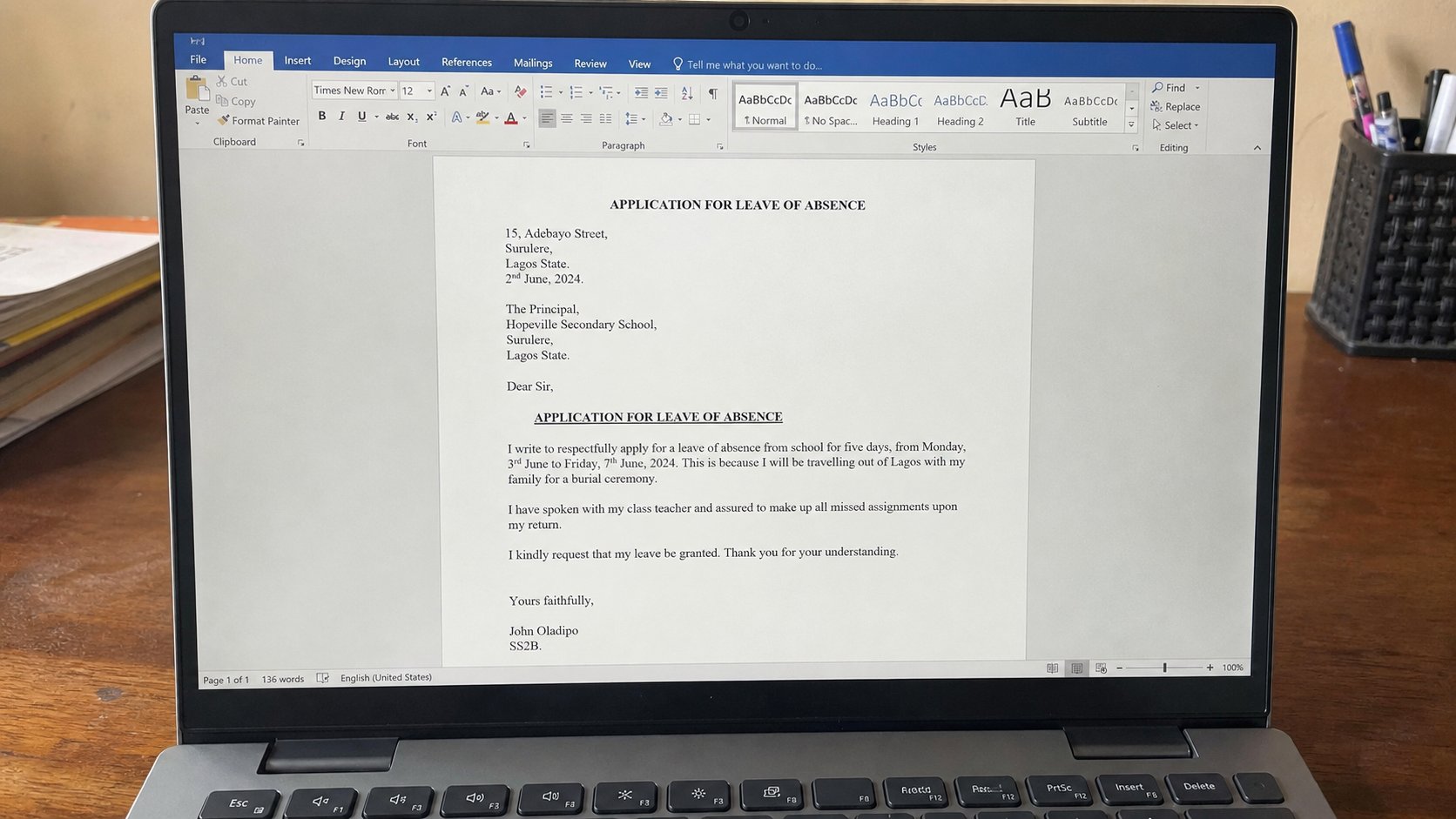
Word is lined paper that can change its mind. Margins, a greeting, one typeface, and Save As PDF so the other person's computer cannot rearrange your name.
A word processor is lined paper that can change its mind. Microsoft Word, Google Docs, and LibreOffice Writer are three names for the same job: a page you can type on, move, and print without starting again in ink. Notepad, from the first sitting, has no margins worth showing a school. This lesson is how to make a letter that still looks like a letter when it leaves your desk.
Open Word the way you opened everything else: Start, type Word, Enter. If the computer has no Word, Google Docs in the browser is enough, or Writer if it came with the machine. You will see a white page, a blinking cursor, and a ribbon of buttons at the top. Ignore most of the buttons. You need a handful: font, size, bold, alignment, and Save.
The bones of a letter
Put your address or your name at the top, then the date, then the name of the person you are writing to, then the greeting. Good morning, Mrs Amadi. Then the body — short paragraphs, one idea each. Then yours faithfully, or yours sincerely if you used their name, then your full name. That order is older than computers. The machine did not invent it. The machine only makes the lines easier to move.
Pick one typeface and stay there. Calibri, Times New Roman, or Georgia. Size 12 for the body. Size 11 is small for printing; 14 is a poster. Left-align ordinary letters. Centre only a title, if you must have one. Bold is for a heading, not for a whole paragraph. Colour is almost never needed. If the page looks busy, it will look amateur to the person whose tray it lands in. White space is not wasted paper. It is how the eye rests.
Margins, pages, and the things that jump
A margin is the quiet border around the words. Too narrow and a printer eats the last letters. Too wide and a one-page letter becomes two. In Word, Layout then Margins, then Normal, is enough. If a heading has run onto a second page for three lines, you do not need a new font. You need to look at spacing: after a paragraph, one blank line, not three. Press Enter once between paragraphs. If the computer is adding extra space, look for Paragraph, then the box that says space after, and set it to a small number.
Pictures jump. A photograph dropped into the middle of a sentence will shove the text in ways that feel like the page is haunted. If you need a passport photo on an application, Insert, Picture, and then click the picture, choose a wrapping that says In line with text or Top and bottom — not the one that lets it float over words. Keep pictures small. A letter is not a poster.
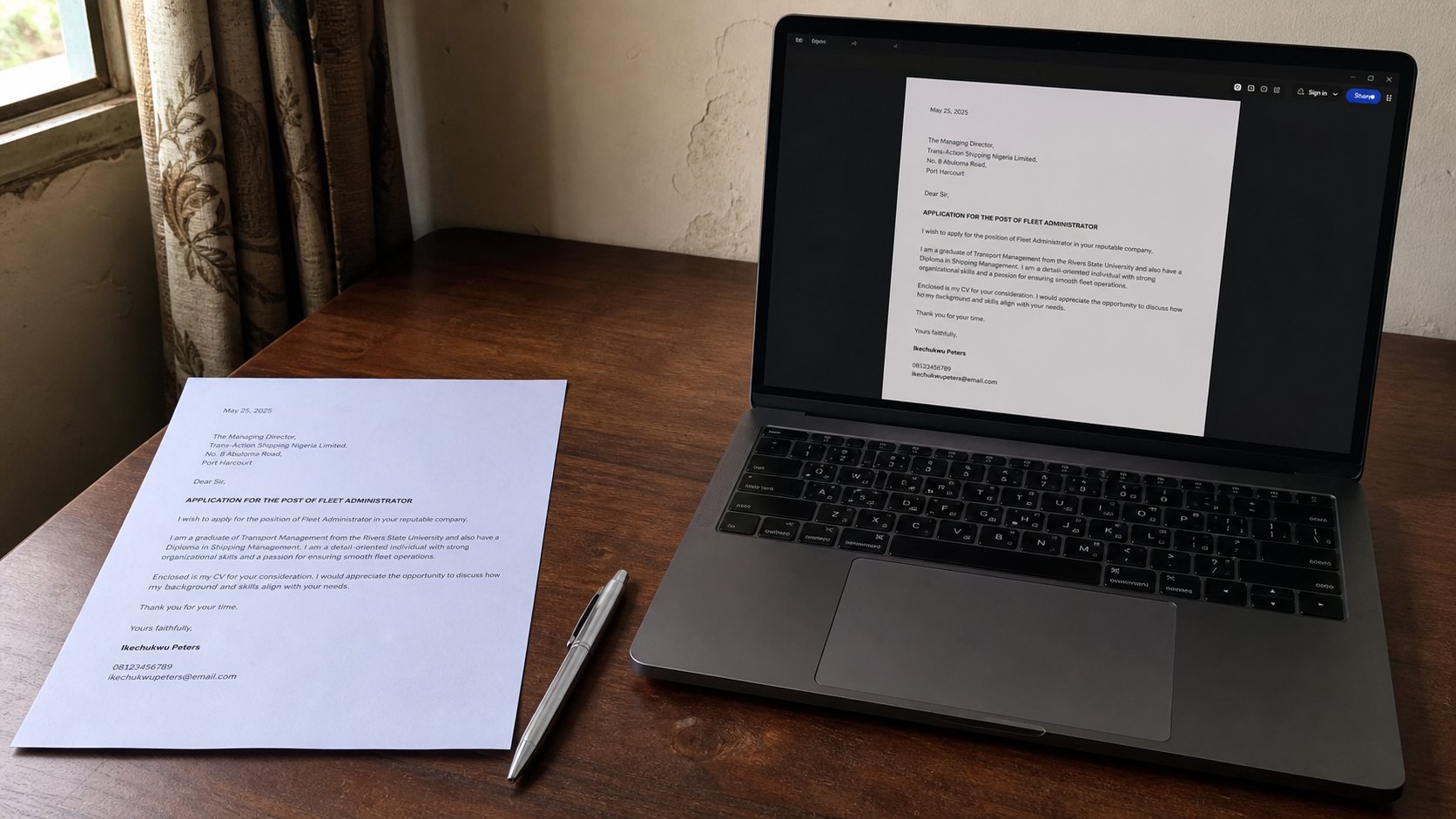
- Open a blank document. Type a short letter asking for your own transcript, or a letter to a landlord, or a thank-you. Real words, one page.
- Date, greeting, two short paragraphs, your name. One typeface, size 12.
- Save as letter-practice in Documents. Press Ctrl+S twice while you work.
- File, Save As, choose PDF. Open the PDF. If the letter still looks like a letter, you can attach it.
PDF is how a letter travels
A .docx is a working file. Another person's Word can change the font, shift a heading, or refuse to open it. A PDF is a photograph of the page that still lets you select the words. When you email a school, a bank, or an office, send the PDF unless they asked for Word so they can edit. File, Save As, PDF. Look at the PDF before you attach it. If a heading has slipped to a lonely last page, go back to Word and fix the spacing, then save the PDF again. Do not send both “because one might work.” Send the one you mean.
Spell check is a cousin, not a teacher. The red underline catches letters. It will not catch form instead of from, or the wrong Mrs. Read the letter out loud once. If you would not sign it on paper, do not send it. The machine made the lines neat. You still have to mean them.