Computer skills from scratch·The workshop and the bench·Lesson 175 of 180
Buying a used laptop without tears
 Ellis Dennis GrahamFounder, Cyber Elias Academy 2026-09-18 4 min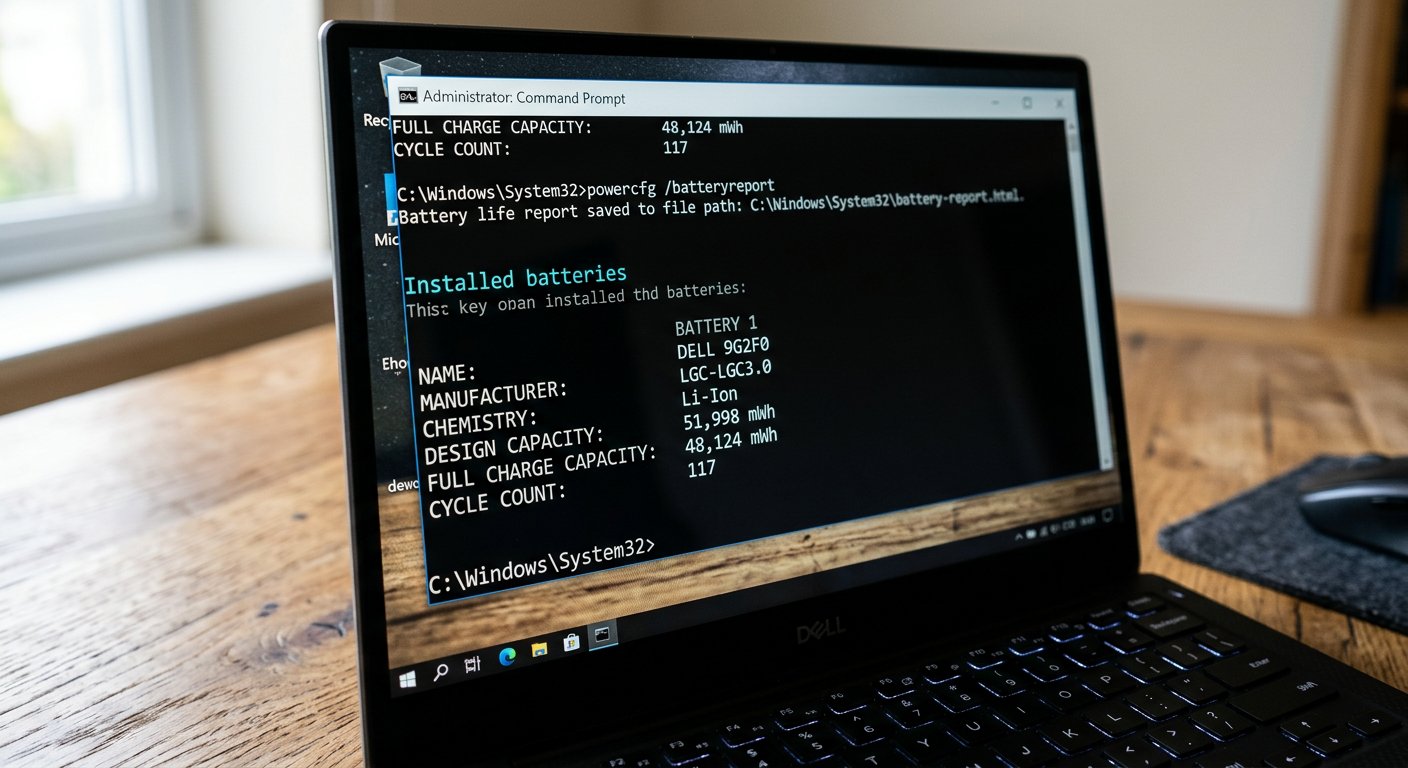
In the market, oily rags and sweet words hide tired batteries and cracked hinges. The five-minute inspection test: the battery report, drive hours, key grids, and corner checks.
You have saved your hard-earned money for six months. You take a bus to the electronics market — Ikeja Computer Village in Lagos, Garrison in Port Harcourt, or the plazas in Abuja and Onitsha. You step into a shop where dozens of clean black laptops sit on glass shelves under bright white lights. The young seller smiles, wipes a sleek silver HP with a fragrant oily cloth until it shines like glass, and looks you straight in the eye: 'Senior man, this one is grade A London used! An old woman in Manchester only used it to check church hymns on Sundays. The battery will carry you from morning till night!' It sounds wonderful. But in the used market, shiny plastic often hides a machine whose battery is half-dead and whose hinges are held together by superglue.
Never buy a secondhand laptop with your eyes; buy it with a five-minute test. A good merchant who sells honest hardware will gladly pull up a plastic stool, hand you the charger, and say: 'Take your time, test everything you want.' But if a seller starts rushing you, grabs the machine from your hands, or says 'Pay money first before we test', smile politely, say thank you, and walk out of that shop immediately. There are forty other stalls on the same street.
The battery truth, the disk hours, and the hinges
Test number one: do not look at the little battery icon in the bottom corner of the Windows screen that says '100%'. That number is a guess that can drop to zero in fifteen minutes. Ask the computer to show its own birth certificate: press the Windows key, type the three letters 'cmd', press Enter to open the black Command Prompt box, and type: powercfg /batteryreport. Press Enter. Open the small file it creates in your browser. Look for two numbers side by side: Design Capacity (what the battery held when it was new) and Full Charge Capacity (what it can hold today). If the original was 45,000 and today it is only 15,000, that battery has lost two-thirds of its life. It will die thirty minutes after you carry it home. Use that number to negotiate the price down by the cost of a new battery on the spot.

Test number two: the keyboard test. Open Notepad, or open a free site like keyboardtester.com. Press every single key in order from top to bottom — all the numbers, every letter from Q to M, the Spacebar, Enter, Backspace, and Shift. If even two letters refuse to type, that keyboard has broken traces underneath. Replacing a modern built-in keyboard means taking out sixty tiny screws and taking the whole machine apart, which costs twenty thousand naira in labor.
Test number three: the hinge check. Hold the laptop by the base with one hand, and with the other hand gently open and close the lid three times. Watch the plastic corners right where the screen joins the body. Does the plastic separate? Does it bulge or click like something is snapping inside? Inside those corners sit brass screw standoffs glued into thin plastic. When laptops are dropped or opened roughly, that plastic cracks. If you buy a machine with cracked hinge plastic, the screen will break off in your hands within two months.

- Run powercfg /batteryreport from the black command box: never trust the Windows taskbar battery percentage icon.
- Check how many hours the drive has worked with CrystalDiskInfo: discover whether the laptop worked for months or years.
- Press every single key in order on a blank page: one dead letter means replacing the entire keyboard.
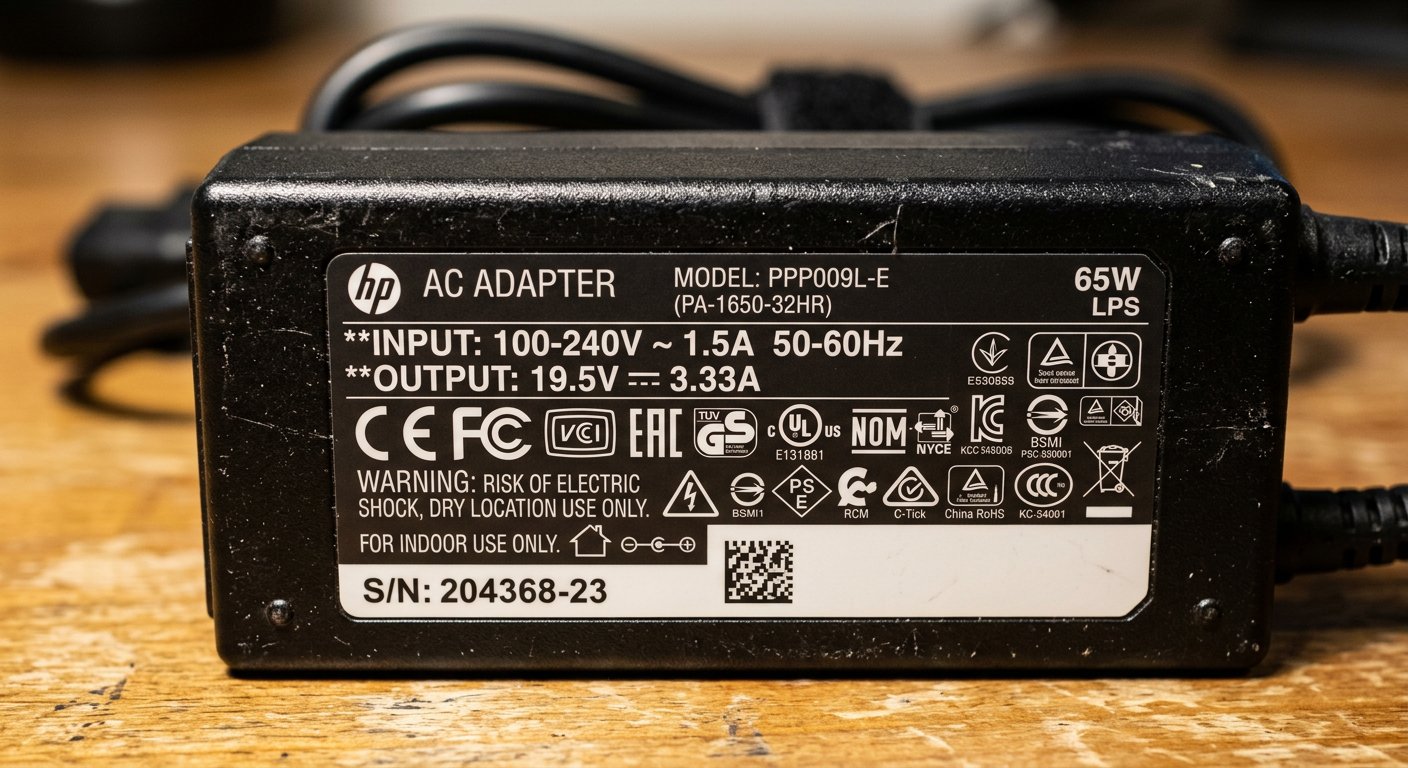
- Feel the weight of the charger brick: genuine OEM chargers feel heavy and solid; fake imitation chargers are light as plastic toys.
Preparation commands respect
When a seller sees you sit down with a calm face, open the command box to check battery wear, test the hinges, and verify every key on the board, his whole attitude changes. The exaggerated stories stop, the sweet talk disappears, and honest business begins. Preparation turns an intimidating market into a fair deal where you walk away with a sturdy business machine that will serve you for years. Next: chargers, adapters, voltage rules, and the blue spark that destroys boards.