Computer skills from scratch·Finding your way·Lesson 35 of 180
A shortcut is not the file
 Ellis Dennis GrahamFounder, Cyber Elias Academy 2026-04-08 3 min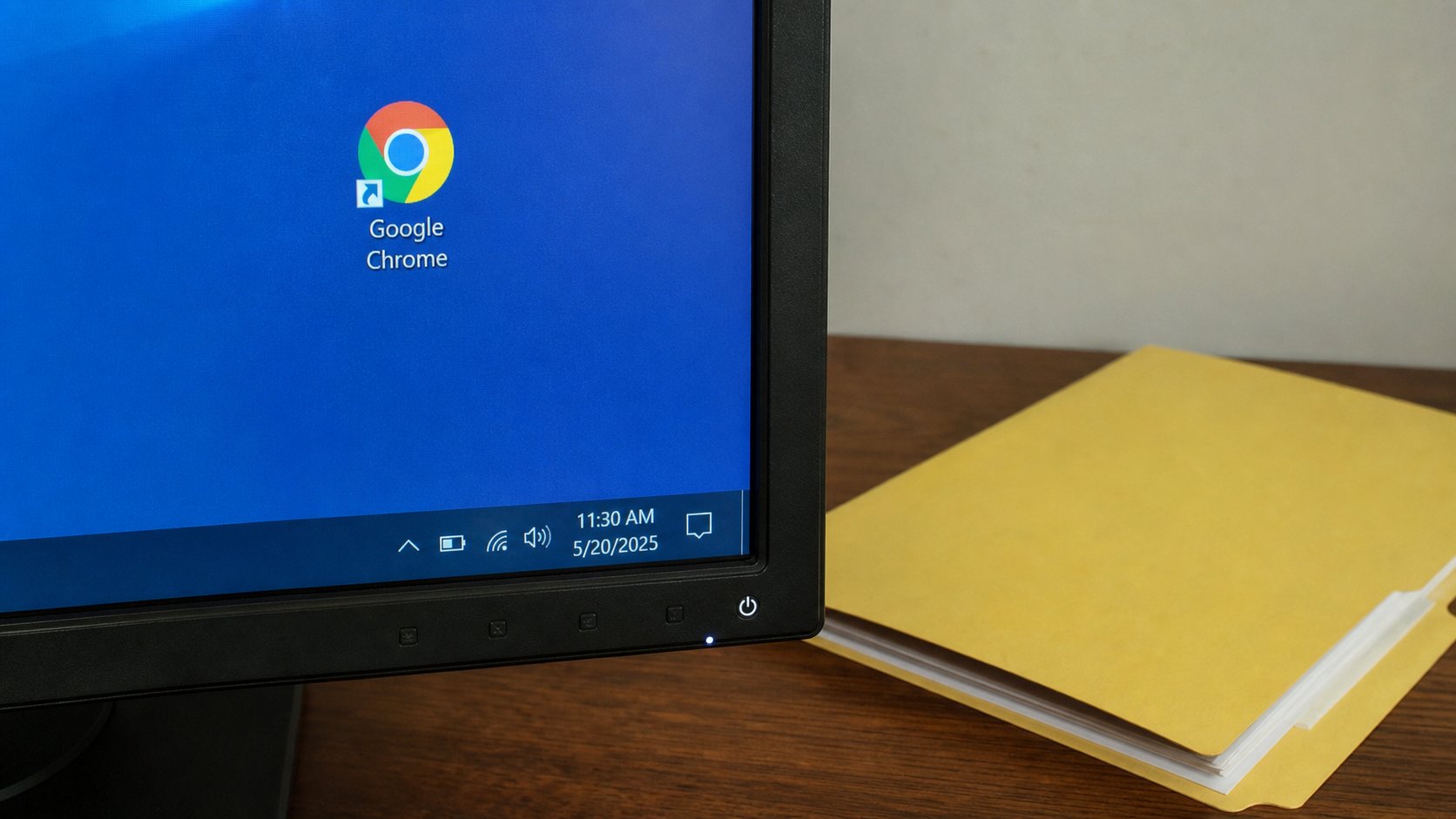
The little arrow means a signpost. Deleting the signpost leaves the house standing. Deleting the real folder takes the house down. Look for the arrow.
A shortcut is a sign on the road that points at a house. The icon looks like the house. It is not the house. Windows draws a small arrow on the corner to say so. People delete a shortcut from the Desktop and think they have uninstalled Word, or they copy a shortcut to a USB and wonder why the letter will not open on another computer. This lesson is the arrow, how to make a sign on purpose, and how not to smash the house while tidying the street.
A shortcut is a tiny file whose type is .lnk, often hidden. It stores an address: this program, this folder, this document. Double-clicking the sign is walking to that address. If the house moved, the sign still points at the old street, and Windows says it cannot find it. The file may be fine, in the room you moved it to. The sign is stale.
Making a sign, not a second house
Right-click a folder or a file, Show more options if Windows 11 hides the list, Create shortcut. Or Send to, Desktop (create shortcut). A sign appears on the Desktop. The original stays in Documents. You have not copied the letter. You have put a sign on the table that points at the drawer. That is the right way to keep School in reach without emptying School onto the table.
You can pin to the taskbar instead, as in the last lesson. Same idea: a sign. For a program, prefer pin. For a folder you open all day, a Desktop shortcut is fine. For a USB, copy the real files, not the shortcuts. A sign that points at C:\Users\… on your laptop is a dead sign on another machine.
- In Documents, right-click your School folder, create a shortcut on the Desktop.
- Open the shortcut. Confirm you are in School. Look at the path at the top — it should still say Documents.
- Delete the shortcut from the Desktop. Open Documents. School should still be there.
- That is the whole difference between tidying a sign and demolishing a room.
When the sign is broken
“Missing shortcut” means the address inside the sign is wrong. Do not hunt the sign. Hunt the file with search, in the rooms you know. When you find it, delete the stale sign and make a new one if you still want it. Repairing a .lnk by hand is not a first-week skill.
Copying a shortcut into email attaches a sign, not the letter. The other person receives a useless arrow. Attach the PDF, or the zip, as you learned. And when a shop Desktop is forty arrows plus five “cleaners,” you now know you can delete arrows without uninstalling Windows. Look for the arrow. If there is none, stop and ask. The house and the sign look alike on purpose. The corner of the icon is the truth.