Computer skills from scratch·Finding your way·Lesson 36 of 180
Volume and headphones
 Ellis Dennis GrahamFounder, Cyber Elias Academy 2026-04-11 3 min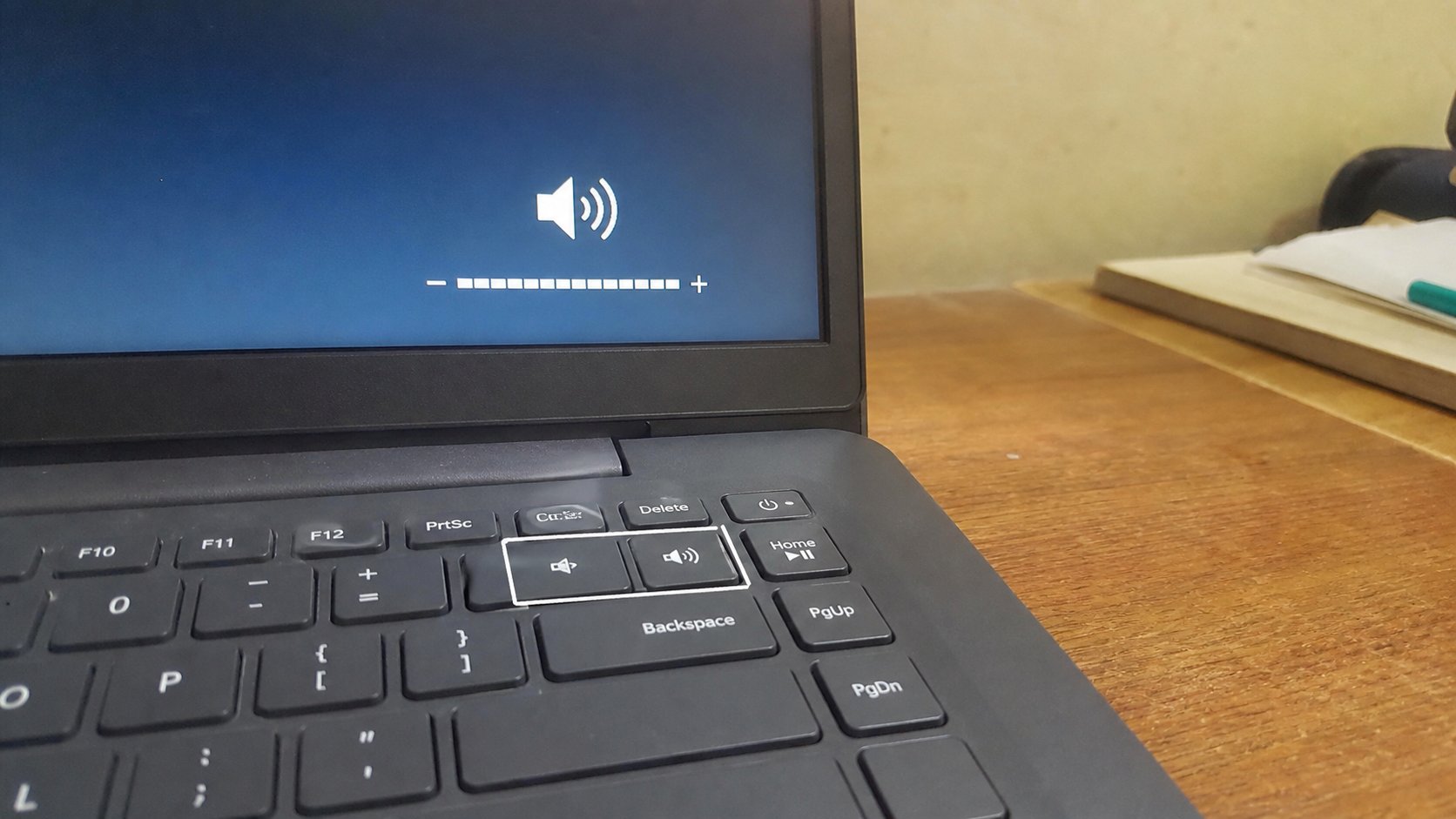
Sound has a tap on the keyboard and a tap in the tray. Headphones steal the speakers until you unplug them. Mute is a line through the speaker, not a broken machine.
Sound is a tap. Too open, and a video in a class becomes a market. Closed, and you think the machine is dead. There are at least two taps: the keys on the keyboard, often with a speaker symbol, and the speaker icon near the clock. They can disagree. Headphones are a third tap: plug them in, and the speakers often go silent on purpose. This lesson is how to hear what you meant, without a shop.
On many laptops the volume keys share F1–F12 with other jobs. You hold Fn, then the key with the speaker. One key mutes, two raise and lower. A tiny on-screen bar should move. If it does not, Fn is inverted on that machine — try without Fn. The tray icon, bottom-right, is the same tap in another place. Click it. A slider. Drag. A speaker with a circle-slash is mute. Click it to unmute. Mute is not broken. It is a closed tap.
Headphones, the jack, and Bluetooth
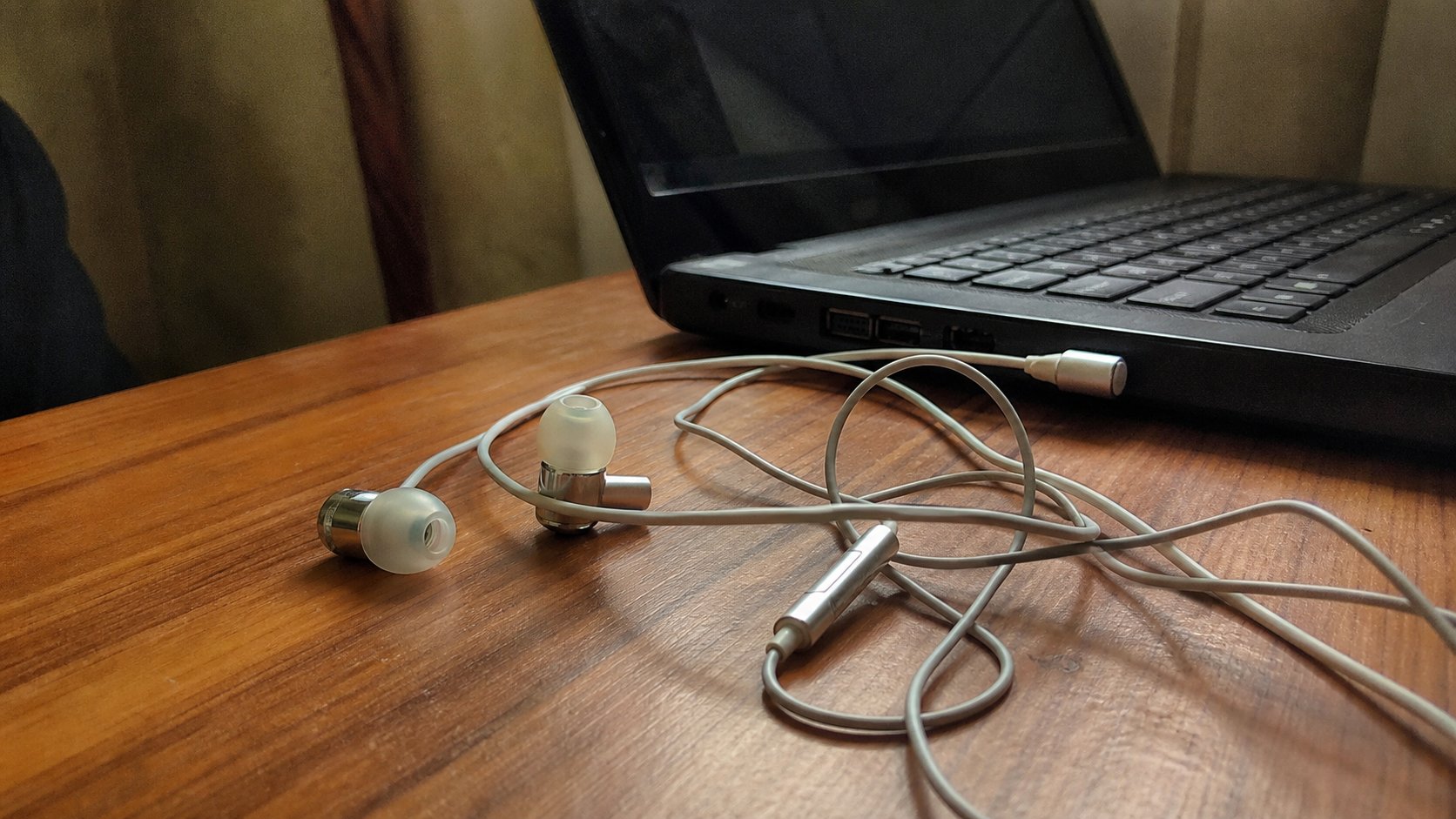
A wired headset uses a round hole, often with a headset symbol. Push in until it clicks. The speakers should stop. If they do not, the machine has not noticed — unplug, wait, plug again. If you hear nothing in the phones, they may be in a microphone-only hole, or the volume inside the video player is at zero. Two taps: Windows, and the program. Both must be open.
Bluetooth earphones need pairing, as a phone did. When they connect, Windows may switch output to them without asking. If you then unpair and the laptop stays silent, click the tray speaker, the small arrow, and choose Speakers instead of the missing headphones. The machine is still sending sound down a path that left the room.
- Play a short video you trust, volume low.
- Mute from the keyboard. Confirm silence. Unmute. Confirm sound.
- Plug in earphones if you have them. Confirm the speakers stop and the phones work.
- Unplug. If the speakers stay dead, click the tray speaker and choose Speakers.
The program has its own tap
YouTube, VLC, Zoom each have a volume slider. Windows can be loud and the video silent. Look for a speaker on the player. Zoom mute you already know — a different mute, for the microphone, not the speakers. Hearing others is the speaker tap. Being heard is the mic. People mix them up and shout at a silent room.
If the whole machine is loud at night, lower the tray slider rather than hunting every program. If one program is loud and others are fine, open Volume mixer from the tray — a list of taps per program. That is the next lesson's cousin, when there is no sound at all. For today: keys, tray, headphones, then the player. Four places. Not a broken speaker until those four have been looked at.