CEA Knowledge Library · 210 Free Lessons
A better place to begin.
210 practical explanations, guides and step-by-step lessons in 21 chapters, written by Ellis Dennis Graham at Cyber Elias Academy. Search a task, skill or question, or start at Lesson 1.
All lessons
Showing 1–12 of 210 lessons
 Lesson 1
The first sitting
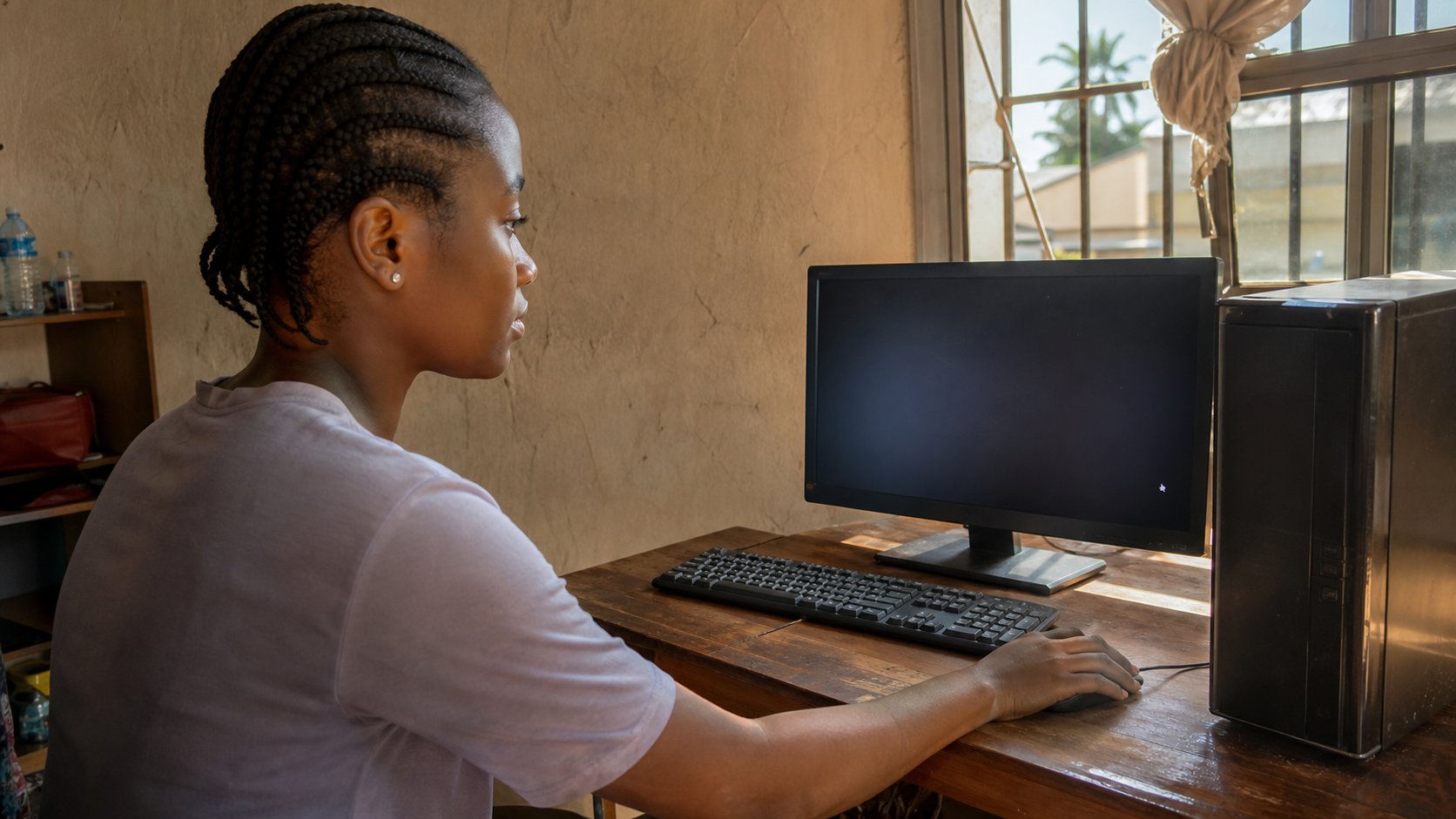
Sitting down at a computer for the first time
What each part does, how to switch it on, and how to move the pointer without fear. A calm first hour for anyone who has never used a computer.
5 min readRead lesson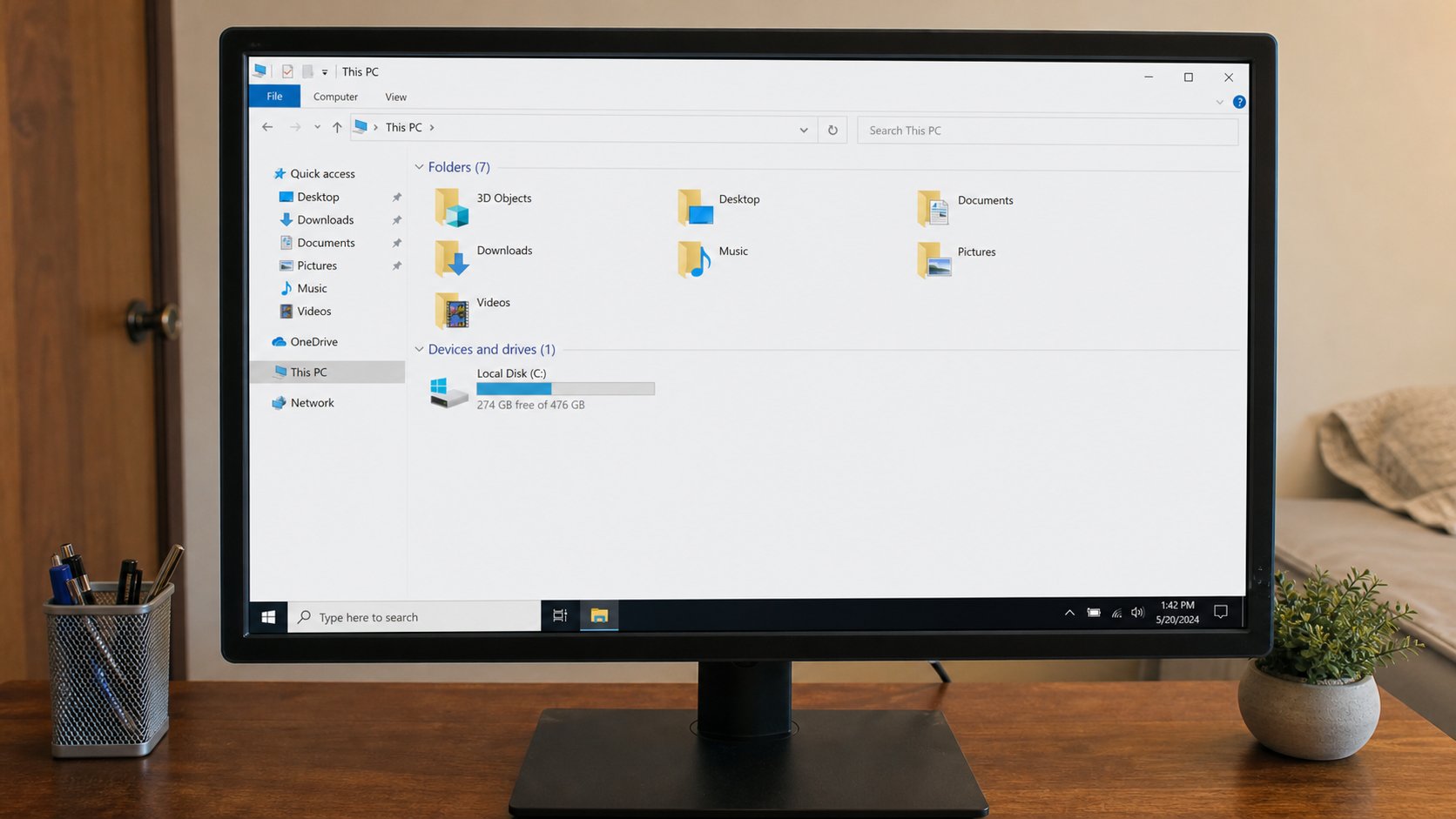 Lesson 2
The first sitting
Where your work lives: files and folders
A file is one document. A folder holds files. Learn where your work is kept, how to save it under a name you will still understand later, and how to find it again.
5 min readRead lesson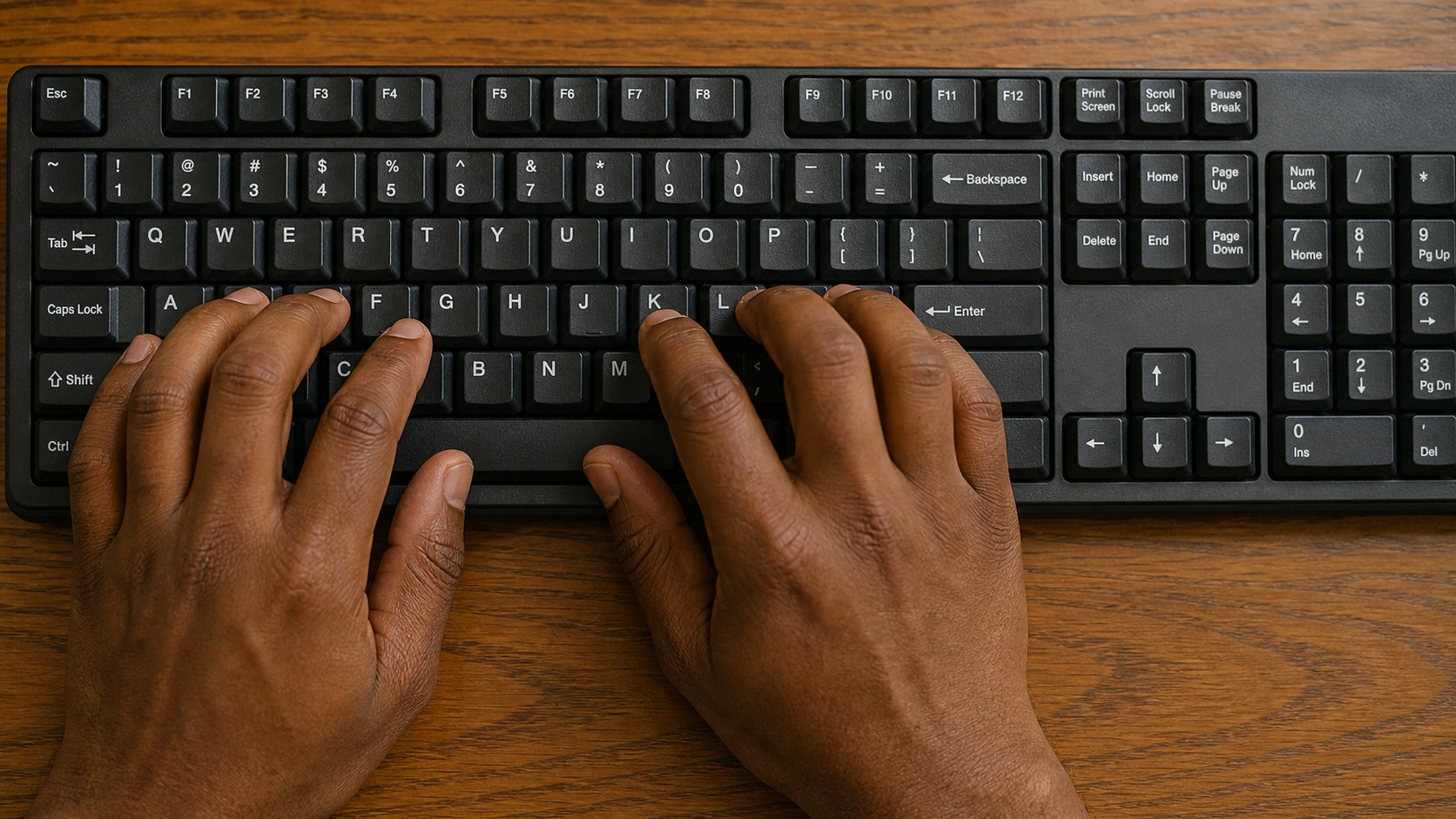 Lesson 3
The first sitting
Your hands on the keyboard
Where to rest your fingers, which keys fix mistakes, and the shortcuts that save hours. Ten minutes of practice a day is enough to stop hunting for letters.
5 min readRead lesson Lesson 4
The first sitting
The internet without getting lost
How to open a browser, tell the address bar from the search box, use tabs, read a web address, and save a page you will want again. Simple habits that prevent most mistakes.
5 min readRead lesson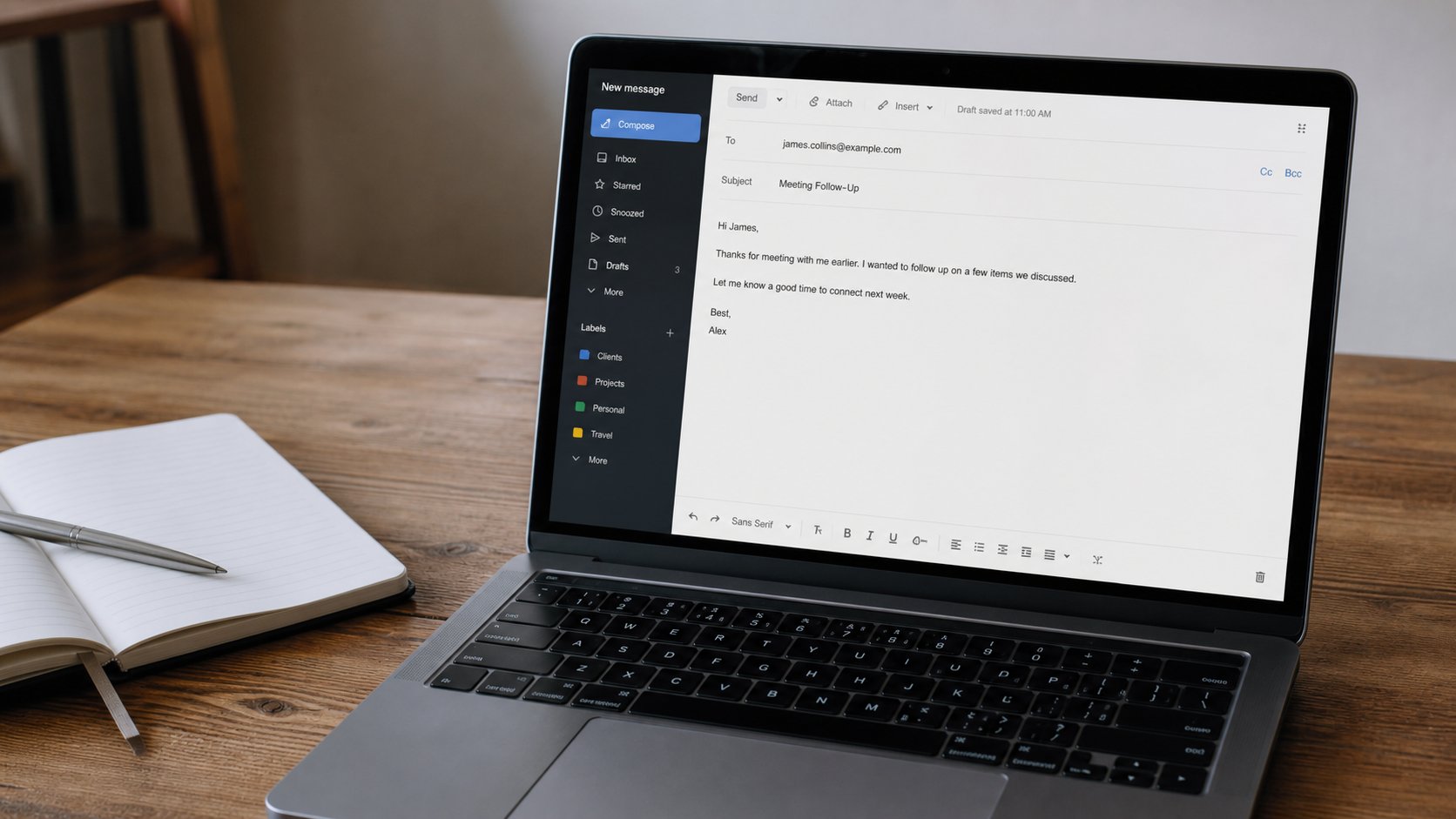 Lesson 5
The first sitting
Your first email, sent properly
An address, a subject that tells the truth, a short body with one job, and the paperclip. How to write and send a first email that a school or office will answer.
5 min readRead lesson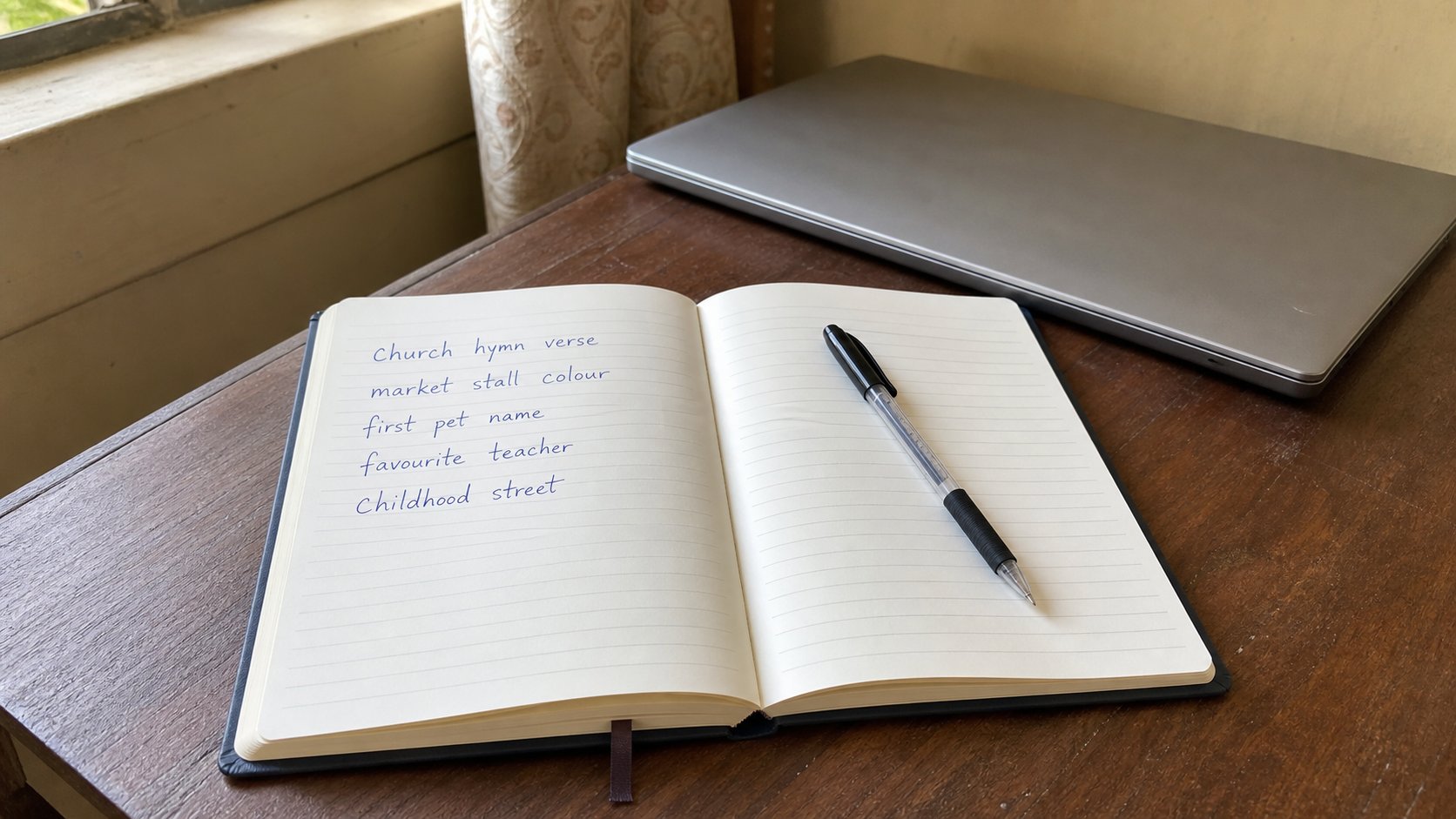 Lesson 6
The first sitting
Passwords you can keep
How to make a password you can remember, store it safely, and add a second lock to the accounts that matter. Includes what to do when someone gets in.
5 min readRead lesson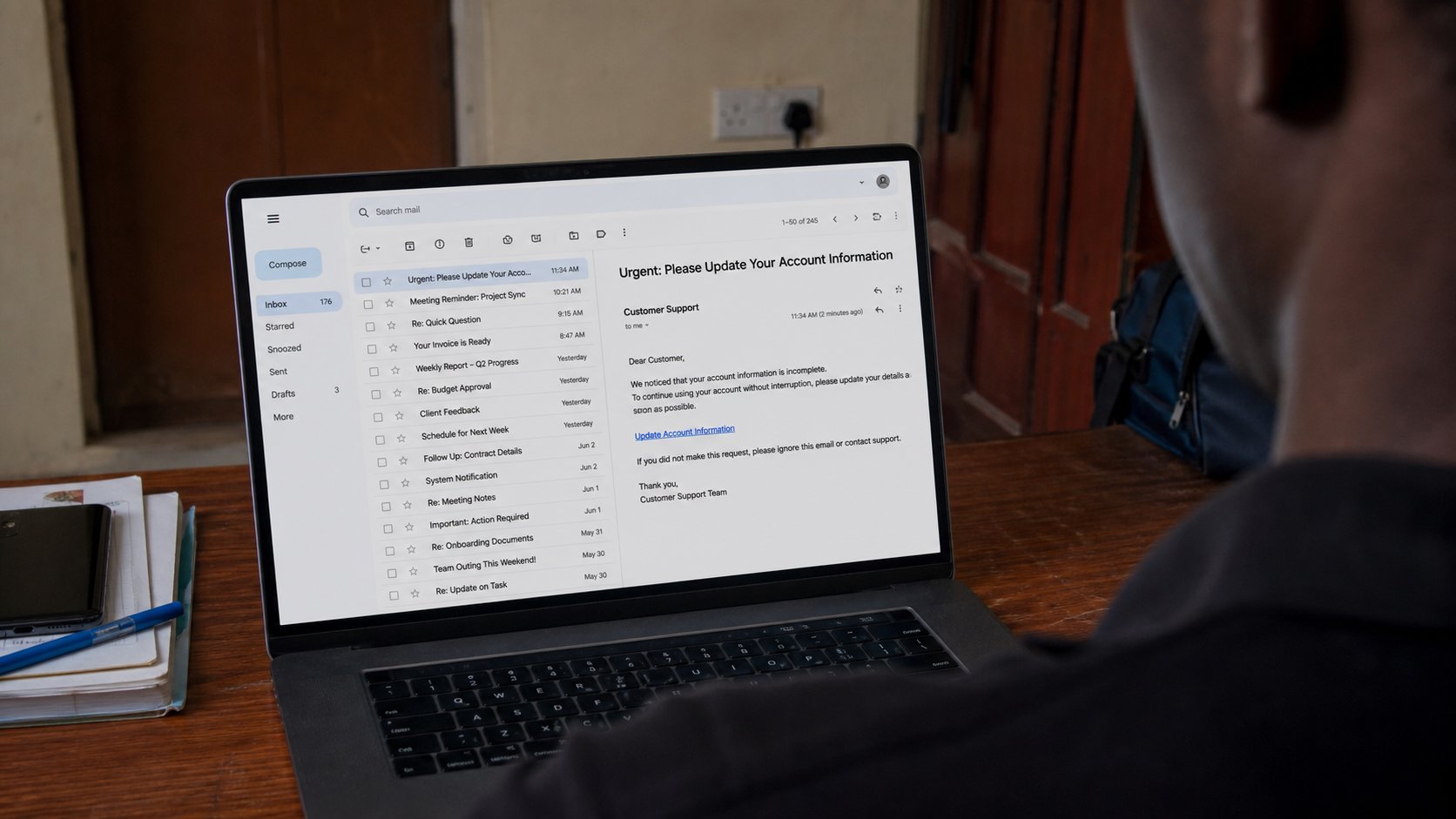 Lesson 7
The first sitting
The link you should not open
How to spot a dangerous link before you click it, how to reach a real website safely, and exactly what to do if you already tapped and typed your password.
5 min readRead lesson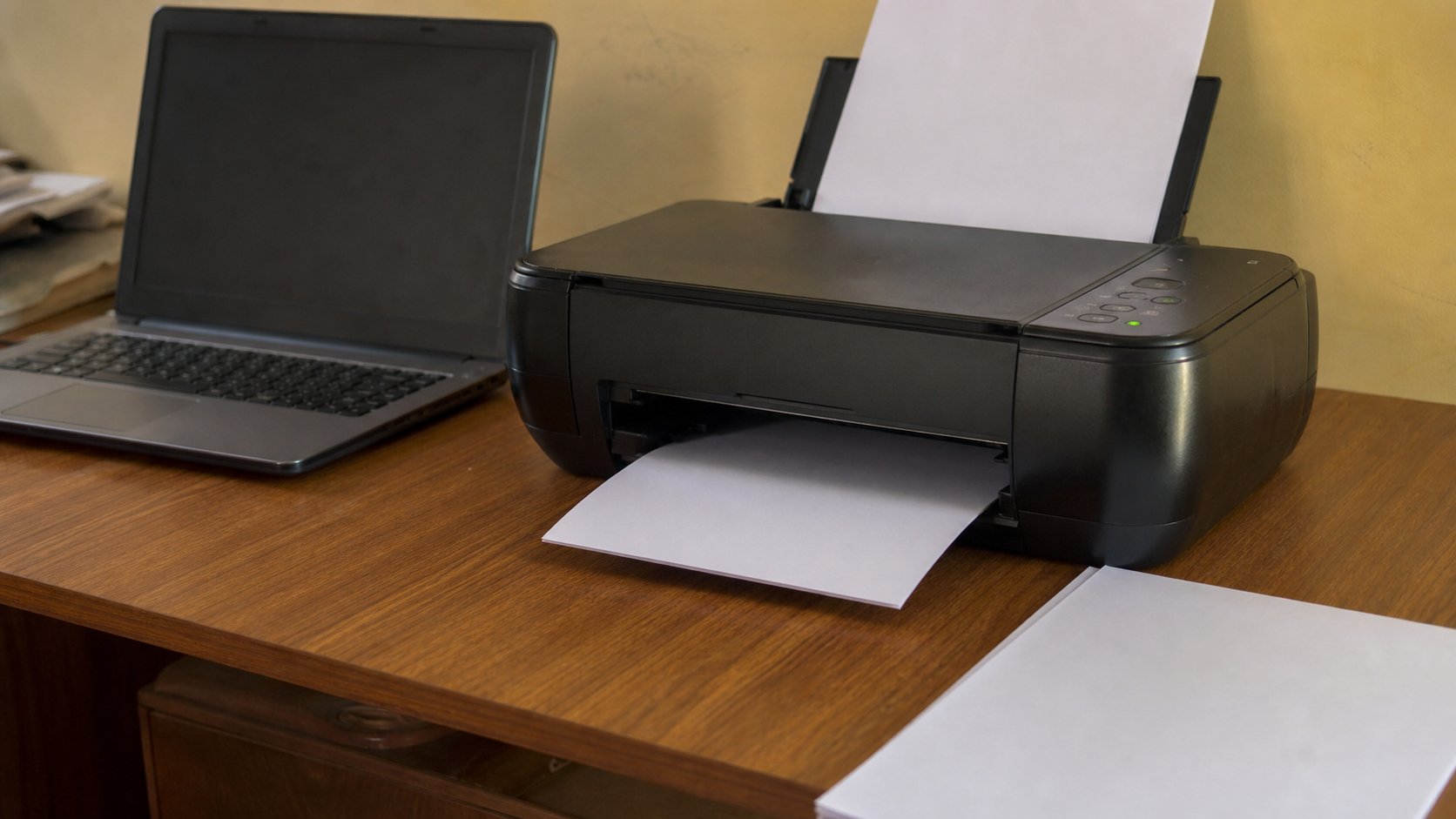 Lesson 8
The first sitting
Printing without waste
How to print one page instead of five, choose the right settings, use a business centre without being overcharged, and fix the paper jam yourself.
4 min readRead lesson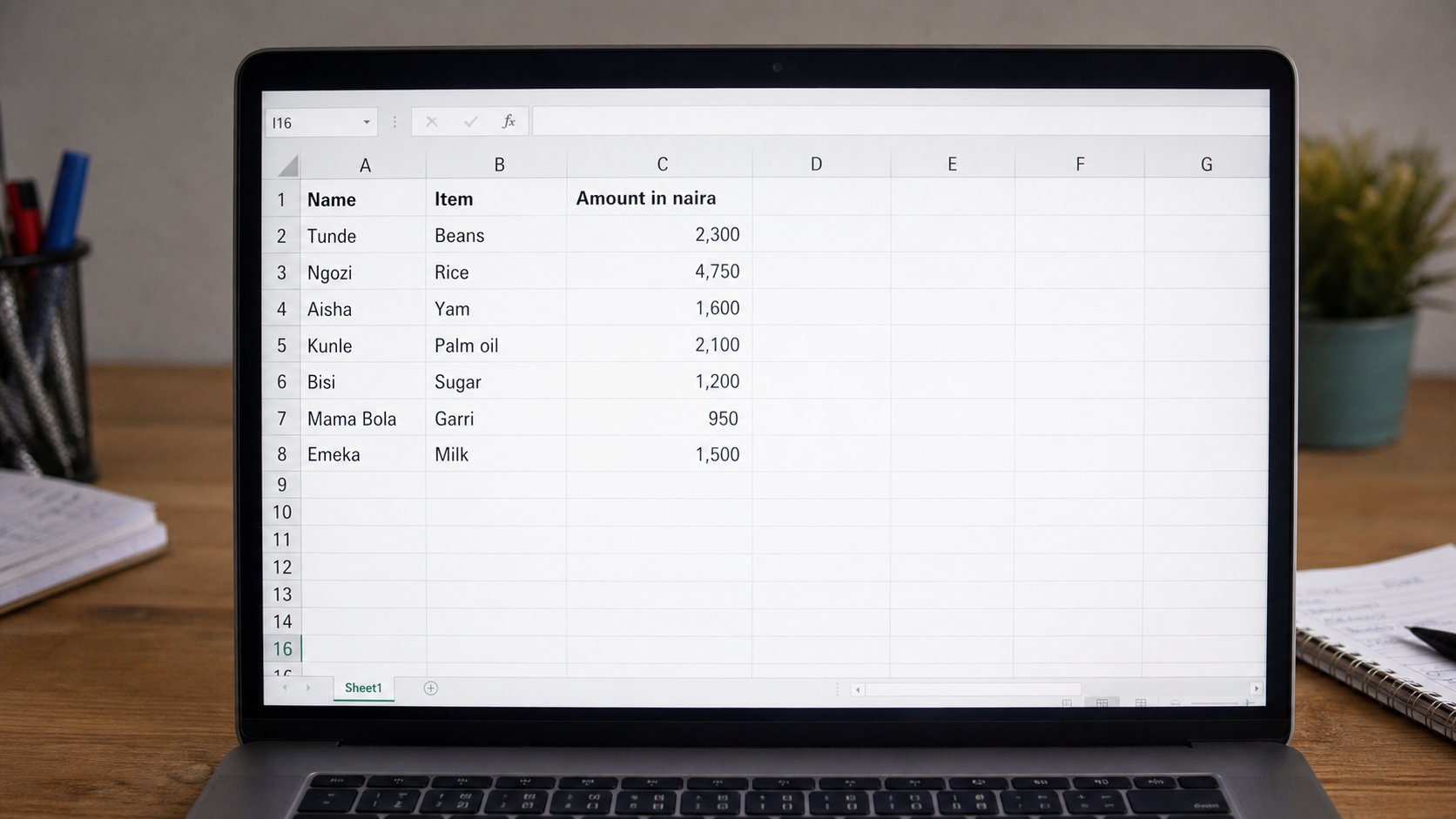 Lesson 9
The first sitting
Spreadsheets: the grid that counts
Rows, columns, and the cell where they meet. How to enter numbers a spreadsheet can actually use, total a column, and catch the mistakes that look like correct maths.
5 min readRead lesson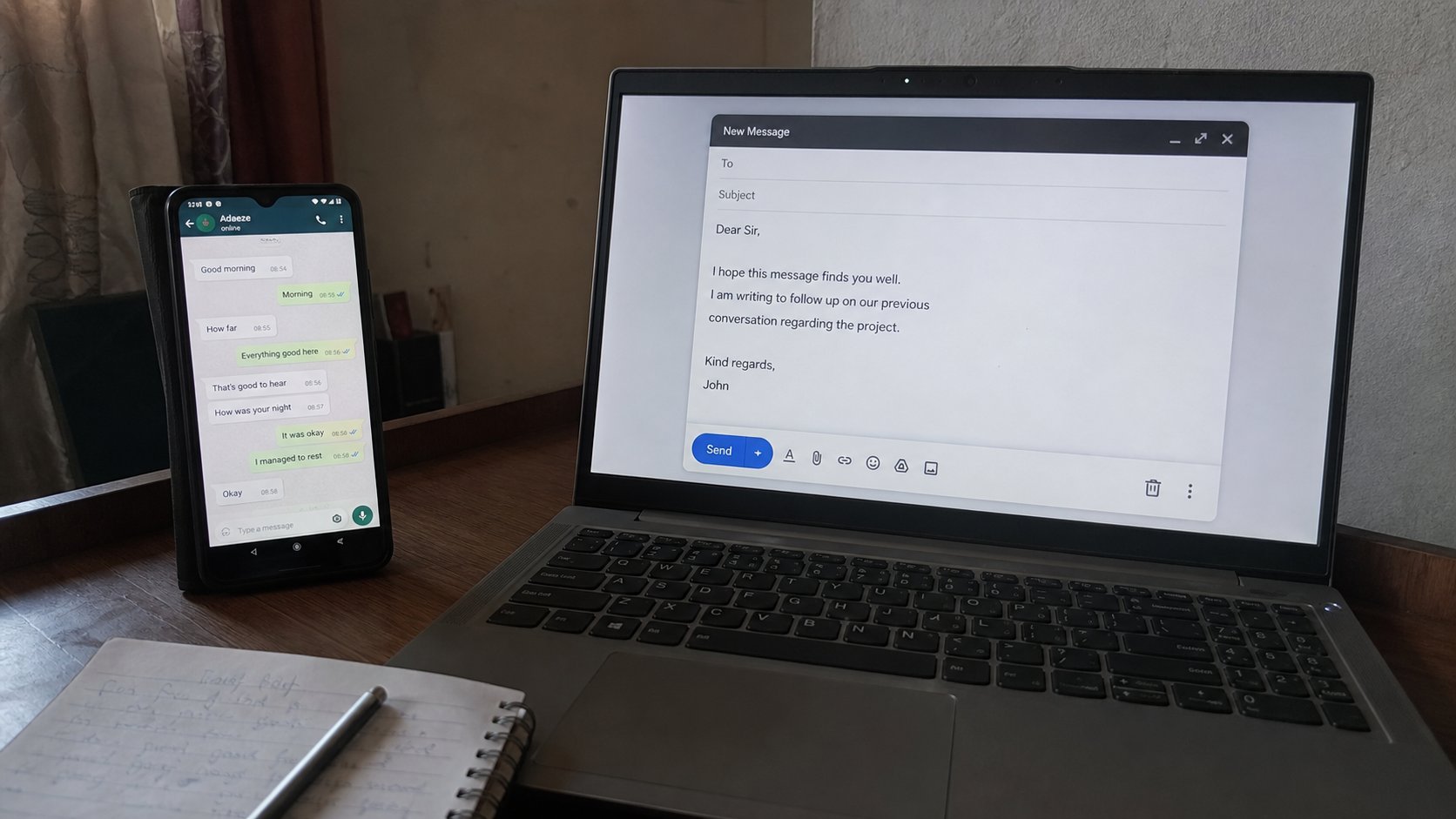 Lesson 10
The first sitting
WhatsApp is not email
A chat is a tap on the shoulder. Email is a letter on a desk. When each one is right, how to send files properly, and what disappears when you rely on a phone.
5 min readRead lesson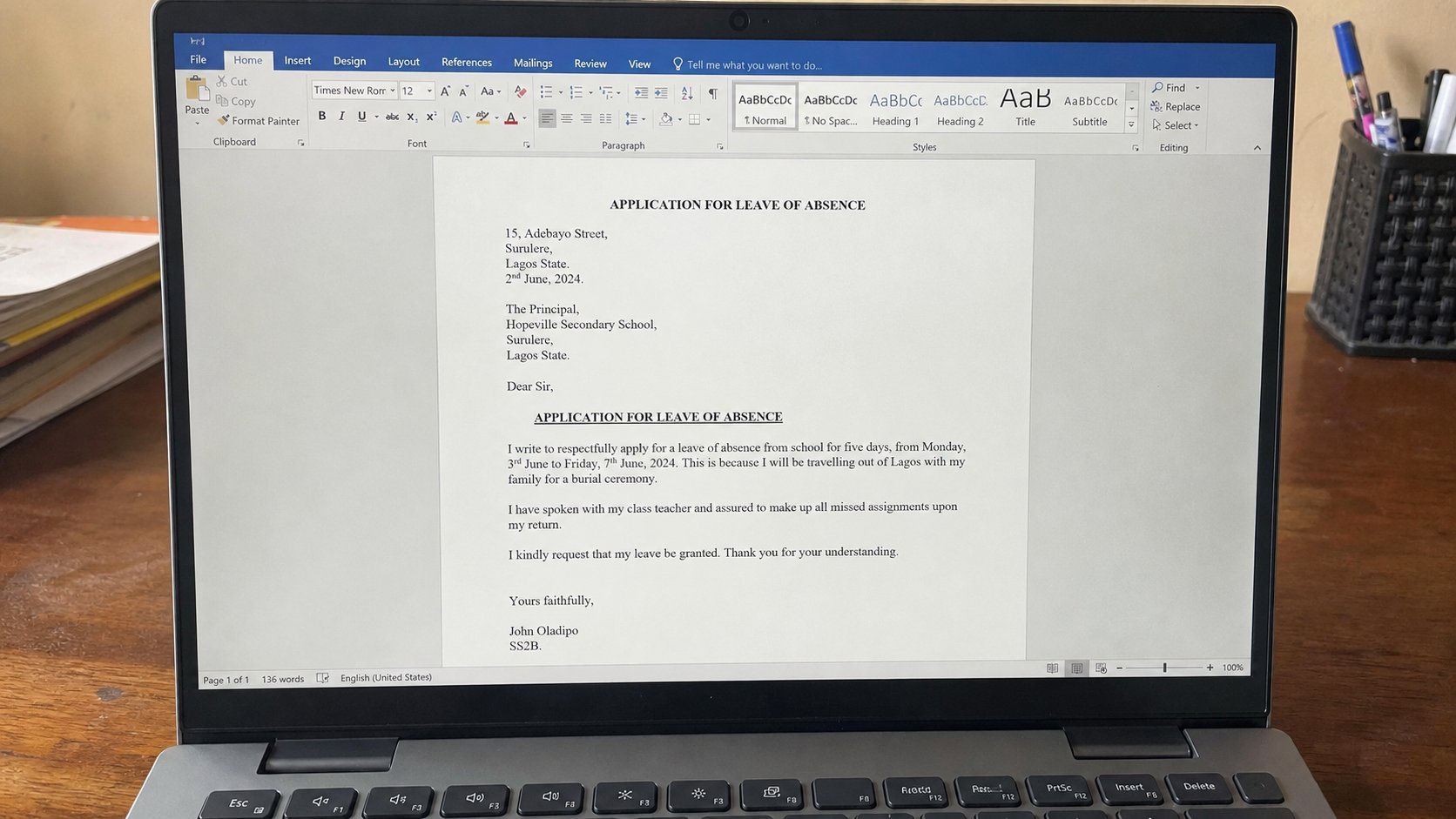 Lesson 11
Keeping the machine
A letter that looks like one
Margins, font size, spacing, a real subject line, and why a PDF is the version you send. How to type an application letter that an office will take seriously.
4 min readRead lesson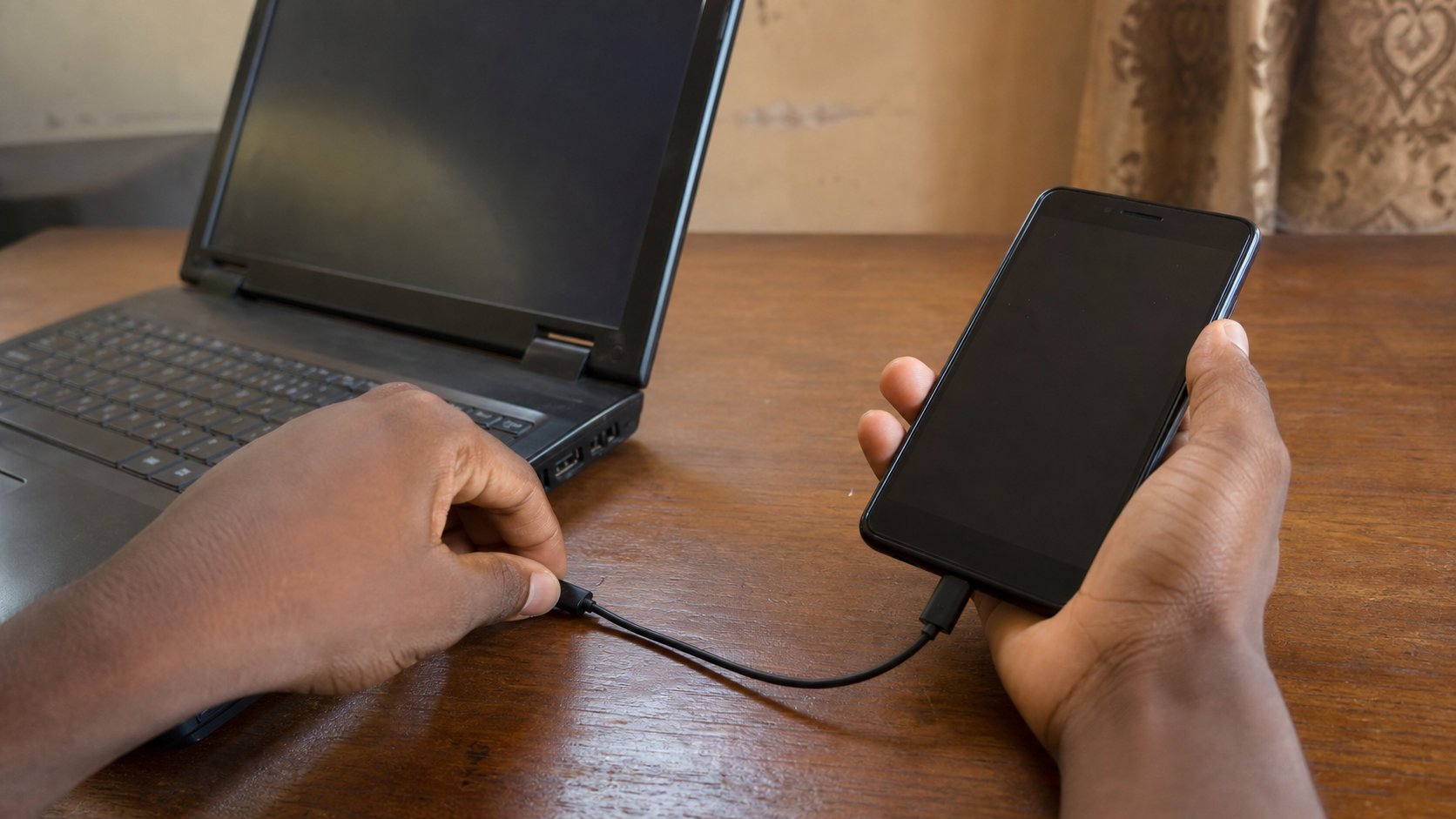 Lesson 12
Keeping the machine
Getting photographs off the phone
How to move photographs from a phone to a computer without losing them, why you copy instead of cut, and which pictures are worth keeping.
4 min readRead lesson
New to computers? Start at the beginning.
Lesson 1 assumes nothing. Every chapter after it builds on the one before, so the order matters.
Next step
Prefer a class?
The same basics are taught at the centre, two sessions a week, with a machine in front of you.
Admissions open · Two sessions a week · 24 Ebony Road, Port Harcourt