Content Creation
Plan, shoot, edit and publish video that people watch to the end.

- Course fee
- ₦30,000
- Duration
- 3 weeks
- Sessions
- 6 · 2 per week
- You leave with
- A complete short-form video
About this course
Take you from 'I have nothing to post' to producing a finished short-form video: ideas and scripts, hooks, smartphone filming, framing, lighting, audio, editing with captions, then thumbnails, titles, publishing and reading analytics.
Short-form video is the highest-reach format available to a Nigerian creator or small business right now, and it is also the format where basic craft — lighting, audio, a strong first two seconds — separates watched content from skipped content.
What you will be able to do
- Generate content ideas and write scripts with strong hooks
- Shoot stable, well-framed, properly lit video on a phone
- Record clean audio and recognise when it is unusable
- Edit short-form video: trimming, transitions, text, music and captions
- Create thumbnails and titles, publish deliberately and read analytics
- Work within copyright and privacy limits
The deliverable
Certificate requirement
A complete short-form video
One finished educational or promotional video — scripted, shot, edited with captions and a thumbnail, published, and reviewed against its first week of analytics.
How the course is assessed
Level 1
Know
You can explain the concept, name the tools involved and recognise the difference between doing it well and doing it carelessly.
Level 2
Do
You can perform the task independently, without the instructor repeating the steps, and fix the obvious problems when they appear.
Level 3
Create
You can use the skill to produce something a real person would pay for — a document, a design, a website, a report, a repaired machine.
Week by week
3 weeks, 6 practical sessions. Click any session to read the complete class lecture — objectives, taught content, the instructor demonstration, practice, mistakes to avoid, homework and the marking rubric.
Week 1 — Content fundamentals
What content creation is, content types, audience, topics, pillars, storytelling, hooks, scripts, short versus long form and planning — ending with five scripted ideas.
Week 2 — Production
Smartphone photography, framing, lighting, audio, recording, angles, talking to camera, screen recording, then editing: trimming, transitions, text, music and captions.
Week 3 — Publishing & growth
Thumbnails, titles, captions, publishing, calendars, engagement, analytics, copyright, privacy and responsible creation — then the final video project.
- Session 4105 min · 14 min read
Packaging & Publishing
- Thumbnails
- Titles
- Captions
- Publishing
- Content calendars
- Session 5105 min · 14 min read
Growth, Rights & Responsibility
- Audience engagement
- Analytics
- Copyright awareness
- Privacy
- Responsible content creation
- Session 6105 min · 15 min read
Final Project — Short-Form Video
- Final project: produce a complete short-form educational/promotional video
- Screening and class critique
Content Creation — questions
The things prospective students actually ask before enrolling.
Do I need a camera or professional equipment?+
No. Everything in this course is shot on a smartphone, because that is what you will actually have when the moment comes. We teach lighting and audio technique with free or cheap solutions — window light, a ₦5,000 lapel mic — and explain when equipment genuinely changes the result and when it does not.
Which editing app do we use?+
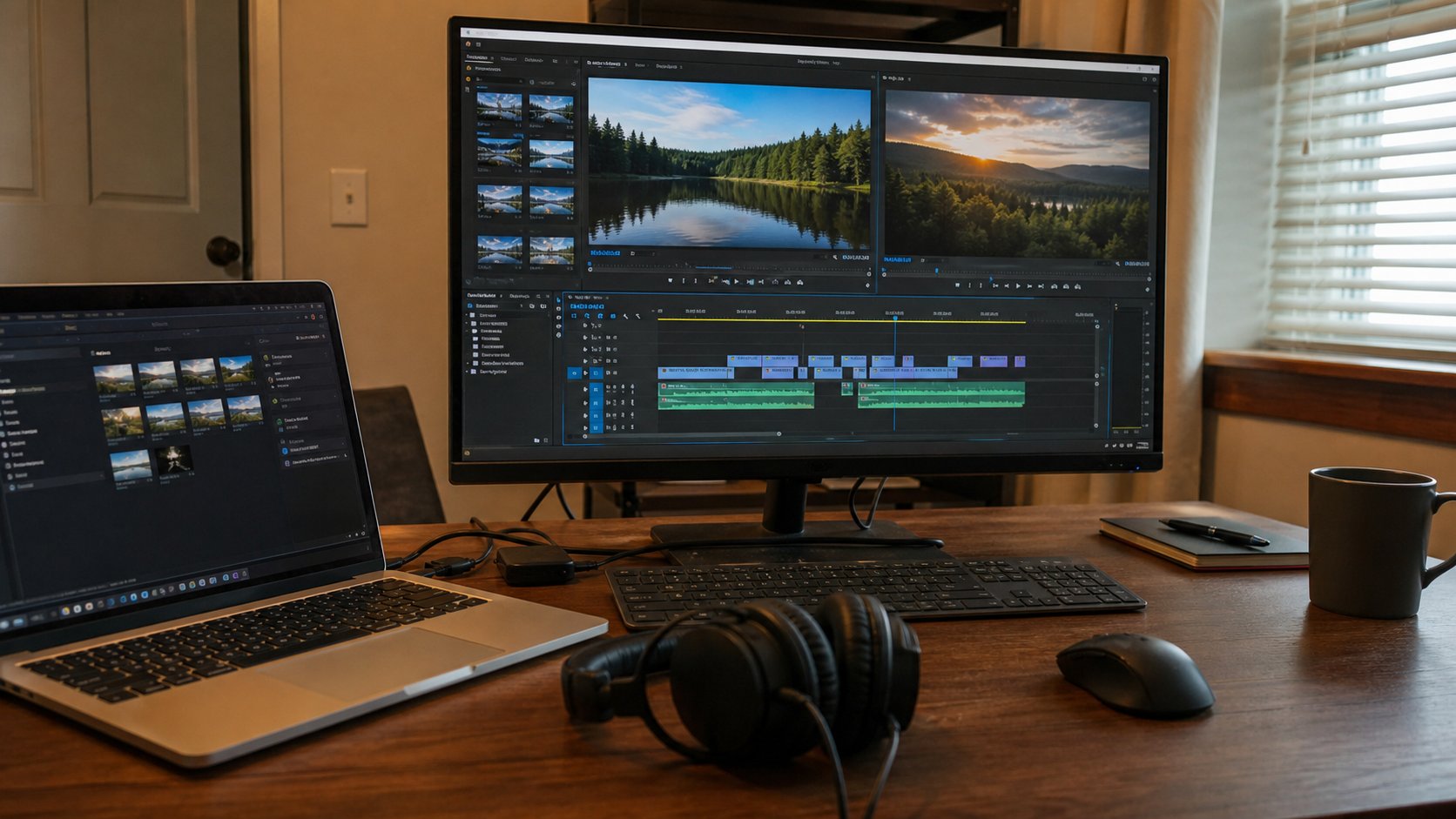
CapCut, because it is free, runs on a phone and covers trimming, transitions, text, music and captions. The editing principles transfer to Premiere, DaVinci Resolve or Final Cut if you move to desktop editing later.
Will this teach me to get famous or go viral?+
Nobody can promise that honestly. What we teach is what makes content watchable and shareable: a strong first two seconds, clear audio, a single idea per video, and captions — plus how to read your analytics so you learn from your own numbers instead of guessing.
I am shy about being on camera. Is this course for me?+
Yes. Screen recording, voiceover, product shots and b-roll are all covered as formats that do not require your face. Session two includes talking-to-camera practice in a supportive room, and many students who start there end up comfortable.