Video Editing
Cut, colour, caption and sound-mix video on phone and desktop.
- Course fee
- ₦40,000
- Duration
- 3 weeks
- Sessions
- 6 · 2 per week
- You leave with
- Two finished edited videos
About this course
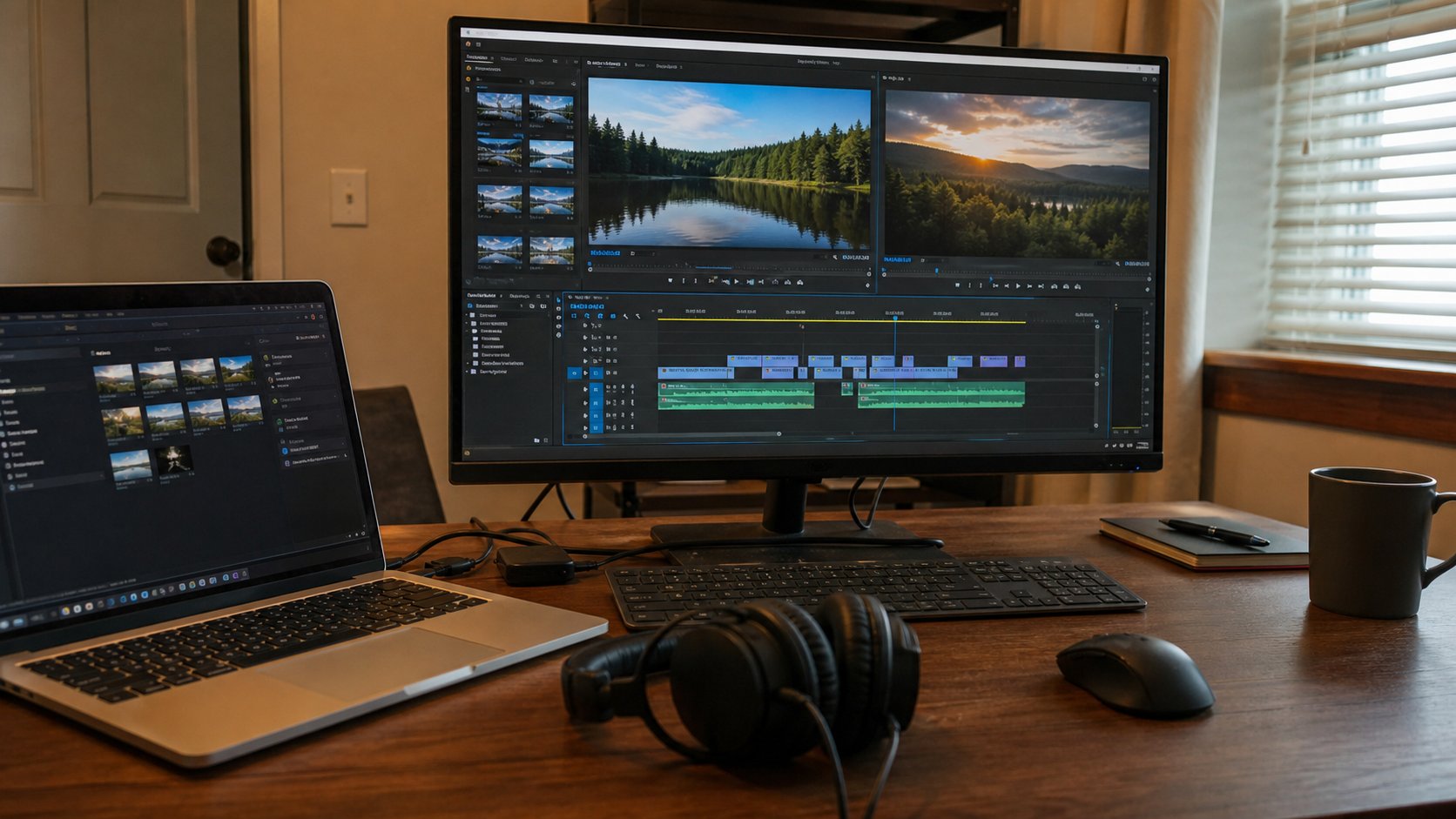
Editing craft rather than button-pushing: story structure, cutting on action and rhythm, audio levels and clean-up, transitions used sparingly, captions, colour consistency and export settings for each platform. Taught in CapCut and Premiere fundamentals.
What you will be able to do
- Structure a video so it holds attention
- Cut to rhythm and on action
- Clean and mix audio to broadcast-usable levels
- Add captions, graphics and colour consistently
- Export correctly for Instagram, TikTok, YouTube and WhatsApp
The deliverable
Certificate requirement
Two finished edited videos
A short-form vertical piece and a longer horizontal piece, both mixed, captioned, colour-corrected and exported to platform specs.
How the course is assessed
Level 1
Know
You can explain the concept, name the tools involved and recognise the difference between doing it well and doing it carelessly.
Level 2
Do
You can perform the task independently, without the instructor repeating the steps, and fix the obvious problems when they appear.
Level 3
Create
You can use the skill to produce something a real person would pay for — a document, a design, a website, a report, a repaired machine.
Week by week
3 weeks, 6 practical sessions. Click any session to read the complete class lecture — objectives, taught content, the instructor demonstration, practice, mistakes to avoid, homework and the marking rubric.
Week 1 — Story & cutting
Structure, assembly, cutting on action, rhythm and pacing.
Week 2 — Audio & captions
Levels, clean-up, music, sound effects and captioning.
Week 3 — Finish & export
Transitions, graphics, colour and platform-specific export.
- Session 5105 min · 16 min read
Transitions & Graphics
- Transitions
- When not to use them
- Motion graphics basics
- Brand consistency
- Session 6105 min · 17 min read
Colour & Export
- Colour correction
- Colour grading
- Export settings
- Platform specs
- Final project: two finished videos
Video Editing — questions
The things prospective students actually ask before enrolling.
Do I need Premiere Pro?+
No. The first half is taught in CapCut, which is free and handles most Nigerian commercial work. Premiere fundamentals are covered for people moving into desktop editing, and the editing principles are identical in either tool.
Is this the same as Content Creation?+
Content Creation covers planning, shooting and light editing of short-form video end to end. This course goes deep on the editing craft alone — cutting, audio, colour and export — for people who already have footage and want it to look and sound professional.