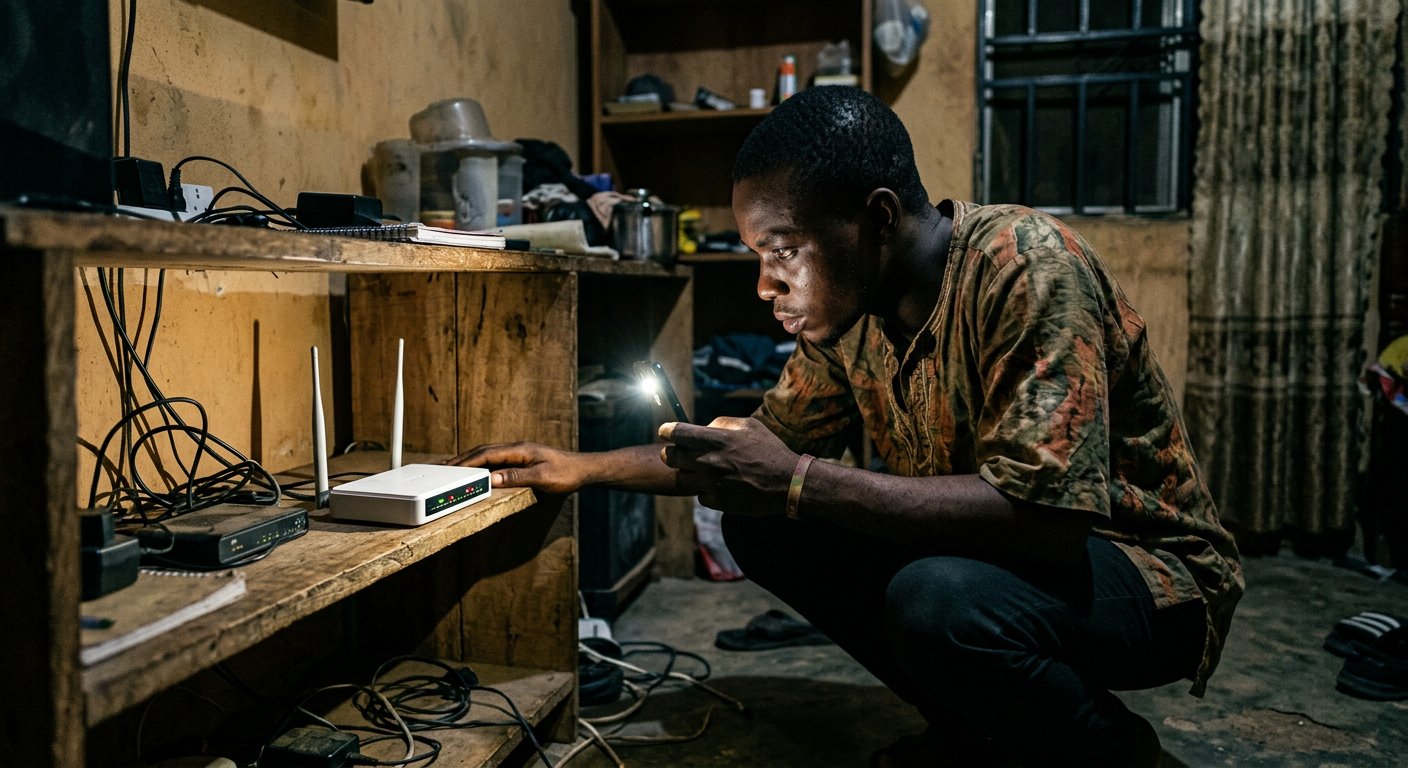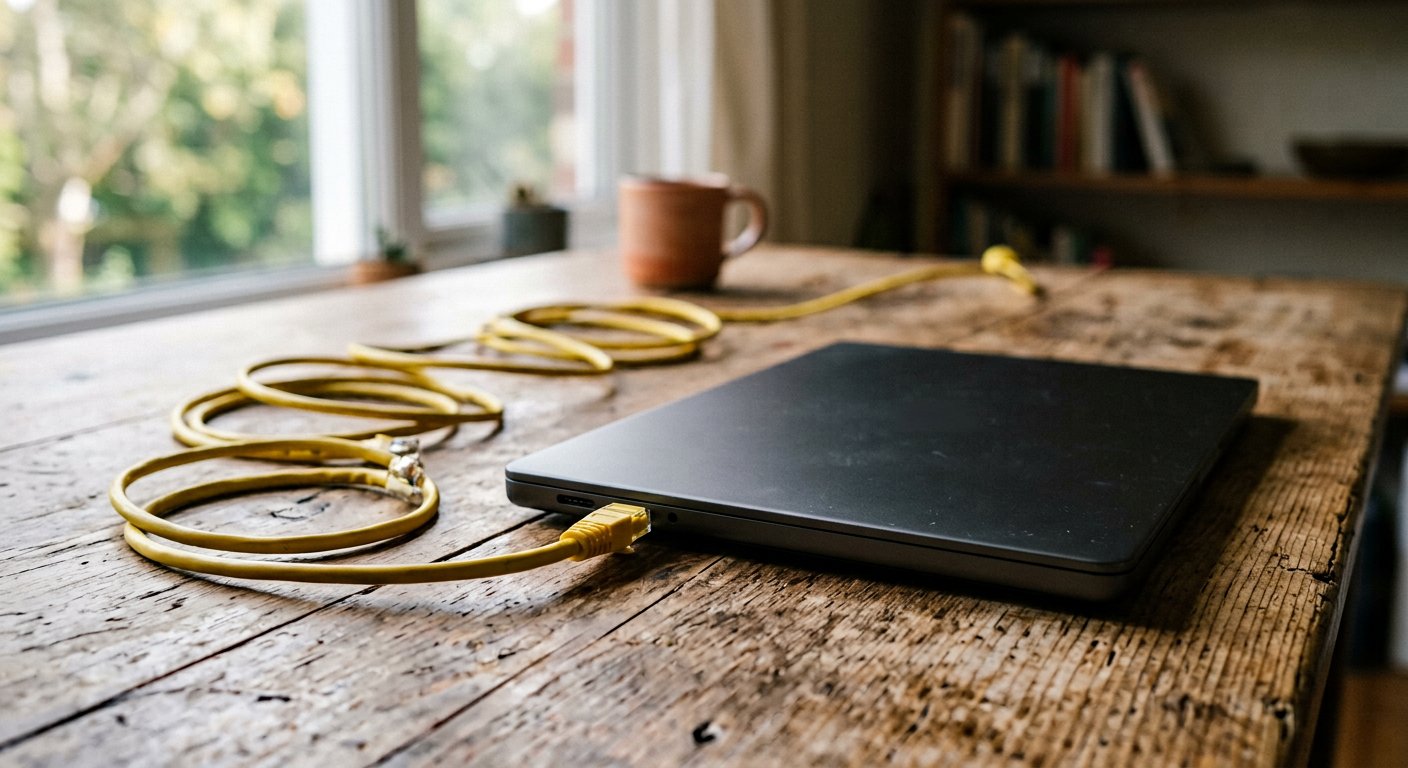
This lesson covers wifi and the cable under the table. You will learn when a cable is the better choice, why walls weaken a signal, and the cheap fixes that reach the far room.
Wifi is radio, and radio loses strength through walls and distance. A cable carries the signal without loss, which is why an older machine often works better plugged in.
Before you start
- A device and the router.
- A network cable if you have one.
- About fifteen minutes.
When a cable wins
- For a desktop or a television that never moves.
- For video calls, where a dropped signal ends the call.
- For downloading large files, where speed matters.
- For gaming, where delay is felt immediately.
- For a room where the wifi shows one bar.
- For security, since a cable cannot be joined from outside the house.
You will see the wifi icon become a small plug or a computer symbol when the cable is connected, and the connection stops wobbling. That steadiness is the whole benefit.
The wifi list will show a strength bar beside each network, and the bars in the far room tell you more than a speed test. Compare the bars in two rooms before buying anything.
It looks like wifi has replaced cables entirely. A cable still carries the steadiest signal, and it costs less than any extender.
Why the signal fades
- Each wall removes strength, especially a wall with metal or water pipes.
- Distance matters more than the number of walls in most homes.
- A microwave oven interferes while it is running.
- A cordless phone base and a baby monitor can sit on the same frequency.
- A router shut inside a cabinet is a router behind a metal door.
- The 2.4 band travels further, and the 5 band is faster over a short distance.
A signal test will show a strength figure that drops by half in the next room. Walking the phone around the house while watching that figure finds the dead spots in two minutes.
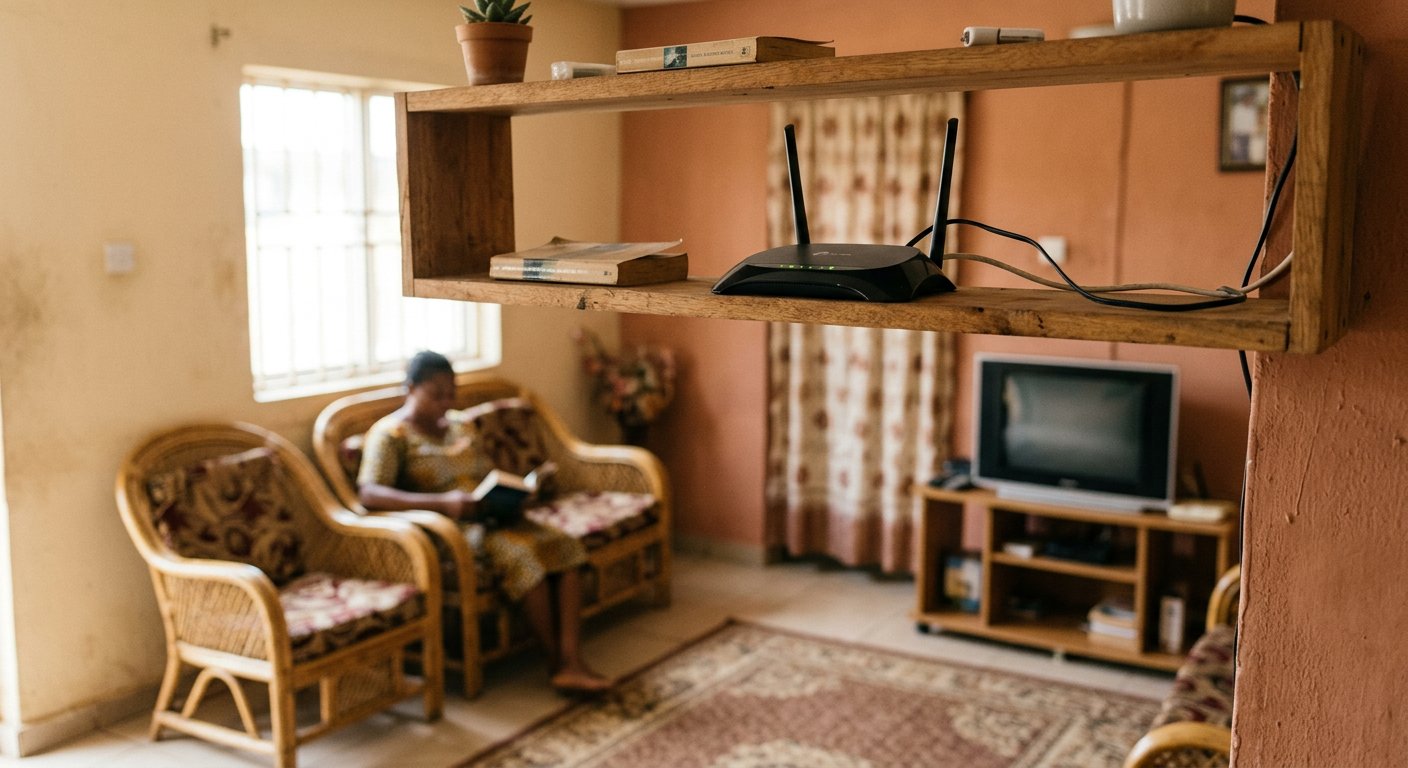
Cheap fixes, in order
- Move the router to a central, high place.
- Point the antennae upward, not sideways.
- Change the wifi channel if the app shows a crowded one.
- Use the 2.4 band for the far rooms and the 5 band near the router.
- Run a cable to the far room if the wall is the problem.
- Add a second access point connected by cable, rather than a repeater.
None of this needs a technician. Moving the router and running one cable fixes more homes than a repeater ever does.
Do not worry about the cable looking untidy. A cable along a skirting board is less trouble than a call that drops every ten minutes.
If it goes wrong
All of these are fixable.
- The far room has one bar: move the router first, then consider a cable.
- The signal drops at the same time each evening: a neighbour's network or an appliance.
- The cable is connected but nothing loads: the port may be off, so try another port.
- The 5 band disappears in the next room: it is short range, which is normal.
- The repeater halves the speed: it repeats rather than extends. Use a cable where you can.
- The wifi is fine and one device is slow: the problem is that device's adapter.
Practice
Test one room before buying anything.
- Walk the phone around the house, watching the signal strength.
- Note the two weakest places.
- Move the router higher and repeat the walk.
- Connect one device by cable and compare the steadiness.
- Write down which fix helped most.
You can now put the signal where you need it. In the next lesson you will work out what a megabyte actually buys.
Free browser practice lab
Practise formulas in Spreadsheet Lab
Run live SUM, IF, SUMIF, and VLOOKUP drills right in your browser.