What you will learn
- Convert between megabits per second (Mbps) speed and megabytes (MB) of downloaded data.
- Estimate how quickly video, music, and updates consume a 1.5 GB or 5 GB bundle.
This lesson shows what a megabyte is and where your data goes. You will learn the difference between bits and bytes, how much a video or a song uses, and how to plan a bundle that lasts the month.
A byte is a small unit of data, and a megabyte is a million of them. Providers sell bundles in megabytes or gigabytes, and they advertise speeds in megabits, which is one eighth of a megabyte.
What you will need
- Your bundle size and its price.
- The data usage screen on the phone.
- About twenty minutes.
Bits and bytes
- A byte is written with a capital B, and a bit with a small b.
- Eight bits make one byte, which is why the numbers differ by a factor of eight.
- A speed of 10 Mbps is about 1.2 megabytes per second.
- Downloading a 100 megabyte file at that speed takes about eighty seconds.
- A bundle of 1.5 gigabytes is 1,500 megabytes, and it disappears quickly with video.
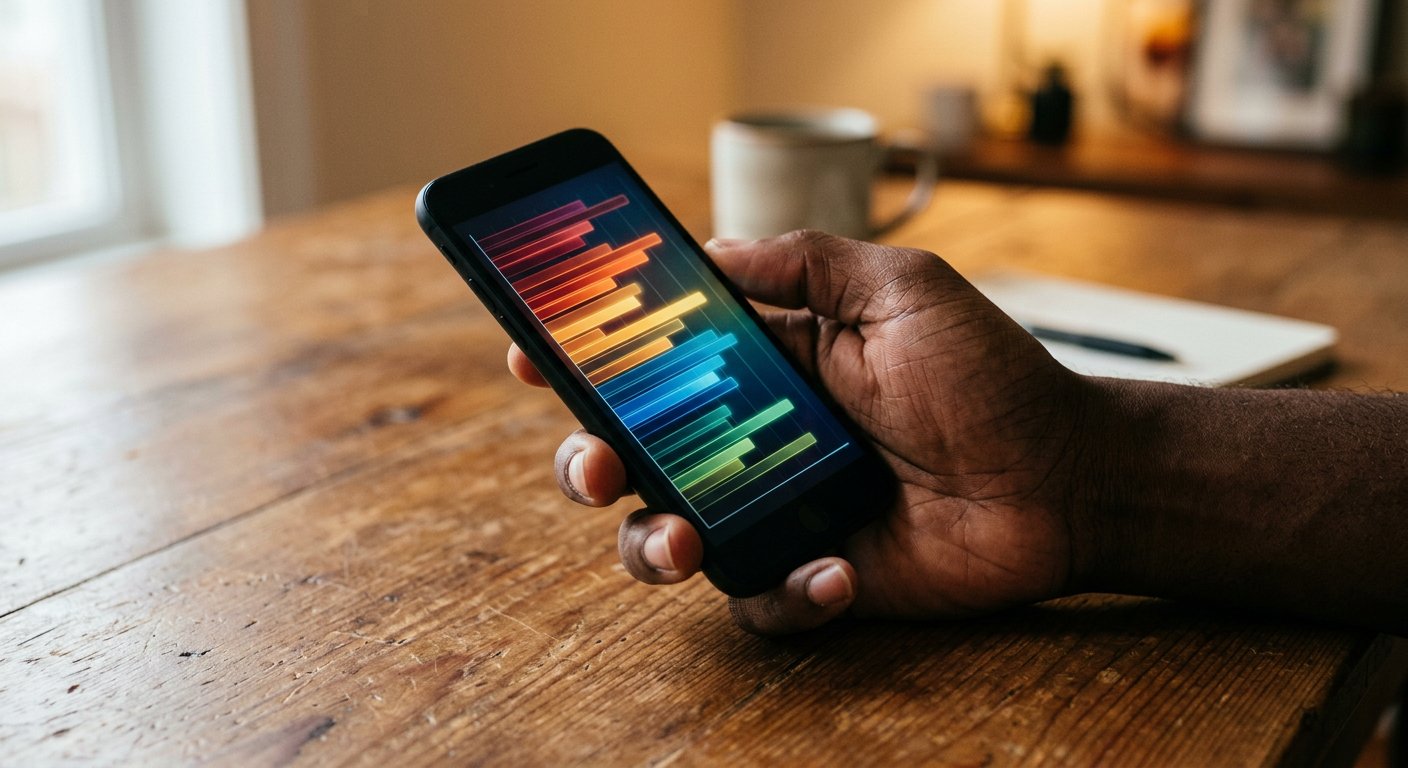
- The phone's usage screen counts in megabytes, which is the figure that matches a bundle.
You will see the speed test report megabits while the file manager reports megabytes, and the two numbers will never match. That mismatch is units rather than a fault.
It looks like a bigger bundle costs less per megabyte. Often it does, and a bundle you do not finish is money spent rather than saved.
What things actually use
- A text message: a few kilobytes, which is nothing.
- A web page with photographs: one to three megabytes.
- A song on a streaming service: about four megabytes.
- A short video clip: ten to fifty megabytes, depending on quality.
- An hour of standard video: three hundred to seven hundred megabytes.
- An hour of high definition video: one to three gigabytes.
A usage screen will show a single evening of video as more than a week of messaging, which is the pattern worth remembering. Video is almost always the answer to where the bundle went.

Planning a bundle
- Write the bundle size and the number of days it should cover.
- Divide the megabytes by the days, which gives a daily allowance.
- Check the daily figure against the usage screen for a normal day.
- Choose the lower video quality in the apps you use most.
- Download music and videos on wifi rather than streaming on data.
- Buy the next bundle before the last one finishes, so you are not caught.
- Review the month once, and change the size rather than the habit.
None of this needs a data app. The phone's own counter, a division, and one line in a notebook cover the whole plan.
Do not worry about counting every megabyte. Two habits, lower video quality and wifi downloads, change the month more than tracking does.
Troubleshooting
Each one has an answer.
- The bundle finished early: check video and hotspot use first.
- The speed test is good and pages crawl: the site or the device is the slow part.
- A 1 gigabyte bundle lasted two days: that is ordinary with an hour of video a day.
- The phone shows more usage than the provider: the counts start on different days.
- A download failed at ninety per cent: it will start again, and the data is spent.
- An update used the data: the store was set to update on any network.
Your turn
Work out one daily allowance.
- Write the bundle size in megabytes.
- Divide by the number of days it should last.
- Compare with a normal day's usage.
- Set the video quality to the lower option for a week.
- Check the total again and compare.
You can now buy data with a plan rather than a hope. In the next lesson you will diagnose a network that has gone slow.