This lesson is a diagnosis for a slow network. You will test one device, then the router, then the line, and know which of the three is at fault before you call anybody.
A slow connection has three possible homes: the device in your hand, the router in the house, and the line from the provider. Testing in that order takes five minutes and saves a wasted call.
Before you begin
- Two devices, one of them a phone.
- The router's lights, visible.
- About twenty minutes.
Step one: one device
- Try the same page on a phone and on the computer.
- If one works and one does not, the fault is in that device.
- Restart the device, which clears more than people expect.
- Check the device's wifi signal strength in the same room as the router.
- Close the tabs and programs you are not using.
- Forget the network on the device and join it again.
You will see the working device load the same page normally, which rules out the line entirely. That single comparison is the most useful test in this lesson.
It looks like a slow page means a slow connection. One working device and one failing device describe a device problem, not a network one.
Step two: the router
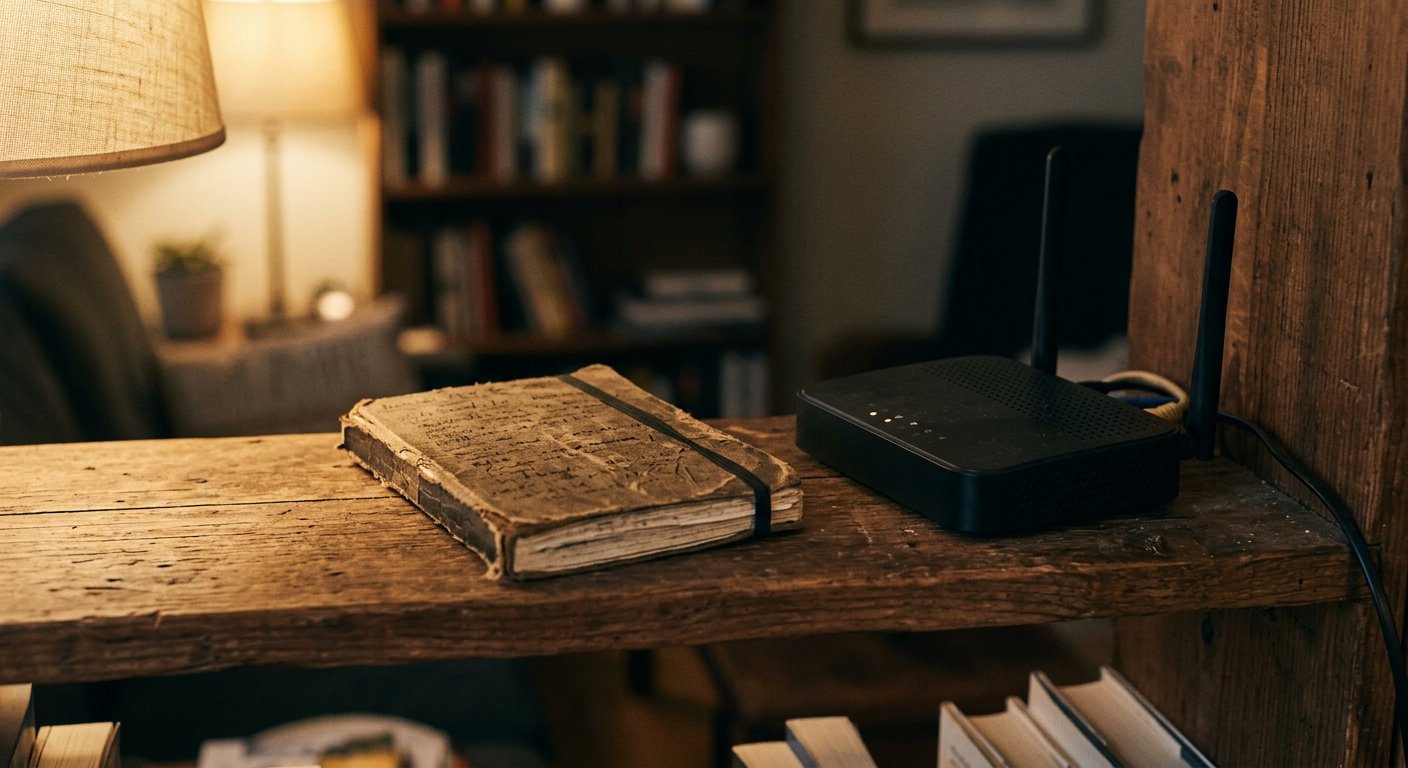
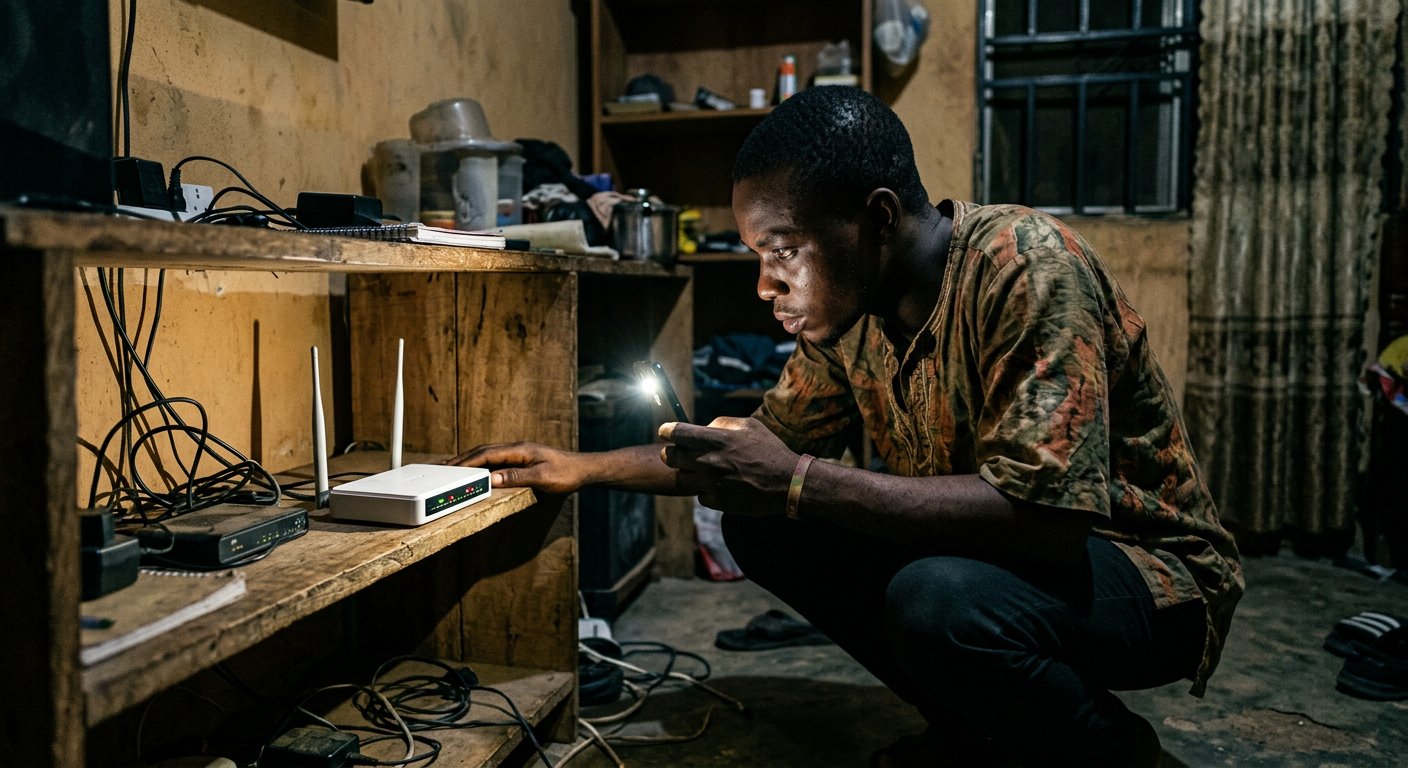
- Read the lights and note any that are off or red.
- Switch it off at the wall, wait thirty seconds, and switch it on.
- Wait two minutes without touching it.
- Test one page on one device.
- Check the wifi password has not been changed by somebody in the house.
- Look at how many devices are connected, since twenty is different from three.
The router's device list will show every phone, television, and laptop attached, which often explains the evening slowdown. A guest who never left is a common finding.
Step three: the line
If every device is slow, the problem is the line, and the provider needs specific information.
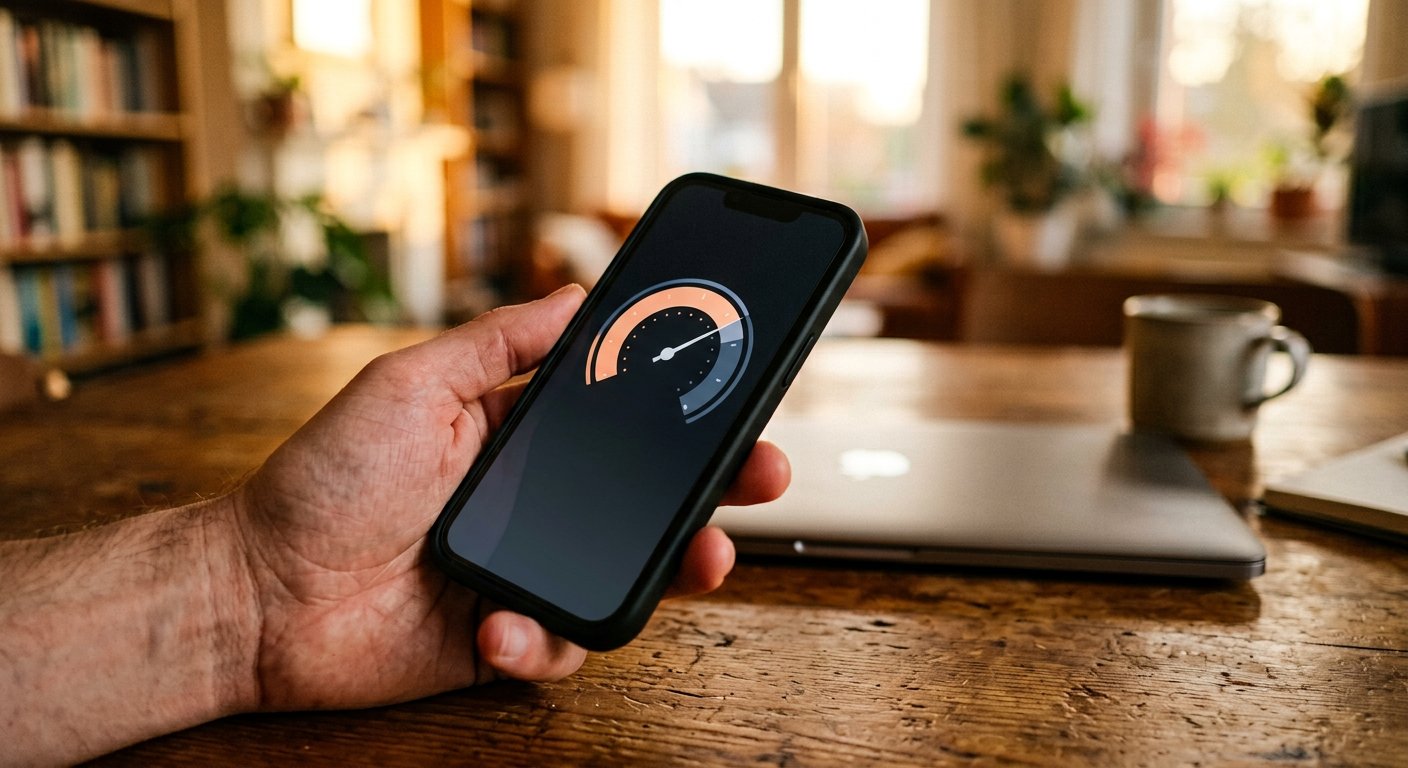
- Run a speed test connected by cable, standing beside the router.
- Run the same test in the far room, and compare the two figures.
- Check whether a neighbour has the same problem at the same hour.
- Note the times of day when it is worst, since busy hours are a real answer.
- Photograph the router's lights while the fault is happening.
- Call with the account number, the ticket number, and the two speed results.
None of this needs technical language. Two speed figures and a photograph of the lights are more useful to a support line than a description of how slow it feels.
Do not worry about being told to restart it again. Say that you have, and give the figures, which moves the conversation forward.
When it fails
Nothing here is unusual.
- One page fails and others load: the site is the problem, not your line.
- Everything fails after a storm: check the wall box and call the provider.
- The speed test is good and pages crawl: the name service is slow, so try a different one.
- Only video buffers: the app's quality setting is too high for the line.
- It slows at the same hour every evening: the network is busy, which is not a fault in the house.
- The router drops the connection hourly: the adapter or the router is failing.
Try it now
Run the three steps once, while everything works, so you know the numbers.
- Run a speed test beside the router.
- Run the same test in the furthest room.
- Write both figures in your notebook, with the date.
- Count the devices connected to the wifi.
- Photograph the router's lights while it is healthy.
You can now tell a slow device from a slow line. In the next lesson you will look at how names are given to machines on a network.