This lesson follows the internet from the street to your screen. You will learn what the cable, the router, and the provider each do, and why a fault in one place affects everybody at once.
The internet arrives through one line, which may be fibre, a phone line, or a mobile signal. Everything in the house shares that line, which explains most of the slow evenings.
What you will need
- About twenty minutes.
- A look at the box where the line enters the house.
The path, in order
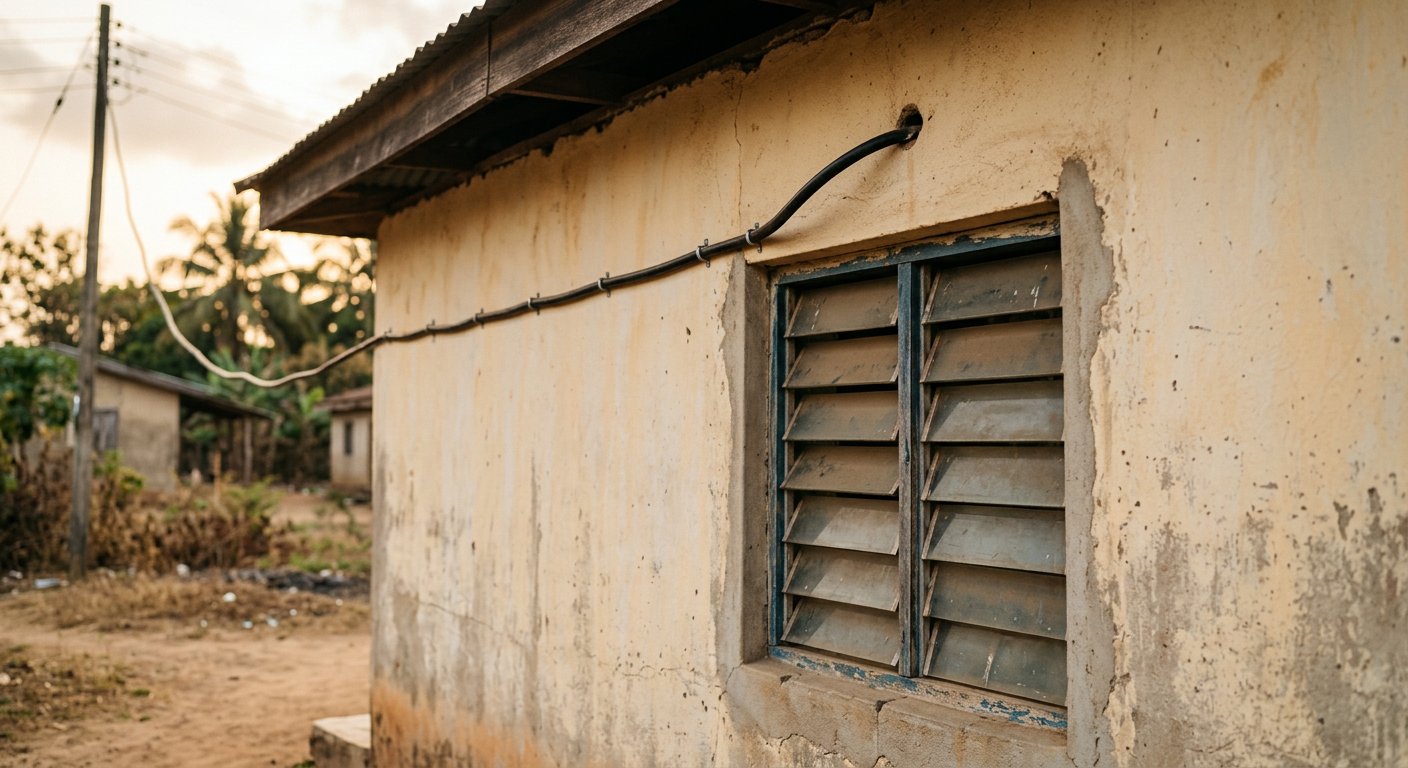
- A fibre or copper cable reaches the building, often through a small box on the wall.
- The cable connects to the provider's equipment, which may be the router itself.
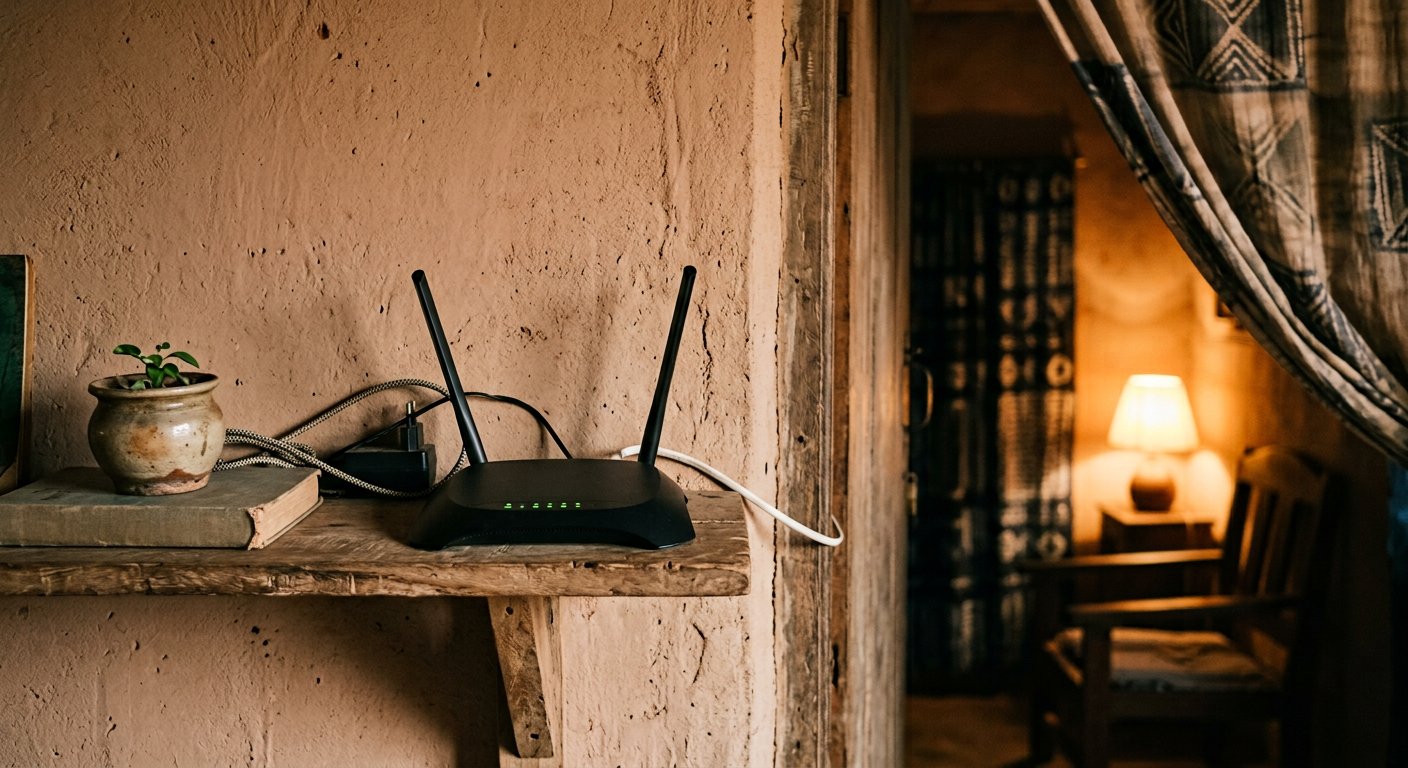
- The router gives each device in the house an address and shares the line.
- The provider connects the building to its own network and then to the wider internet.
- Names are translated to addresses along the way, which is how a word becomes a page.
- Every device in the house competes for the same line.
You will see a small box on the wall with a thin cable entering it, usually near a window or under the stairs. That box is where the provider's responsibility ends and yours begins.
It looks like a slow connection is the provider's fault alone. Ten devices on one line slow each other down, and that is a fact about the house rather than the network.
What the provider controls
- The line from the street to the building, and the speed it is set to.
- The network beyond the building, including the busy hours.
- The address your house presents to the outside world.
- The maintenance that causes planned outages.
- The support line and the fault ticket.
- The price and the bundle, which change what is possible.
A fault report will give you a ticket number and sometimes a promised date. Keep both, since the number is how a second call becomes a follow-up rather than a fresh complaint.
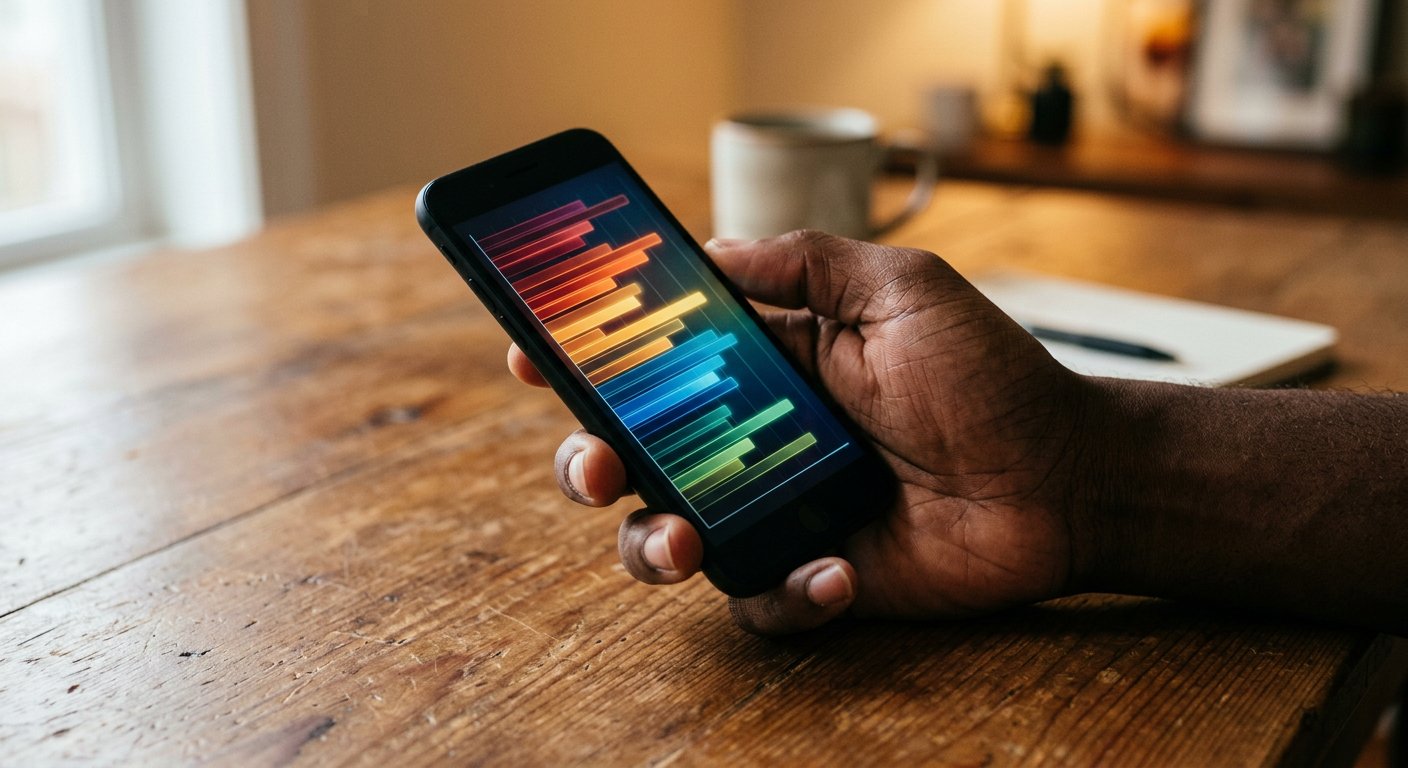
The provider's status page will show your line with a green tick or a warning, and that screen is worth a screenshot before you call. A picture of the current status is faster than describing the fault from memory.
What you control
Inside the building, everything belongs to you, and most everyday problems live there.
- Where the router sits, which decides how far the signal reaches.
- How many devices are connected, and what they are doing.
- The wifi password, and who has it.
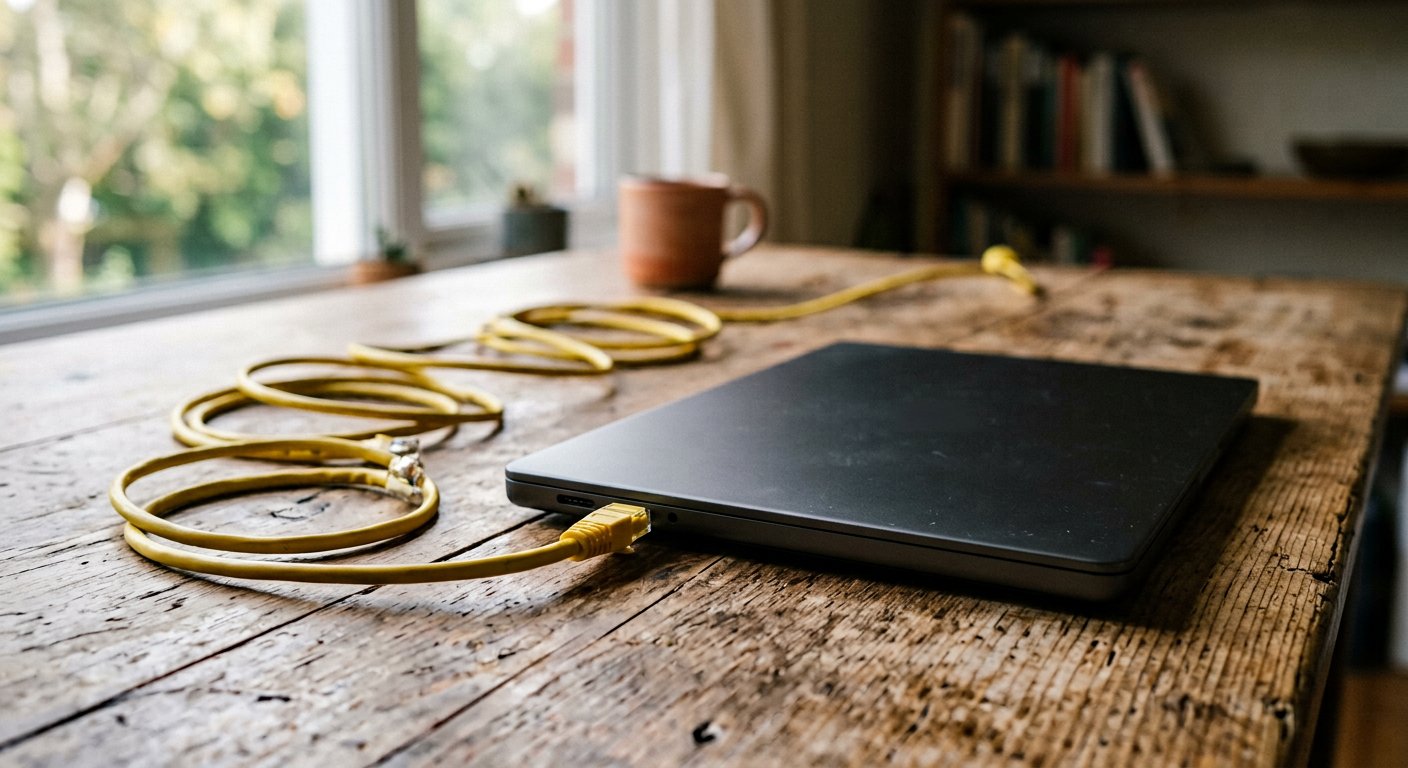
- The cables, which fail at the plug more often than in the middle.
- The devices themselves, which can be the slow part.
- The habits, such as downloading films at eight in the evening.
None of this needs the provider. Moving a router, changing a password, and closing an old download solve more complaints than any support call.
Do not worry about understanding the whole chain. Knowing where your responsibility ends is enough to ask the right question.
Troubleshooting
You can deal with each in turn.
- The whole street is down: report it and wait, since nothing inside the house will fix it.
- One device fails and the rest work: the problem is the device, not the line.
- Everything fails after a storm: check the wall box and call the provider.
- Slow only in the evening: the network is busy. Schedule downloads for the morning.
- The line works and the wifi does not: restart the router before calling anybody.
- A cable is damaged near the door: report it, since a customer repair can break the fibre.
Your turn
Find the wall box and learn one number.
- Find where the line enters the house.
- Photograph the wall box and the router's label.
- Note the provider's support number and your account number.
- Count the devices connected to the wifi.
- Ask one neighbour whether their connection is slow at the same hour.
You can now see the whole path a page travels. In the next lesson you will read the five lights on the router.