This lesson is about fixing a computer without wiping it. You will learn the checks that come before a reinstall, why a new user account solves so much, and how to know when a wipe is the honest answer.
A reinstall takes an afternoon and returns the machine to its first day, which also means losing the person's settings. Most faults have a smaller fix, and the smaller fix should come first.
What you will need
- The machine, and the owner's permission to change things.
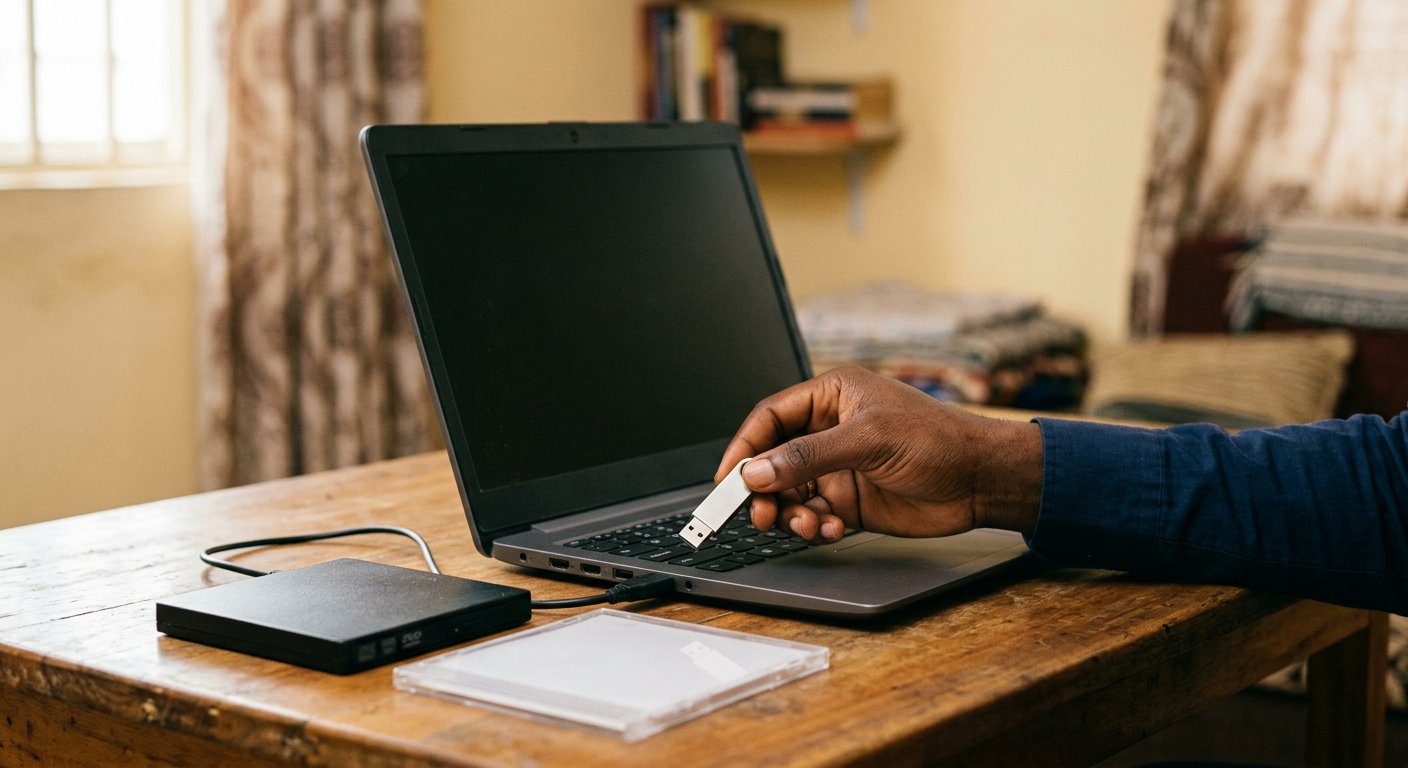
- A flash drive with the installer, kept for later.
- About two hours.
The checks, in order
- Restart once properly, since a full restart clears more than people expect.
- Start in safe mode, which loads the system without the extra software.
- Create a new user account and test there, which separates the person from the machine.
- Use a restore point from before the fault, if one exists.
- Repair the startup files from the recovery menu.
- Update the driver for the device that is failing.
- Run a disk check if the machine freezes or clicks.
You will see safe mode draw the screen with large icons and no wallpaper, which looks old and is normal. If everything works there, the fault is in the software that loads afterwards.
You will learn more from one honest test than from three guesses. If you see the machine behave in safe mode, you have already found the half of the system that is innocent.
It looks like a slow machine needs a new installation. A new user account often restores the speed of a machine that is not actually old.
The new user account, explained
A profile collects settings, startup programs, and saved state. When a profile corrupts, the machine misbehaves while the hardware is fine.
- Create a new local account with a simple name.
- Sign in and test the fault there.
- If the fault is gone, copy the person's files across.
- Move favourites, documents, and desktop files by hand.
- Set up their email and printers again.
- Keep the old profile for a week before deleting it.
The sign-in screen will show the new account beside the old one, and the choice is the test. A fault that follows the person rather than the machine is a profile fault.
You can try this yourself on any machine, and it costs nothing but time. Create a test account, sign in, and see whether the fault follows you. If it does not, you have your answer without touching a single file.
When a wipe is the answer
- The disk is failing and the data has been copied off.
- The system files are damaged beyond repair and recovery fails.
- Malware has returned after repeated cleaning and the machine is used for payments.
- The machine is being sold or handed on and must be clean.
- The owner wants a fresh start and has agreed to the loss.
- Nothing else has worked and the owner understands the cost.
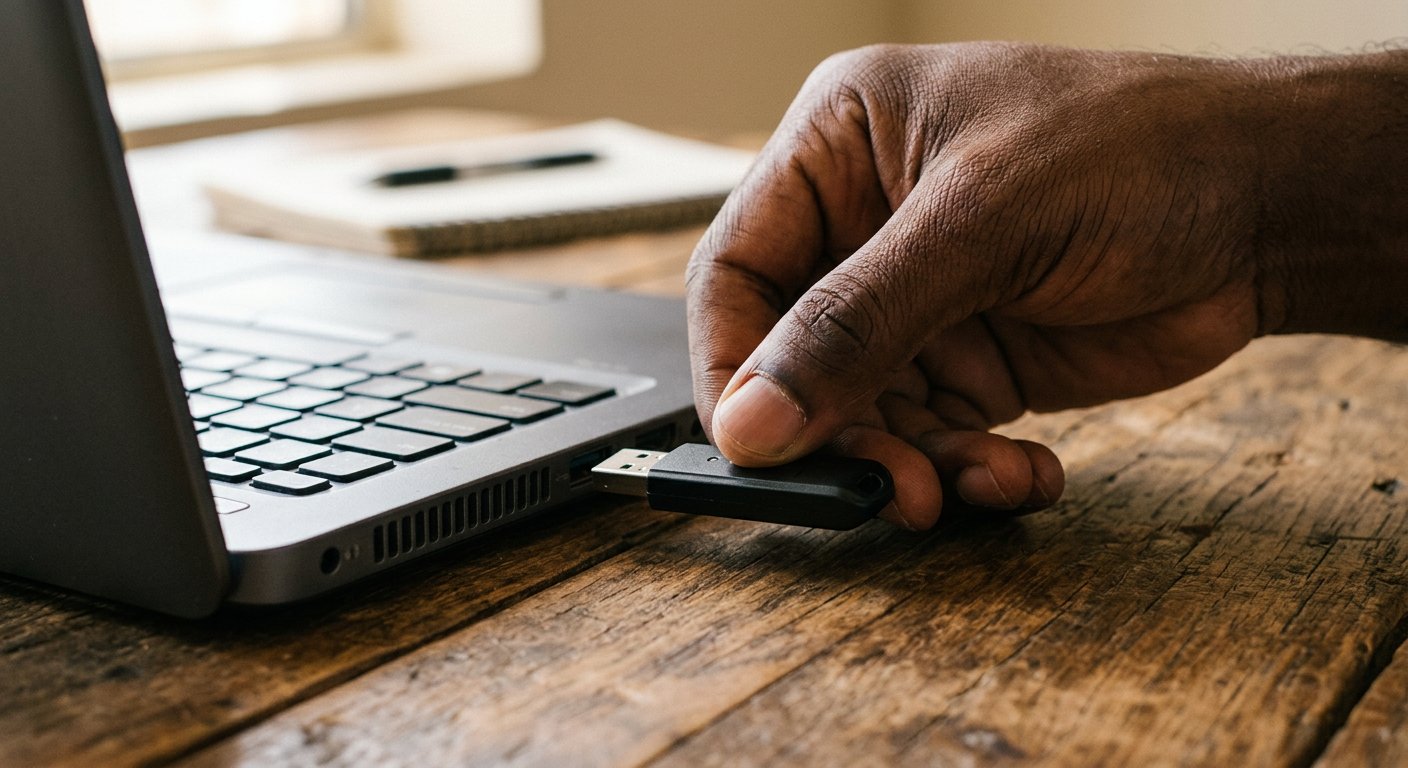
None of this needs special tools beyond the installer drive. Patience with the smaller fixes saves the owner their settings and saves you an afternoon.
Do not worry about asking for more time. Most owners prefer a slower repair that keeps their files to a fast one that loses them.
Troubleshooting
Most of them have a plain fix.
- Safe mode fails too: the fault is in the system, so try a restore point.
- No restore point exists: turn the feature on once the machine is healthy.
- The new account cannot reach the old files: take ownership of the folder.
- The repair menu will not open: the boot files are damaged, so use the installer drive.
- A driver update breaks the display: start in safe mode and roll it back.
- The disk check reports errors: copy the data off before anything else.
Your turn
Run the checks in order on a machine you own.
- Restart and note the start-up time.
- Start in safe mode and note it again.
- Create a test account and compare.
- Create a restore point and name it with today's date.
- Write down what each step changed.
You can now repair without destroying. In the next lesson you will reset a machine honestly, when that is the right call.
Free browser practice lab
Check readiness in Self-Assessment Studio
Take a quick browser diagnostic and get instant feedback.