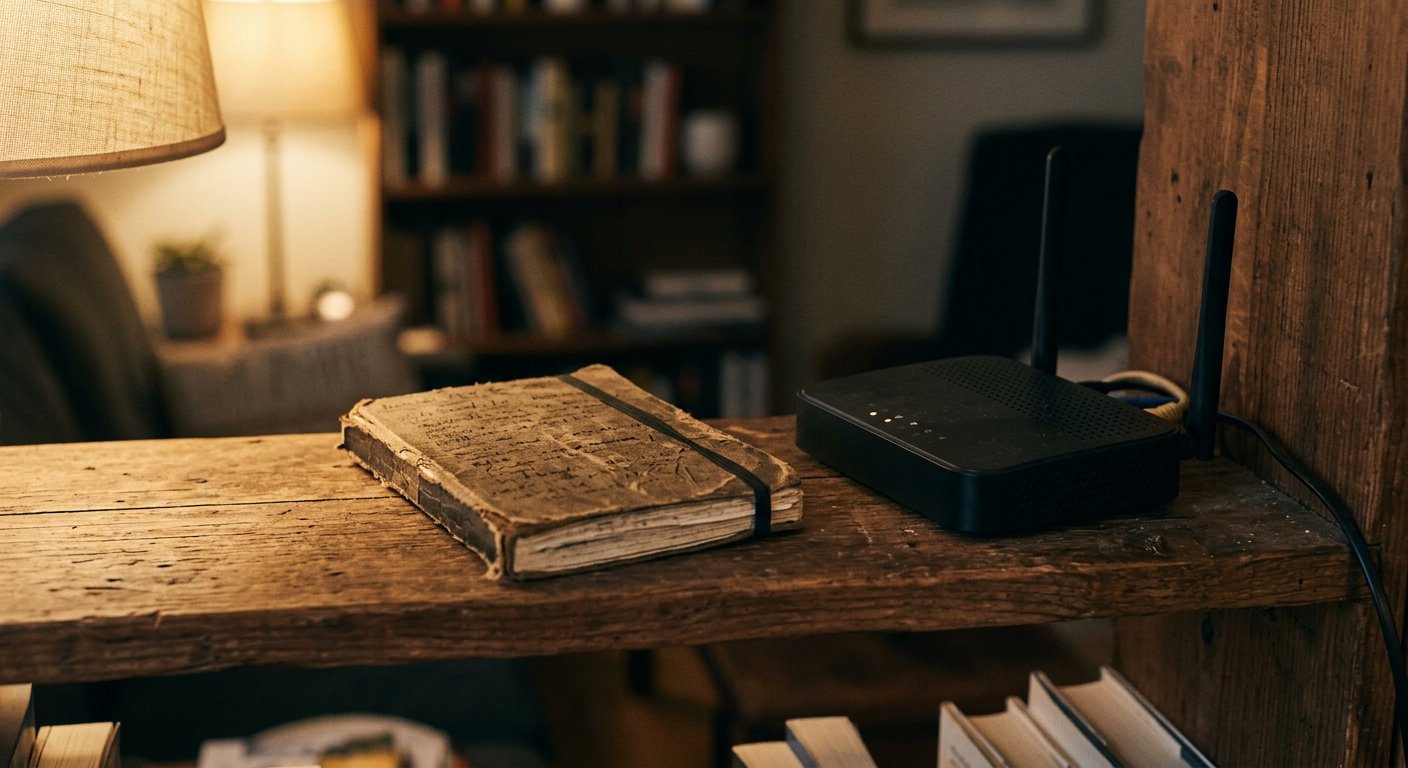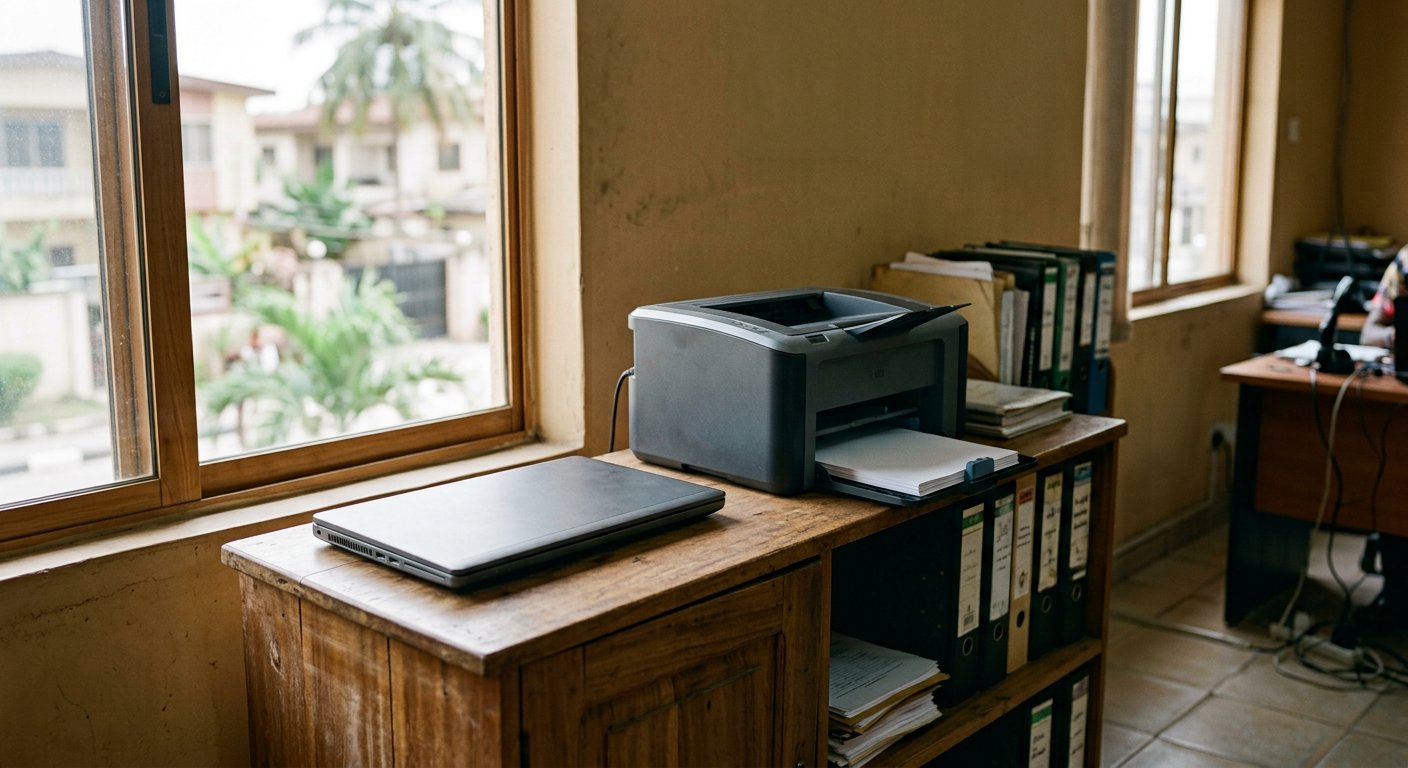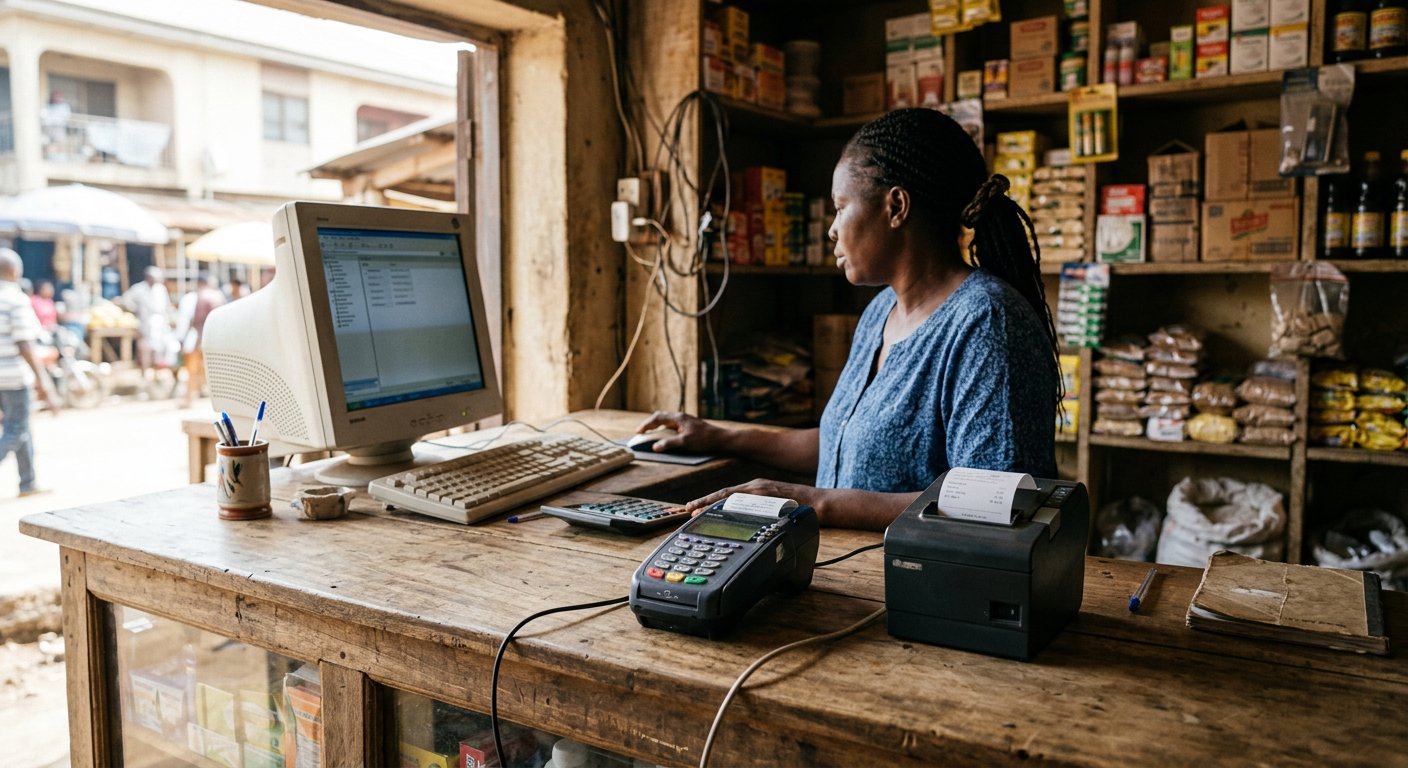
This lesson builds a small network for a small shop. You will learn what to connect, how to keep customers off the till's network, and how to plan for power that fails.
A shop needs less than an office and more than a home. Two networks, one router, and a way to keep the till working through a power cut cover most counters.
What you will need
- The till or POS terminal, and the phone used for transfers.
- The router, and its power adapter.
- About one hour.
What belongs on the network
- The till or POS terminal, on a network of its own.
- The shop phone, on the same network as the till.
- The camera system, if there is one, on the till's network.
- Customer wifi, on a guest network with its own password.
- A backup phone with data, kept charged.
- Nothing personal, since a shop machine is shared by staff.
You decide this list once, and everything else follows from it. If you can name what belongs on the till's network, you can tell what does not, and that is the judgement a shop needs.
The router's page will show two rows when the guest network is on, one for the shop and one for customers. Keeping them apart is the setting that protects the till.
On the counter phone, the wifi list will show two shop networks, one for the till and one for customers, and you can see at a glance which one you are joined to. Join the shop network yourself when you need to check the terminal.
It looks like customer wifi is a kindness with no cost. On one shared network, a customer's infected phone sits beside the till, and the guest network costs nothing to switch on.
Power, which is the real problem
A network that dies with the light is not a network. Plan the power before the cabling.
- Put the router on a small uninterruptible supply or an inverter circuit.
- Keep the till on the same supply as the router.
- Charge the backup phone every evening, not when it dies.
- Keep a power bank for the POS terminal if it has no battery.
- Protect the supply from surges with a good extension and a surge guard.
- Test the setup by switching off the mains for five minutes.
The router's lights will stay on during a test cut, and the till will keep its connection. If either dies, the supply is the thing to fix rather than the network.
Layout and habits
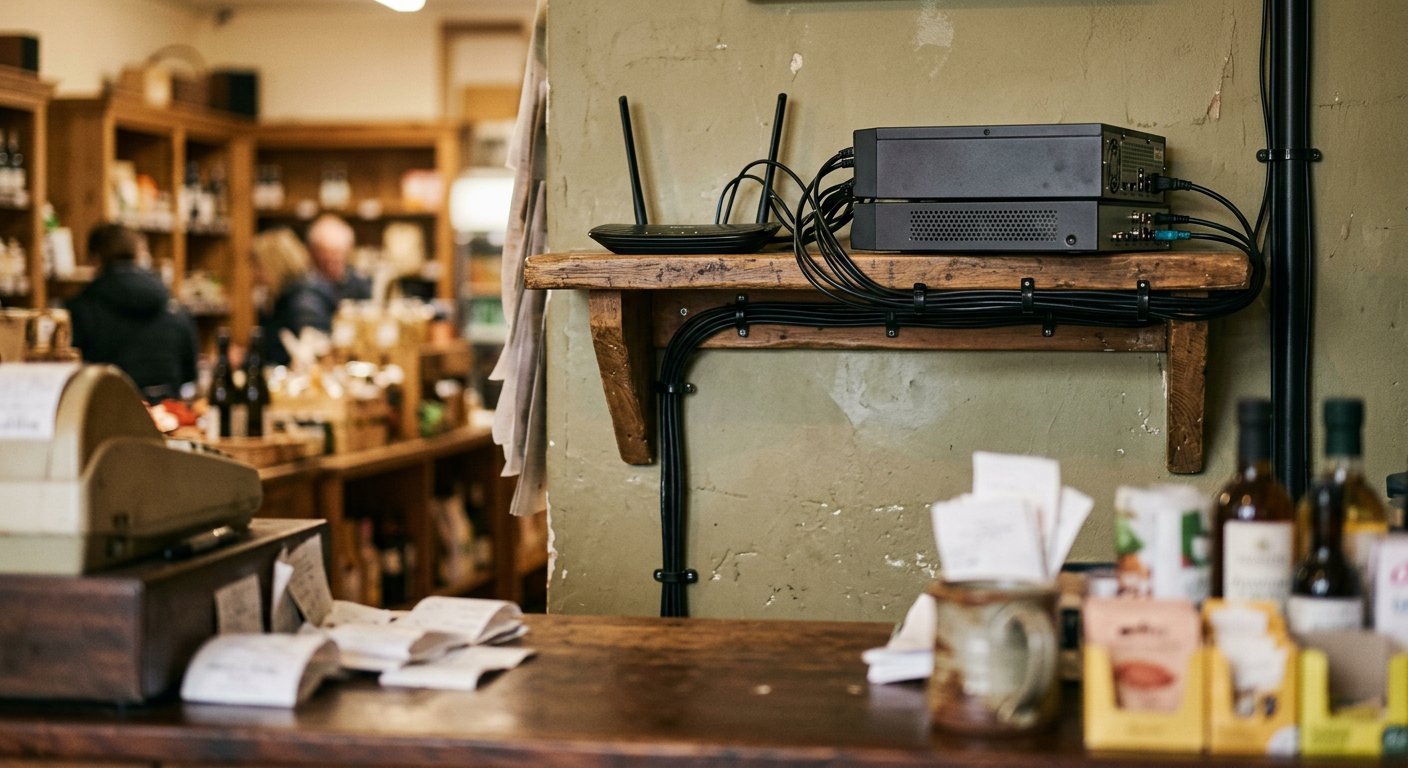
- Put the router high, near the counter, away from the safe and the metal shelving.
- Run cables along the wall rather than across the floor.
- Label each cable at both ends.
- Change the customer password monthly and post it at the counter.
- Turn the customer network off after closing.
- Write the provider's number and the router's password in the shop book.
Before you buy anything, write down what you will connect and where the power will come from. You will find that the list is short, and that the power plan matters more than the router.
None of this needs a technician on call. Two networks, one supply, and one notebook cover a shop of this size.
Do not worry about the cost of the supply. A small unit costs less than one lost evening of card payments.
Troubleshooting
These come up often.
- The till loses connection at the same hour: a staff phone is syncing on the same network.
- Card payments fail and transfers work: the terminal's provider is down, not your line.
- The camera drops when the router restarts: reconnect it, and give it a fixed address.
- Customers cannot join the wifi: the password changed and the sign is old.
- The router dies in a power cut: the supply is too small for the load.
- Speed is slow with one customer connected: the guest network shares the same line.
Your turn
Run the shop's first test cut.
- Switch on the guest network with its own password.
- Move the router and the till onto the backup supply.
- Switch off the mains for five minutes and watch the lights.
- Take one card payment while the mains is off.
- Write the result in the shop book.
You can now keep a counter online through a bad evening. The next chapter looks at the technician's habits, starting with listening.