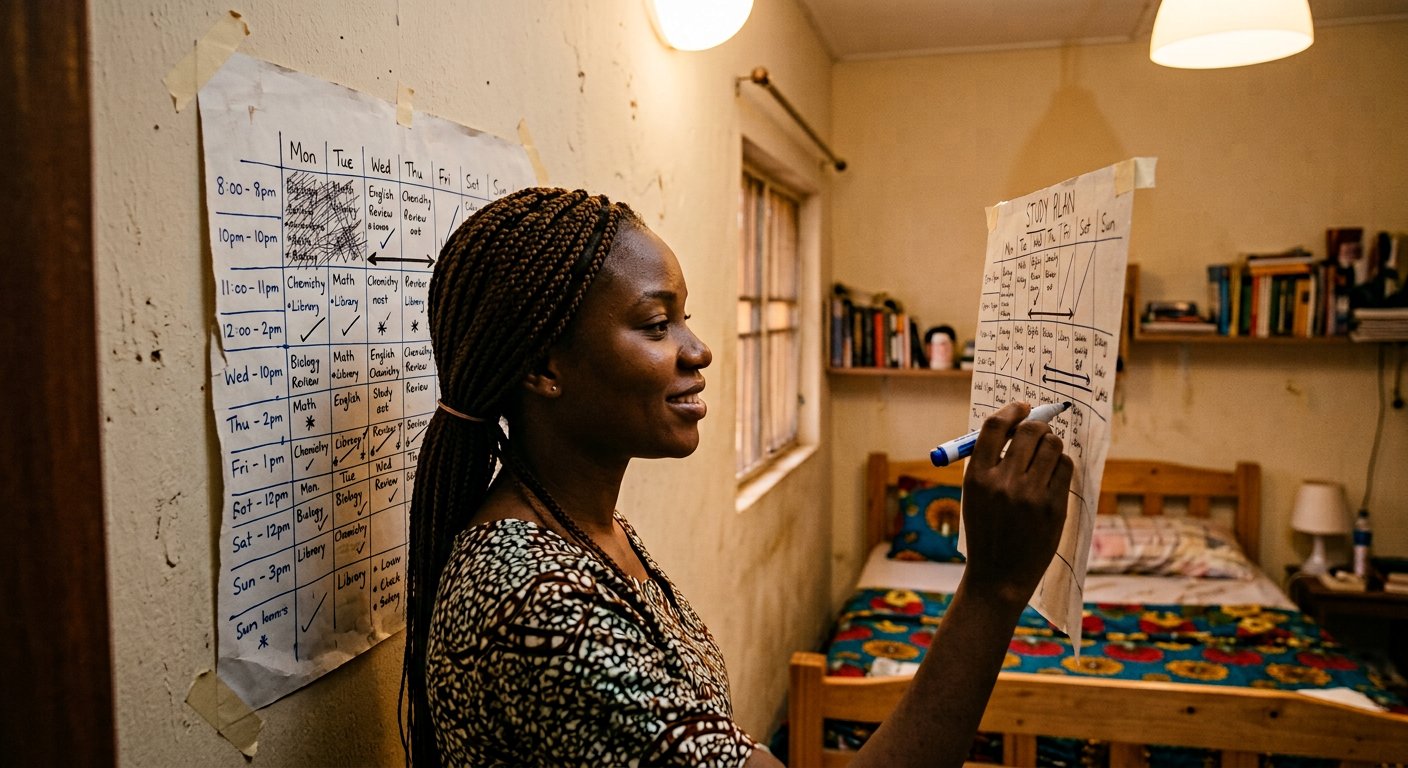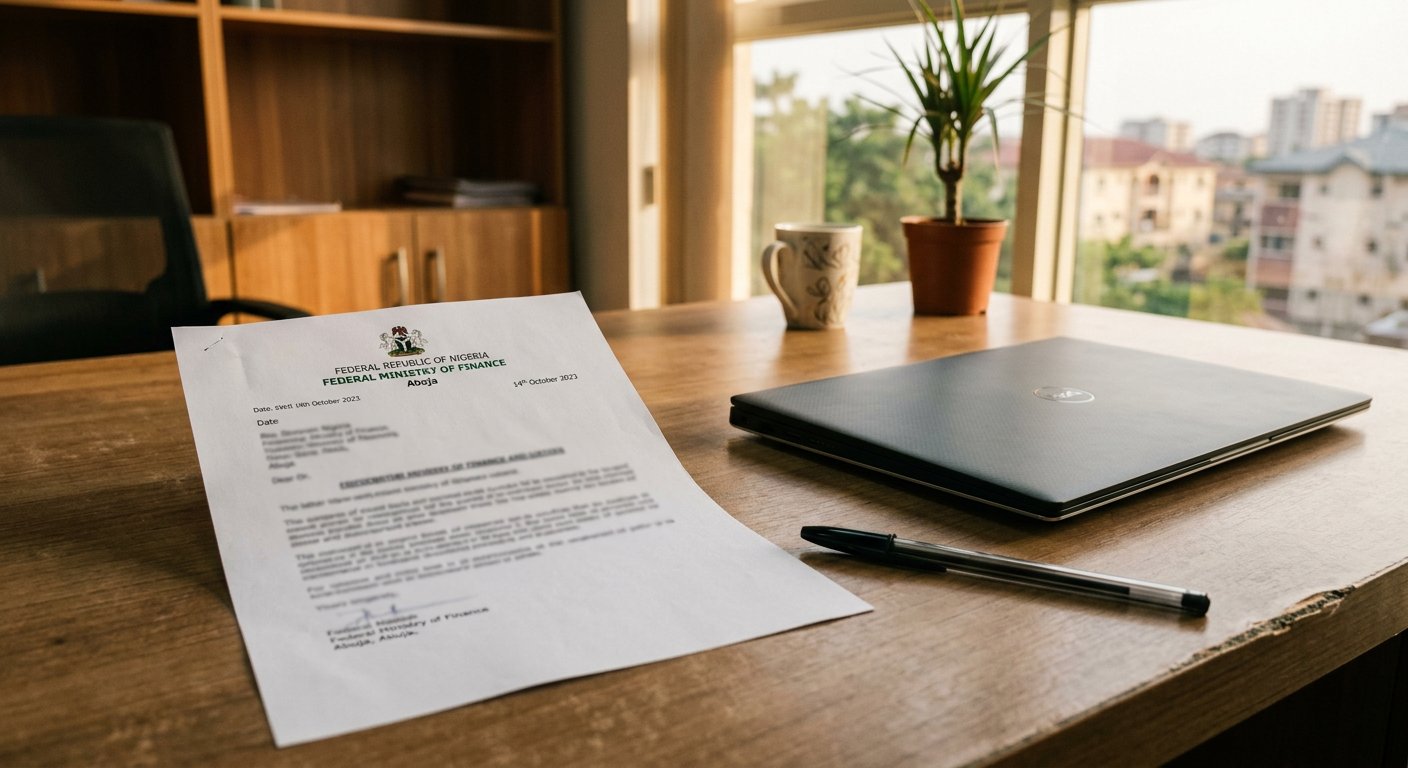
This lesson is about the assistant at work. You will learn which office tasks it speeds up, which information must never enter the chat, and the approval habit that keeps a team out of trouble.
Work documents carry a name, a price, and a promise. A tool can draft the wording, and a person still has to stand behind every line that leaves the building.
What you will need
- One repetitive writing task from your week.
- Your employer's rules on outside tools, if they exist.
- About twenty minutes.
Where it saves time
- Turning meeting notes into a list of decisions and owners.
- Drafting a first reply to a routine enquiry.
- Shortening a long report to one page.
- Writing the same update for three different audiences.
- Turning a policy into a plain-language notice for staff.
- Preparing a checklist for a task the team repeats.
You will see a tidy draft in half the time it takes to start from an empty page, and the first sentence is usually the hardest one it solves. Editing a draft is faster than facing the blank screen.
It looks like the assistant can be trusted with a customer's file because the file is small. A name, a phone number, and an address together are enough to identify a person, which is exactly what should stay out.
What stays out of the chat
- Customer names with contact details or account numbers.
- Salary, medical, or disciplinary information.
- Contracts and internal reports marked confidential.
- Passwords, access codes, and system addresses.
- Anything a competitor would pay to read.
- Anything your employer's policy names as restricted.
The chat box will accept anything you paste, and it will not warn you. Replace real names with labels such as Customer A, and the draft is equally useful.
You will see the same tidy layout in both files, which is why the difference has to be written in the file name. A reader cannot tell which is which by looking.
A warning box will appear beside the chat when the service thinks the content is sensitive, and that warning is worth reading before you continue. It does not stop you, and it does tell you that somebody thought about it.
On the screen, your edited version and the tool's draft will look equally tidy, which is why the difference has to be written in the file name. A reader cannot tell which is which by looking.

The approval habit
- Draft with the tool, then read every line yourself.
- Check names, figures, and dates against the file.
- Have the person who owns the relationship read it before sending.
- Keep the draft and the final version in the same folder.
- Note in the file that a tool was used, if policy requires it.
- Send from the team address, not from a personal account.
None of this needs a licence or a budget. A clear rule about what stays out, and one reader before sending, covers most of the risk.
Do not worry about asking permission. A short question to your manager about which tools are allowed protects you more than a clever workaround.
Troubleshooting
There is a way through each one.
- A draft went out with a wrong figure: correct it in one short message.
- Private details were pasted: tell your manager the same day.
- The reply sounds unlike the company: rewrite it in the team's voice before sending.
- A colleague is using it for everything: share the four-part request and the privacy rule.
- The tool invents a policy: check the staff handbook, which is the authority.
- A customer asks whether a person wrote it: answer honestly and briefly.
Your turn
Use it on one task with the details removed.
- Choose a routine message you write often.
- Replace every real name and number with a label.
- Ask for a draft of a set length and tone.
- Edit it into your own voice.
- Save both versions and note the time saved.
You can now use the tool at work without lending it your reputation. In the next lesson you will look at pictures and voices, and what they can no longer prove.